
SEO in Blog Posts
Table of contents
Getting Started
SEO setting in blog posts lets you add adjustments to your post to be more SEO friendly. You can add focus keywords, index your post, add a canonical URL, and do much more with the SEO Settings feature.
SEO Settings in Blog Posts
You will find the SEO Settings option on the post settings option of your blog post editor.
As shown in the picture below ⬇️
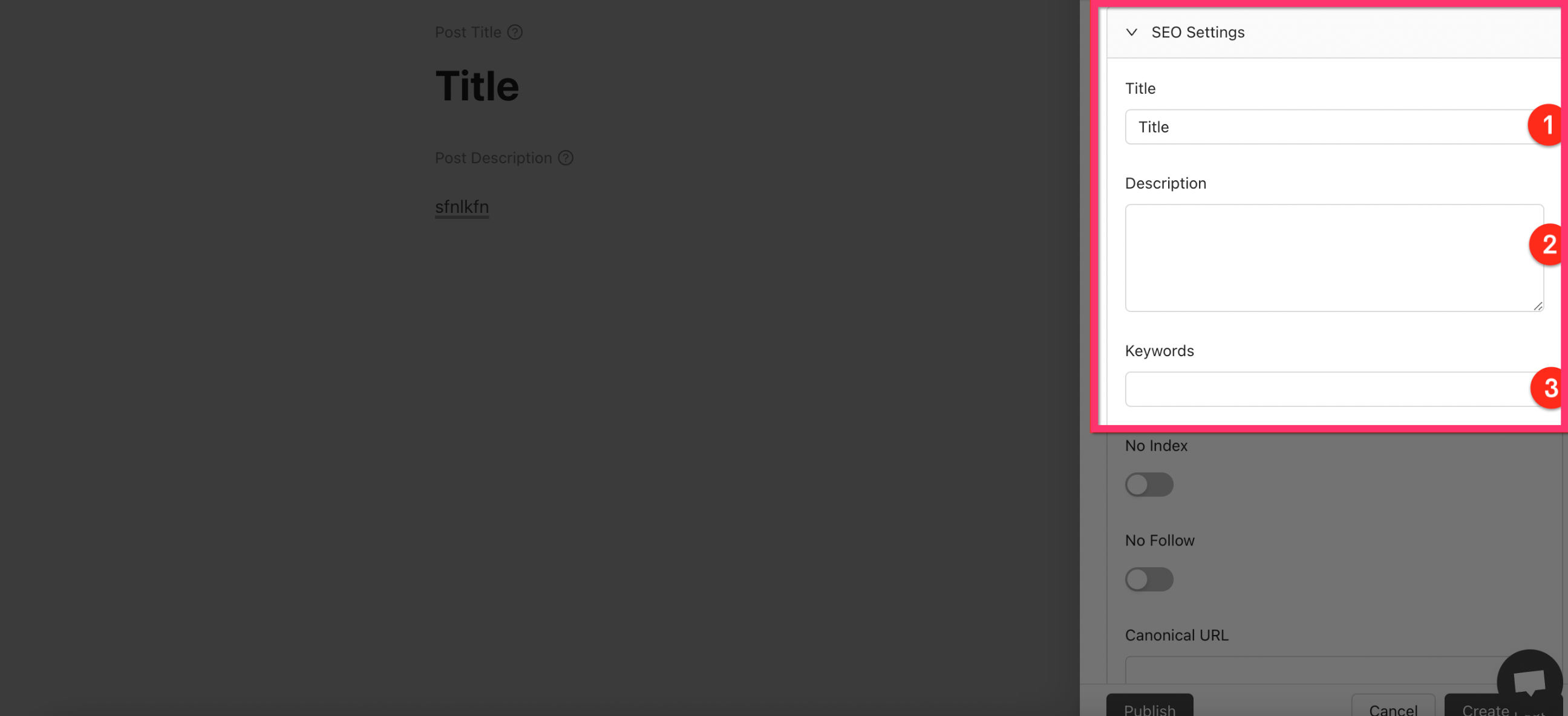
- Add your Title
- Add a description
- Add keywords
Tour of features
Meta Title, Meta Description, and Focus Keywords
Adding meta titles, meta descriptions, and focus keywords helps a search engine pull out information from your blog post and helps search engines figure out what your post is about. This is an effective tool for boosting your blog post’s SEO.
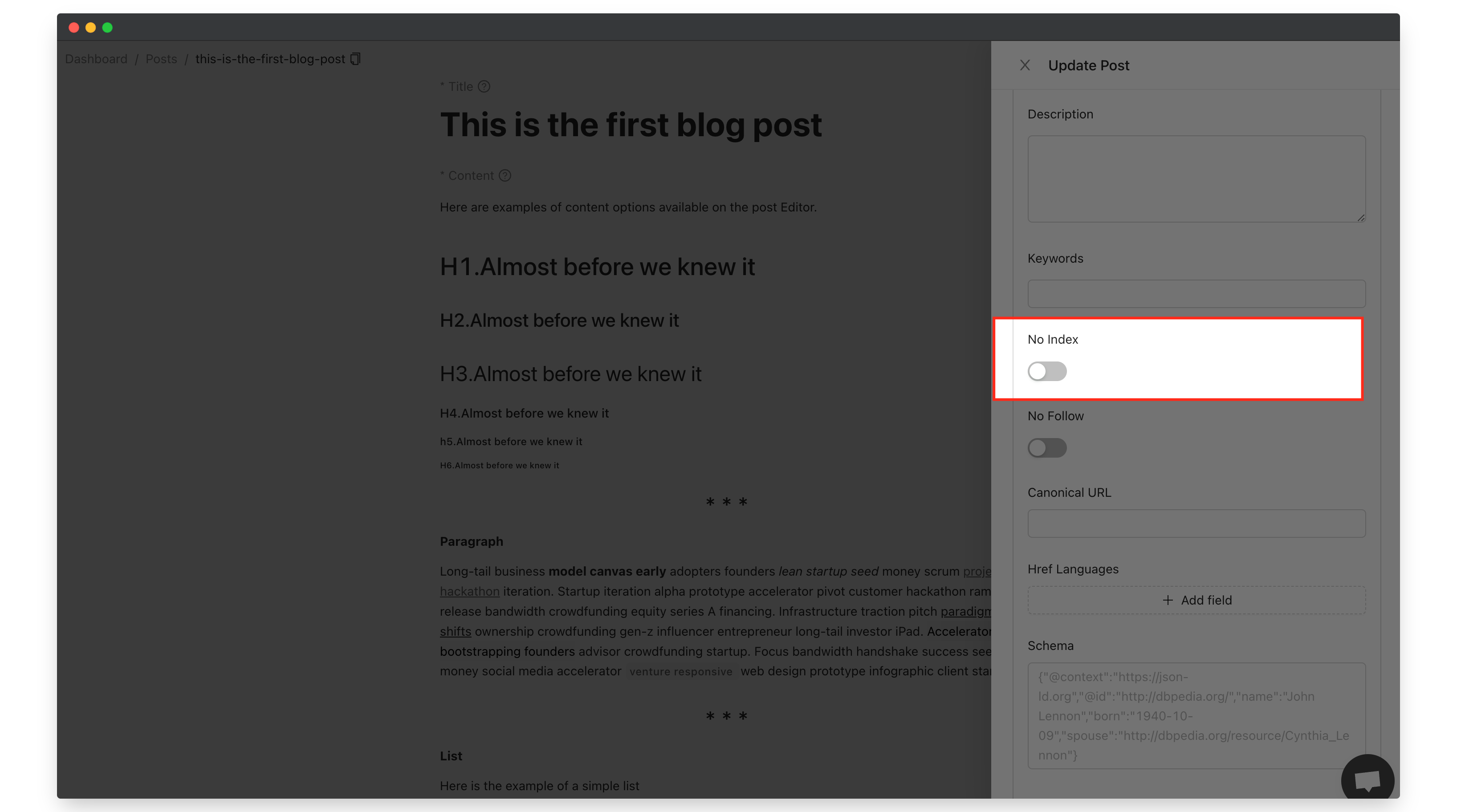
No Index
This sub-feature of the SEO settings helps boost your post’s SEO.
- No Index: Enable this to prevent your blog post from getting crawled by a search engine.
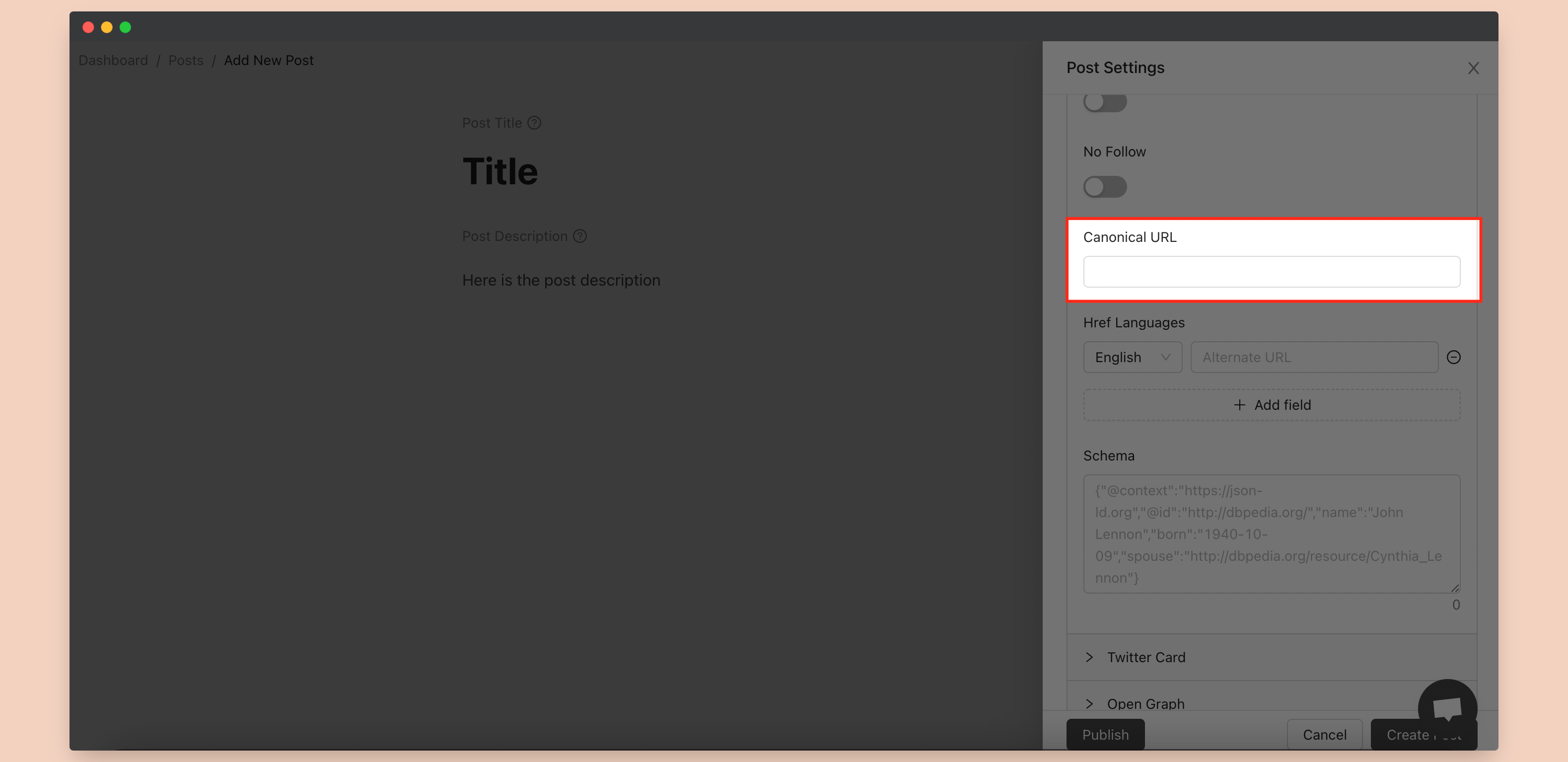
Canonical URL
To add a canonical URL, you will have to paste your URL into the given input field, as shown in the picture below
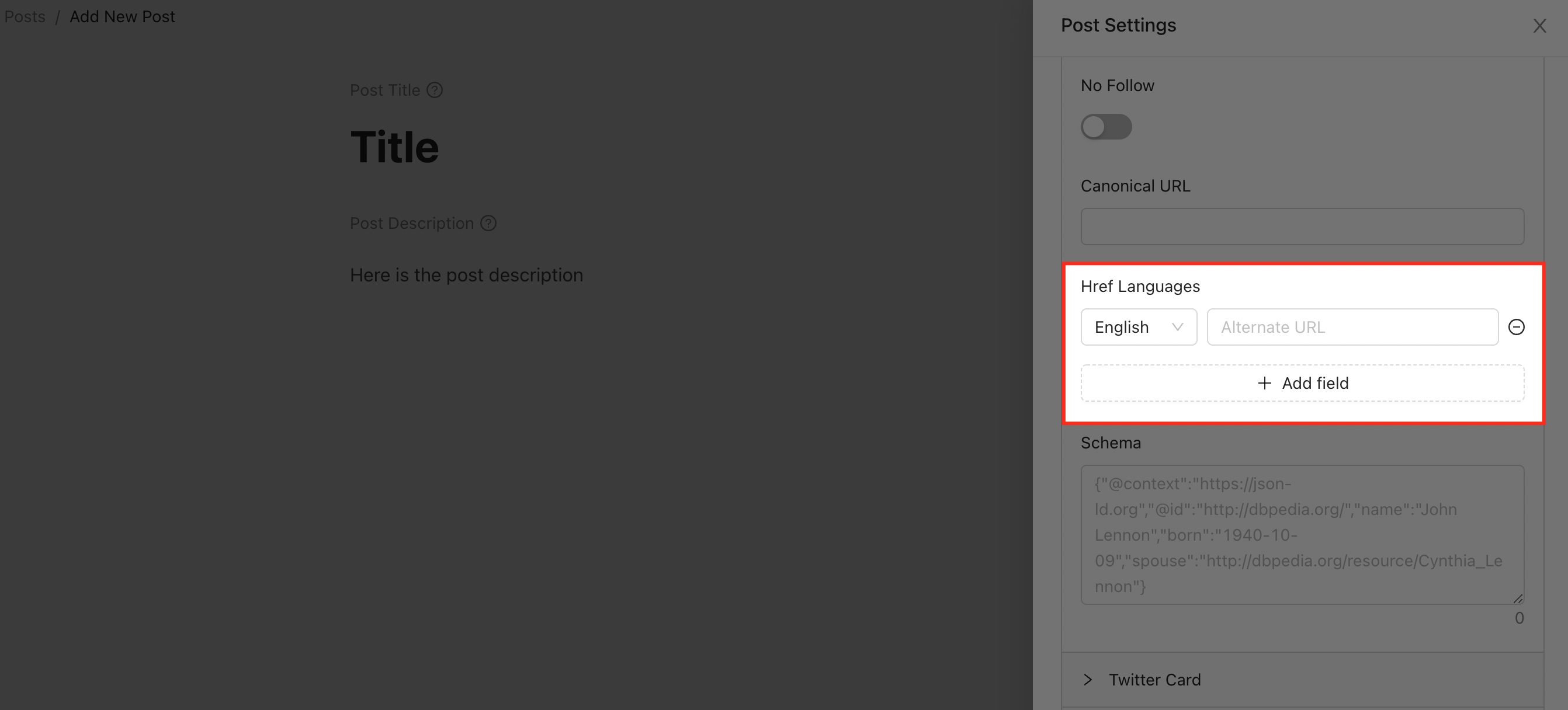
Href Languages
Href languages option lets you add multilingual blog posts; you can add different languages using an alternate URL. To add more URLs, click on the Add field option.
Schema
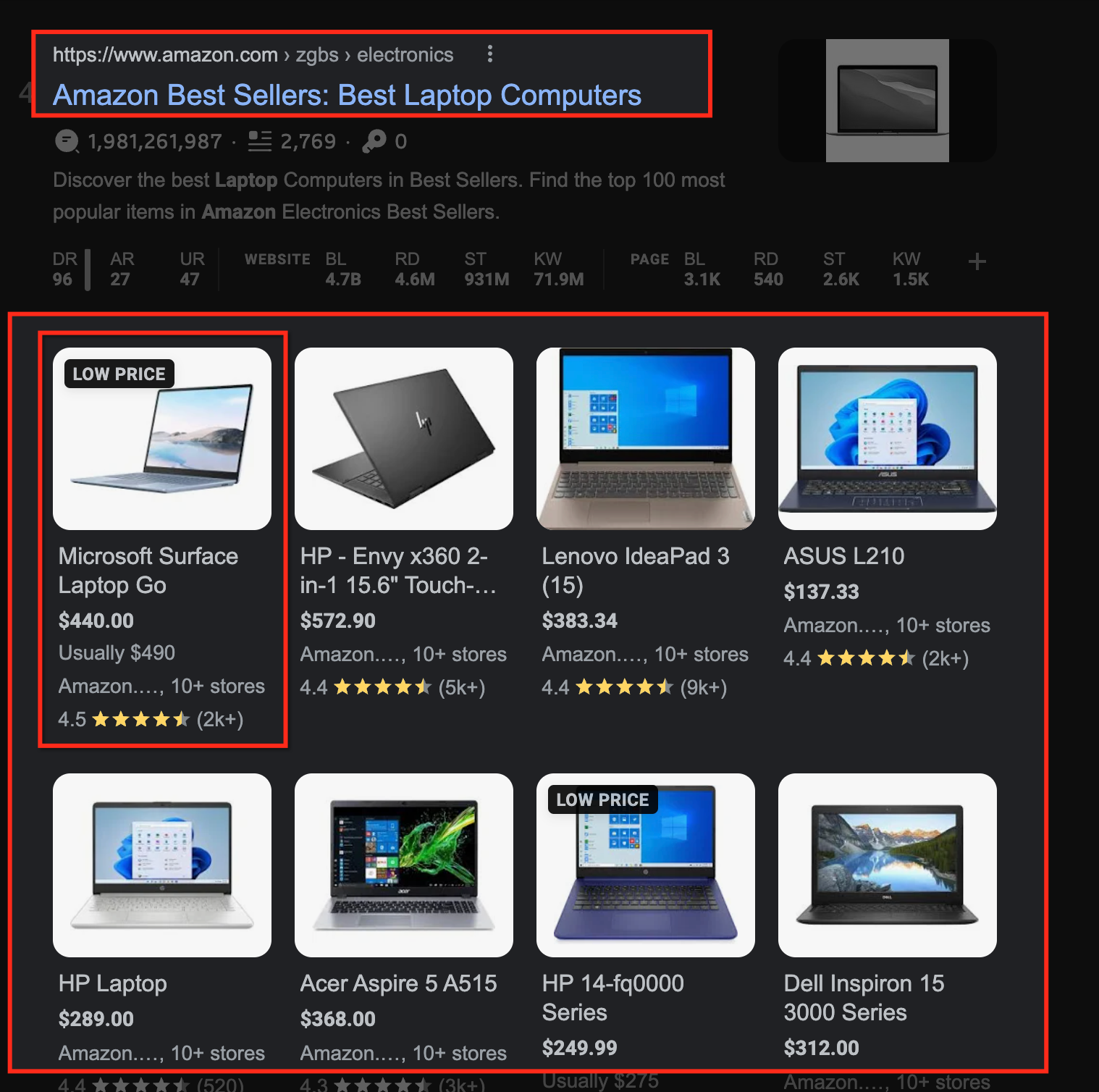
Custom schema markup creates an enhanced description or a rich snippet displaying the context of your blog post, which appears in search results.
Here is an example of a custom schema markup ⬇️
To learn more about adding a custom Schema to your blog post, refer to this article:
Generează Schema personalizatăRelated articles
Generează Schema personalizată Exclude un post din Sitemap sau RSS FeedAi nevoie de ajutor? Scrie-ne.