
Add and customize fields in a Collection
Table of Contents
Getting Started
Fields help you add important extensions and enhance your custom collection lists. For example, if you have a custom collection list on ‘Articles,’ you might want to consider adding fields like ‘Image,’ ‘Article Summary,’ ‘Thumbnail,’ etc.
Adding a field to a Custom Collection
Follow all the steps below on how to add fields to a Custom Collection —
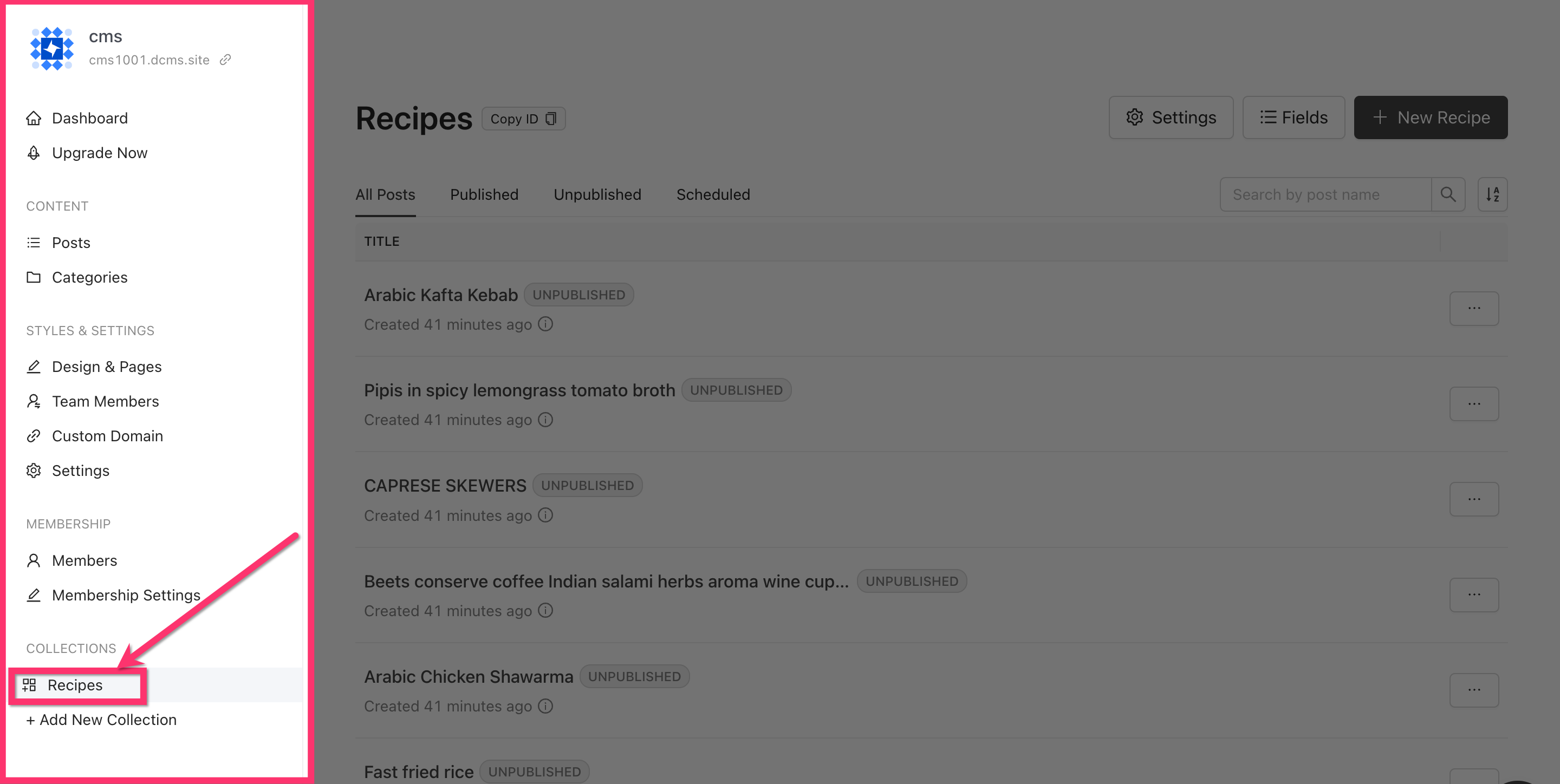
- Click on any Custom Collection under the Collections panel
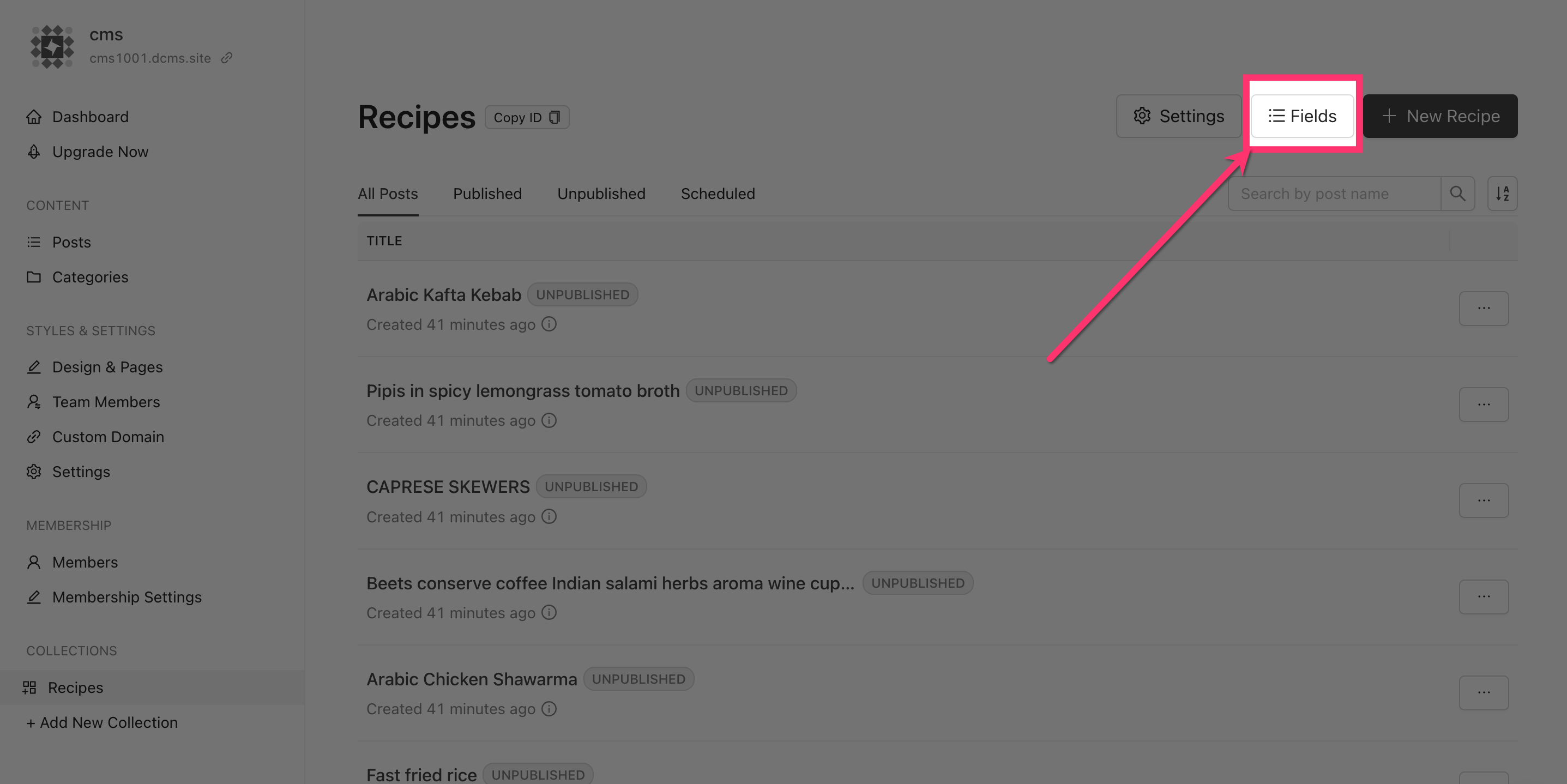
- Click on the
Fieldsbutton - Click on
+Add New Field - Click on
+ Add New Field& start adding the field Type, Label, and enable Required toggle (if you want to make this field required). - Press
Create Fieldwhen everything is done.
The Screenshots & GIFs below show the whole process being demonstrated visually ⬇️
- Click on any Custom Collection under the Collections panel
- Click on the
Fieldsbutton.
- Click on
+Add New Field
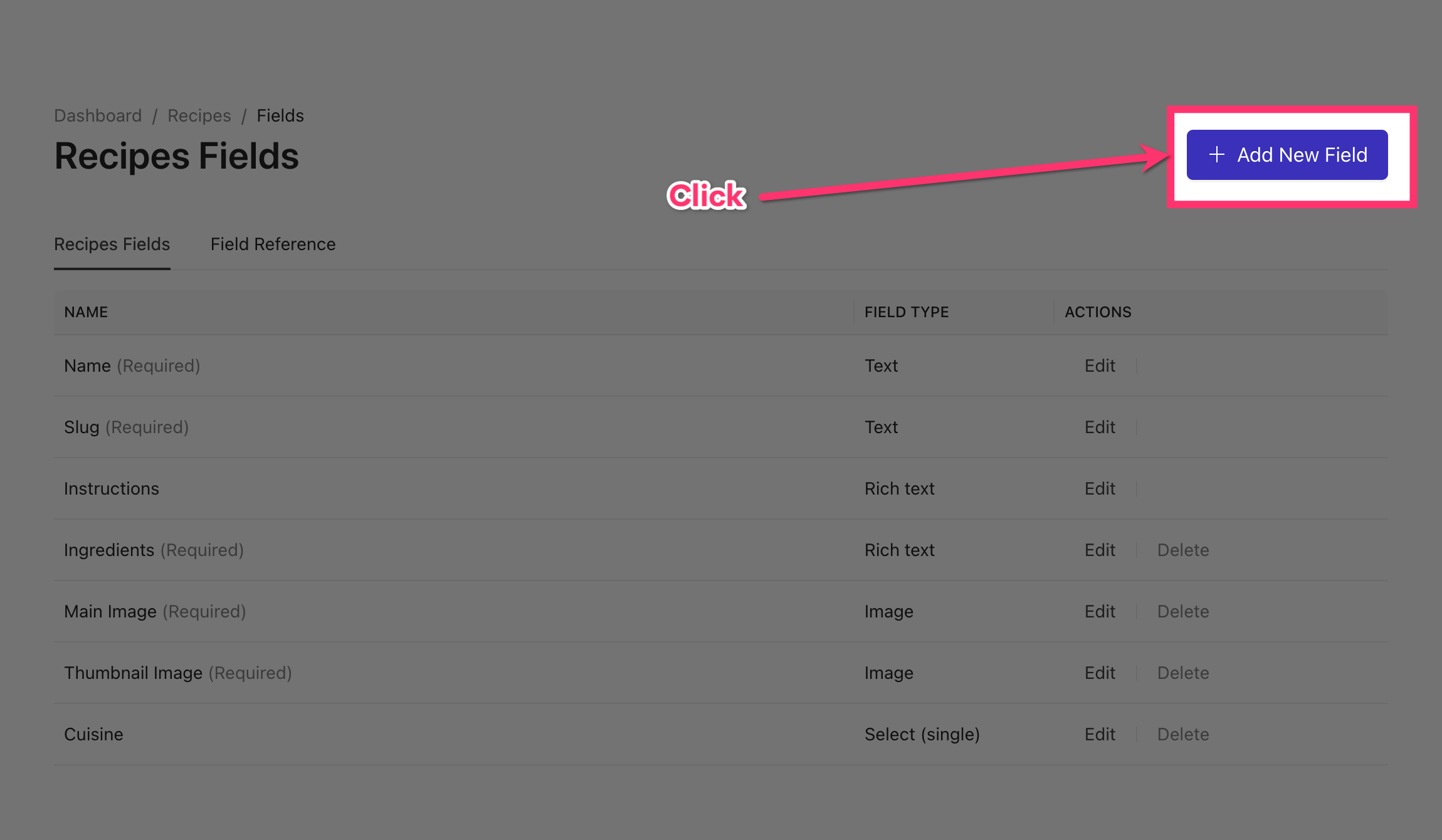
- Click on
+ Add New Field& start adding the field Type, Label, and enable Required toggle (if you want to make this field required). - Press
Create Fieldwhen everything is done.
Customizing Fields in a Custom Collection
After creating a field in a custom collection, you have the option to edit or delete it.
Follow the steps in the video to see the demonstration:
Related Articles
Single Reference in Custom Collection Fields Change the single-item template of a Collectionf
Ai nevoie de ajutor? Scrie-ne.