
Difference between full editor and sidebar editor
Table of Contents
Getting Started
In this article, you will learn the difference between the sidebar and full editor in Custom Collection. The demonstration will be both textual and visual. Let's get started!
Setting Full Editor and Sidebar Editor
To do this, add a new custom collection to your site; follow the steps in the GIF below:
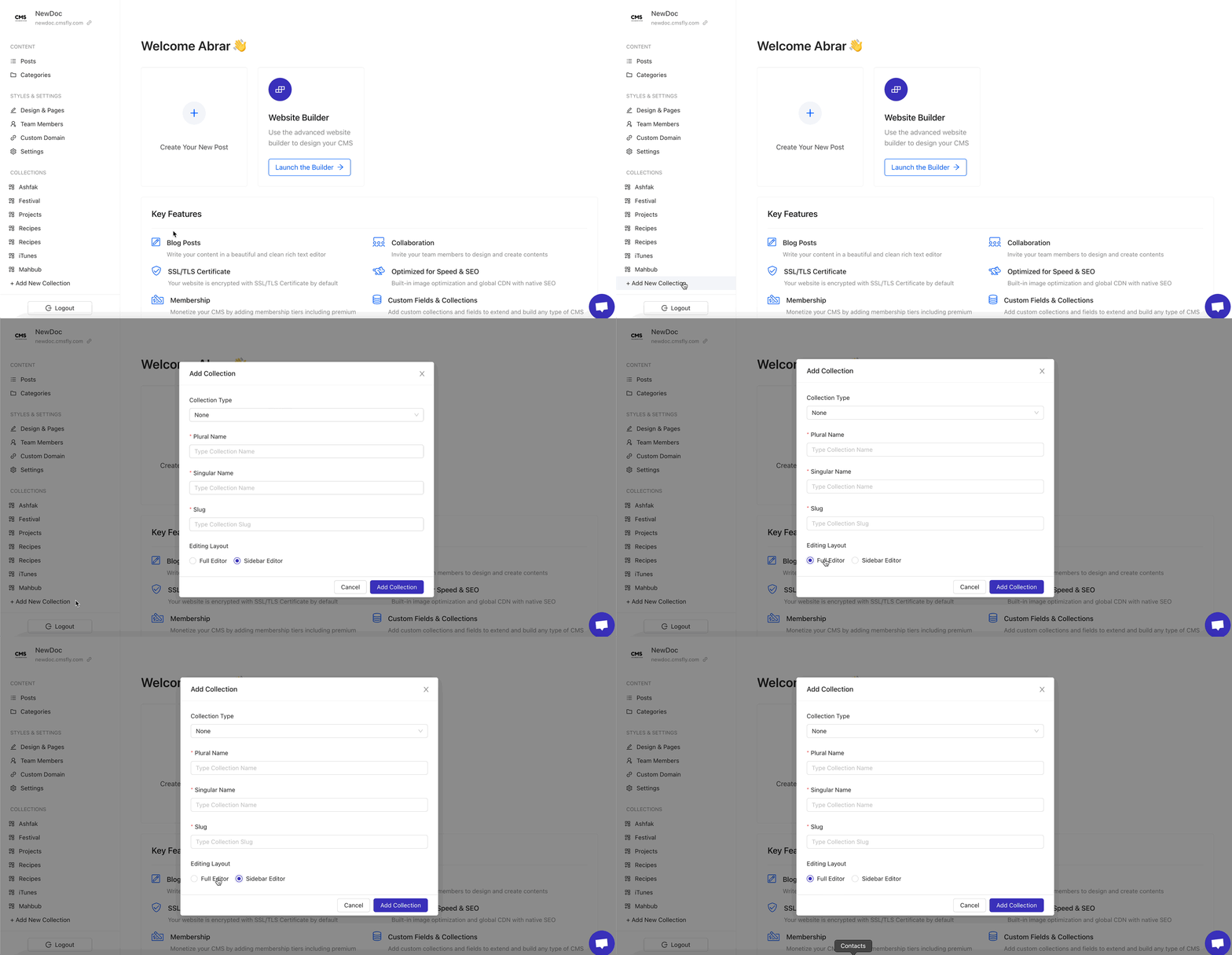
Full Editor
To use the Full Editor on your post, choose the Full Editor option when creating a new collection. The full editor lets you use the entire blog post editor to make changes to the items in the custom collection.
Refer to the GIF below for the visual demonstration ⬇️
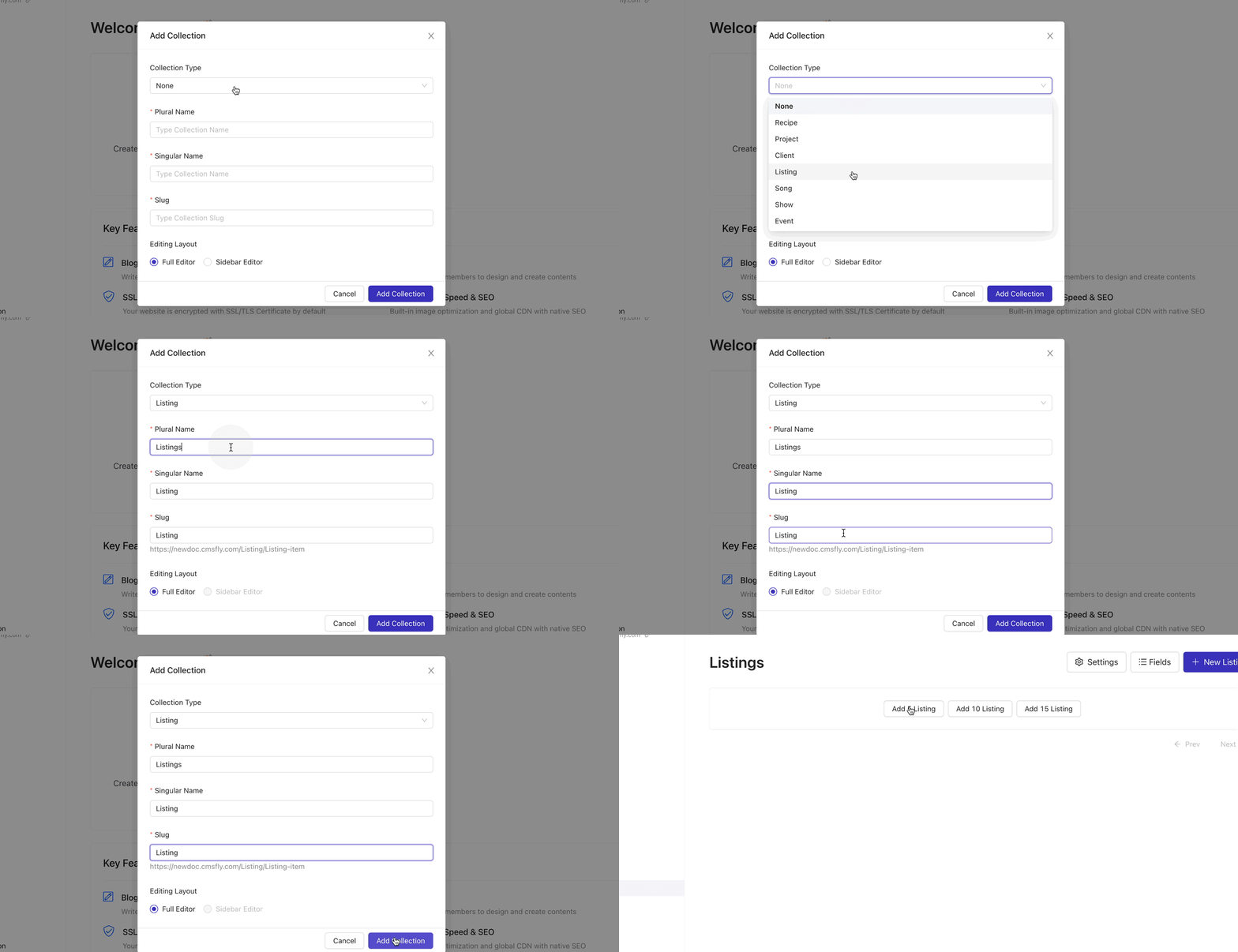
Sidebar Editor
To use the sidebar editor on your post, choose the Sidebar editor option when creating a new collection. The sidebar editor only lets you edit the custom collection item using a sidebar editor with limited features.
Refer to the GIF below for the demonstration ⬇️
Related Article
Add a new Collection Add and customize fields in a Collection
Ai nevoie de ajutor? Scrie-ne.