
Filter by Current Item of a Template Page
Table of Contents
Getting Started
You can filter out and display items relevant to the current item of a custom collection on a custom collection template page. This article covers the steps and provides a scenario to understand the feature better.
Scenario and Steps
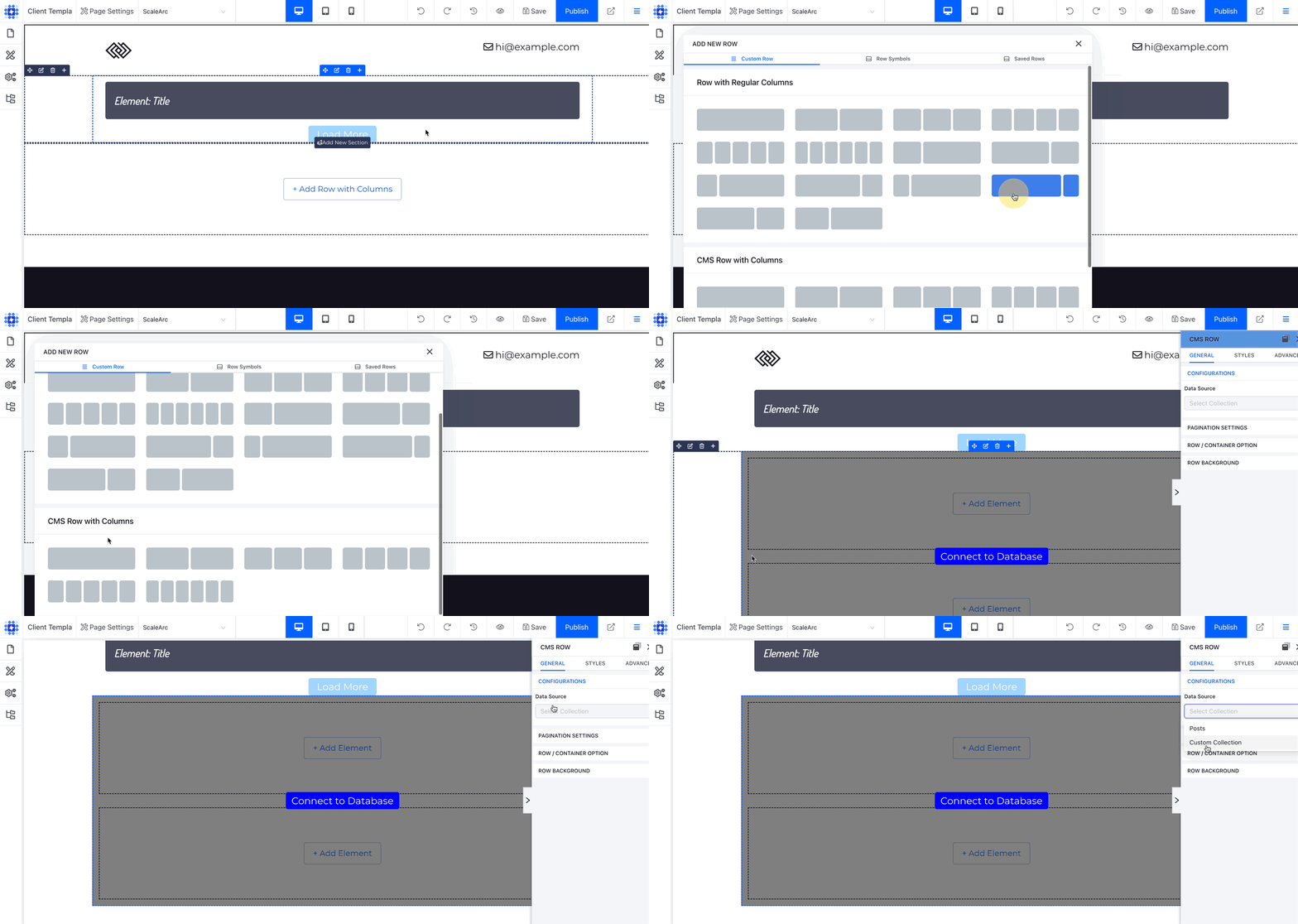
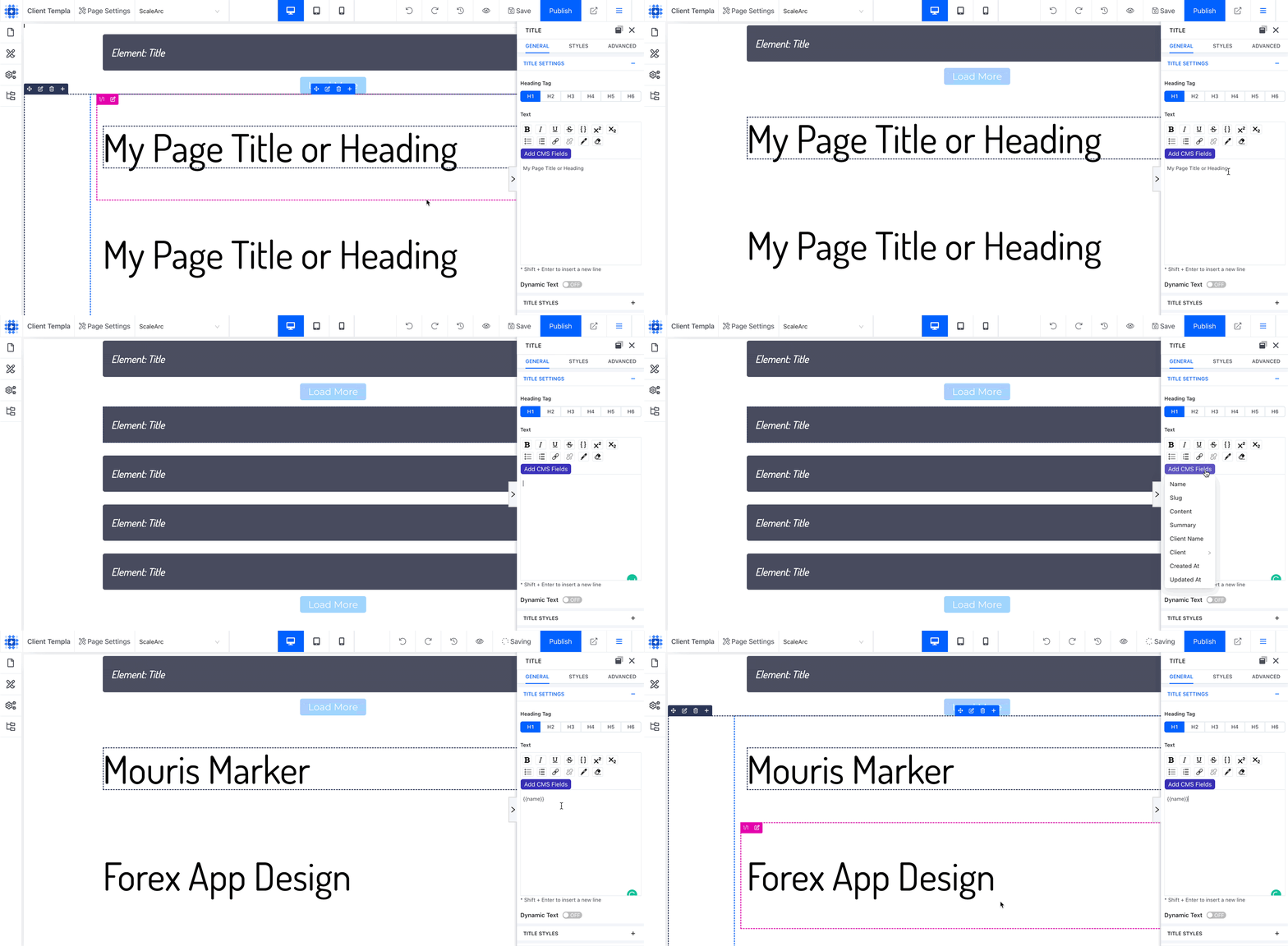
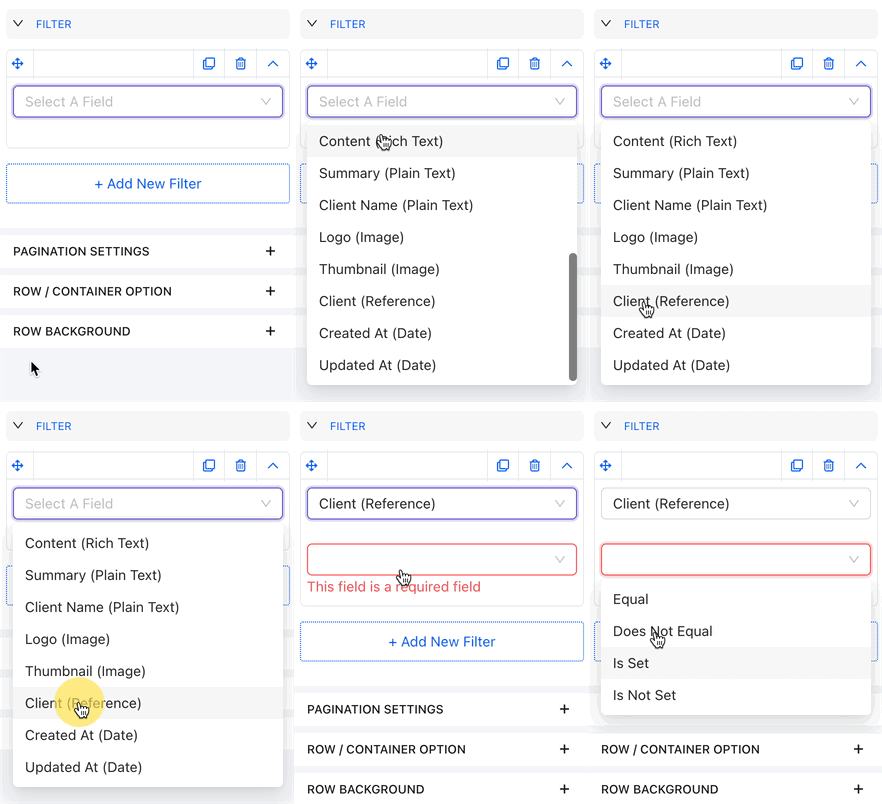
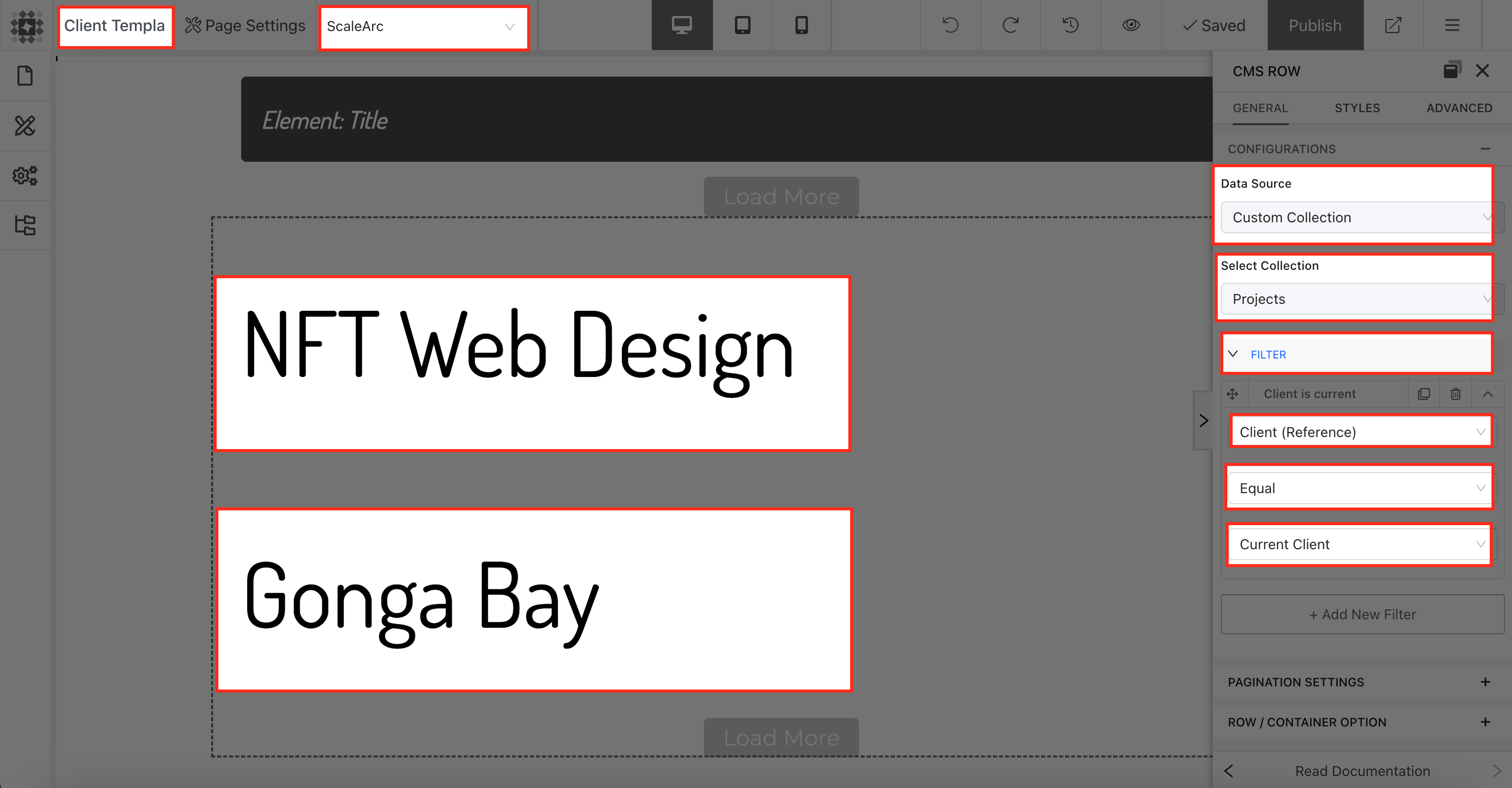
To understand this feature better, we are going to demonstrate a scenario. Let us assume you have two custom collections (Clients and Projects), and you want to display the Projects of a particular Client on its template page.
Step 1: Add new collections (Clients and Projects)
To learn how to add a new collection, refer to the documentation below:
Add a new CollectionStep 2: Add Single Reference Field
To learn how to add Single Reference field, refer to the documentation below:
Single Reference in Custom Collection FieldsThe screenshots below demonstrate the steps for the scenario:
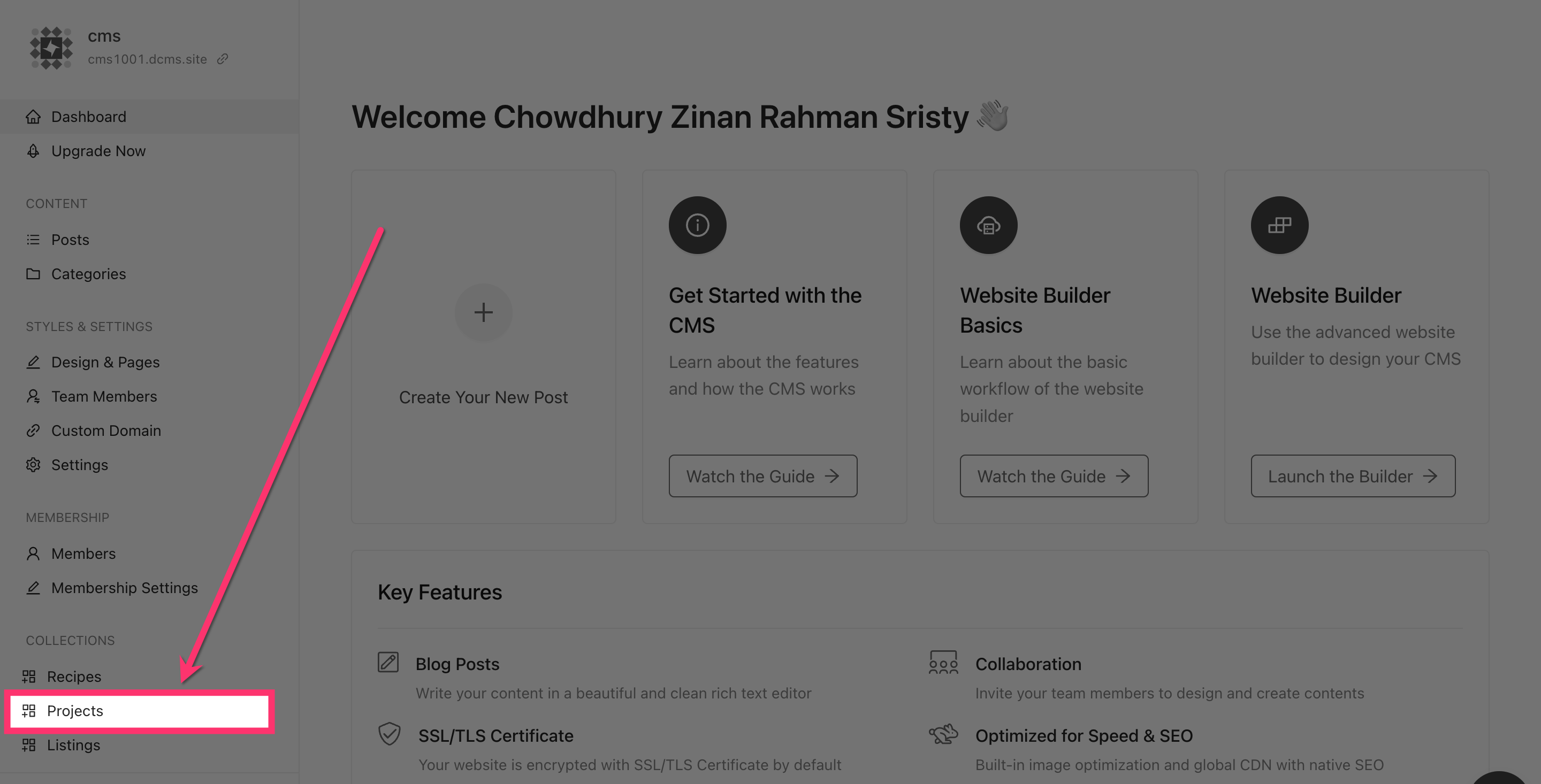
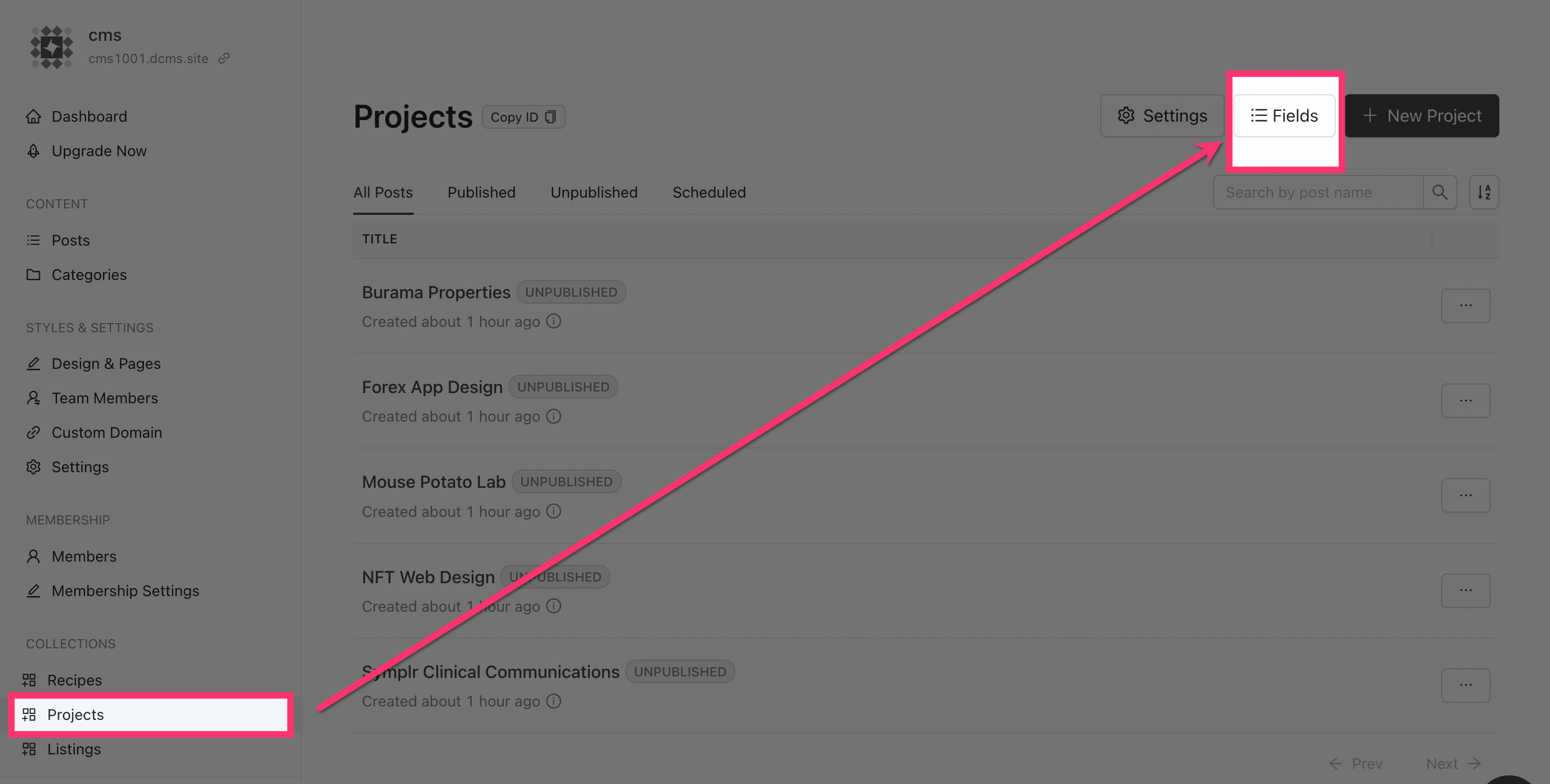
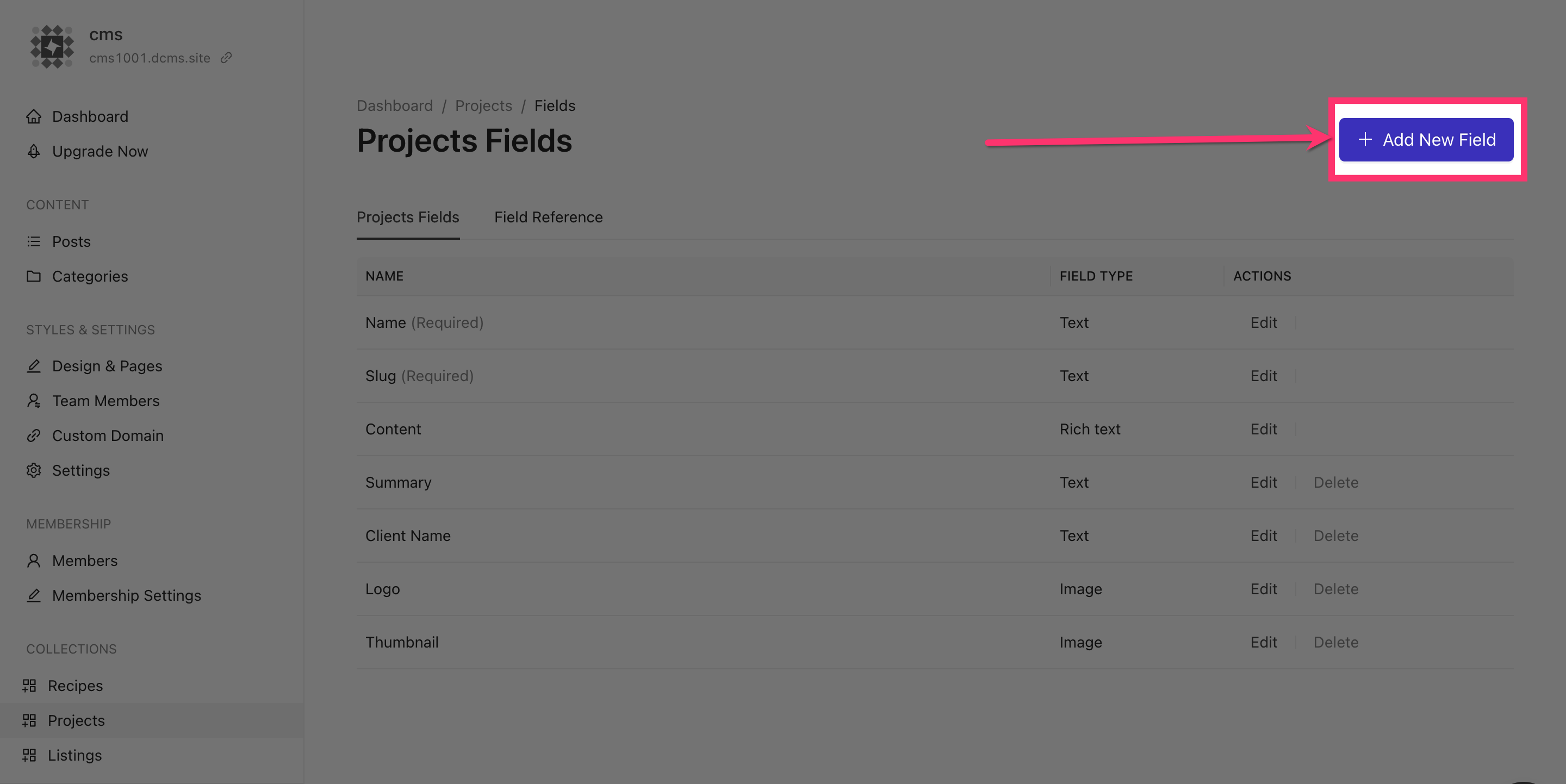
Step 3: Referring the clients to their designated projects
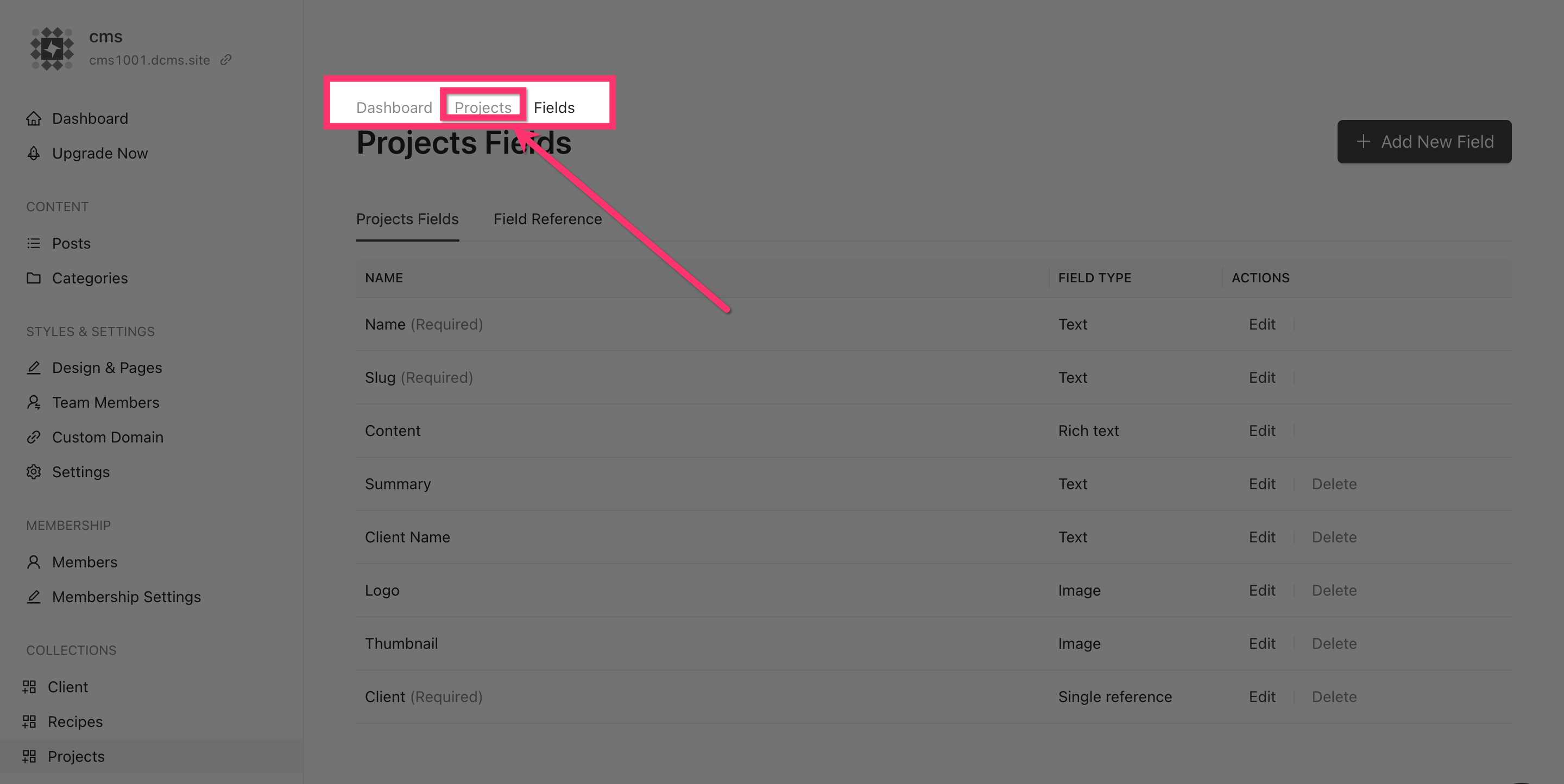
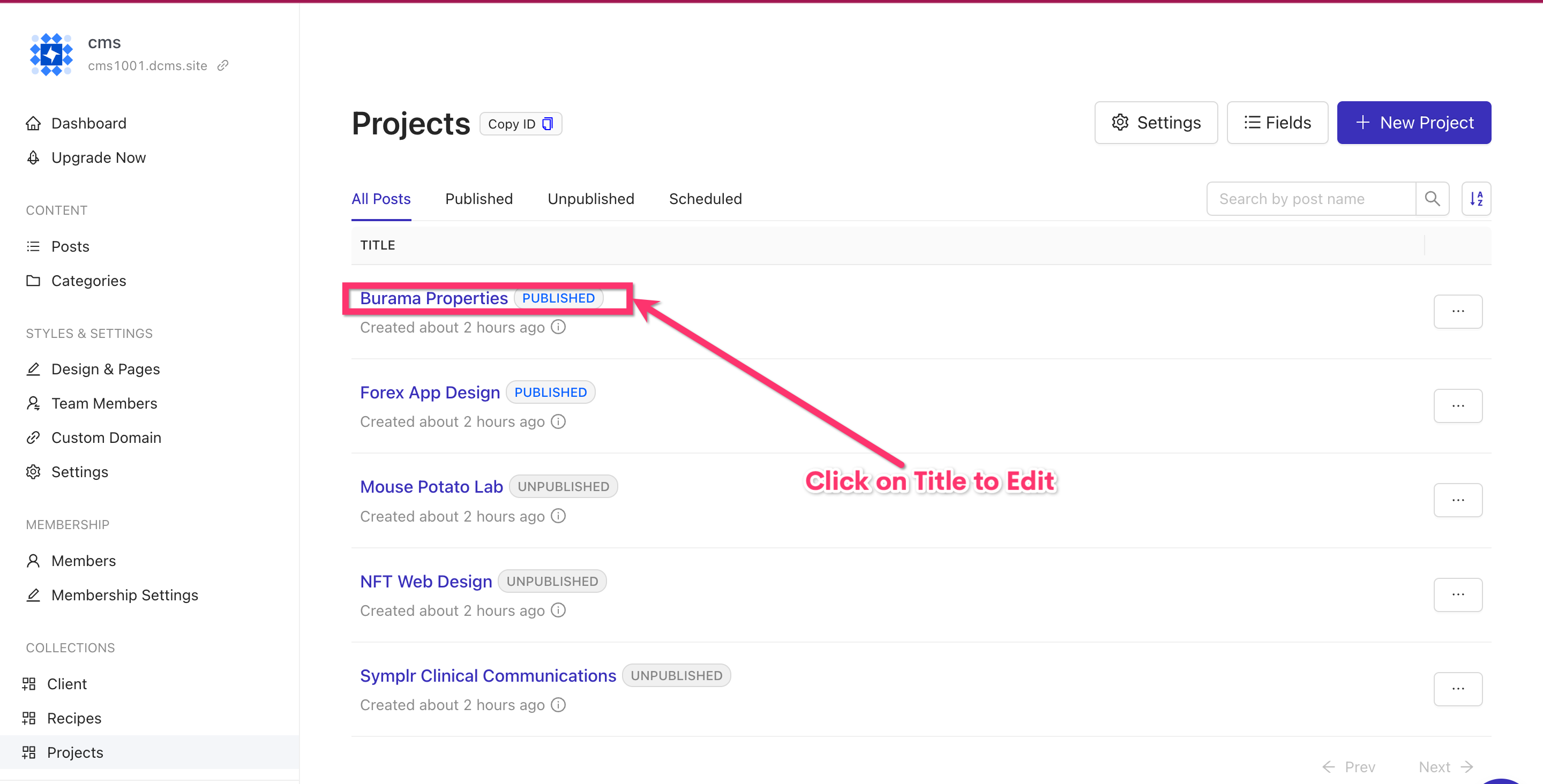
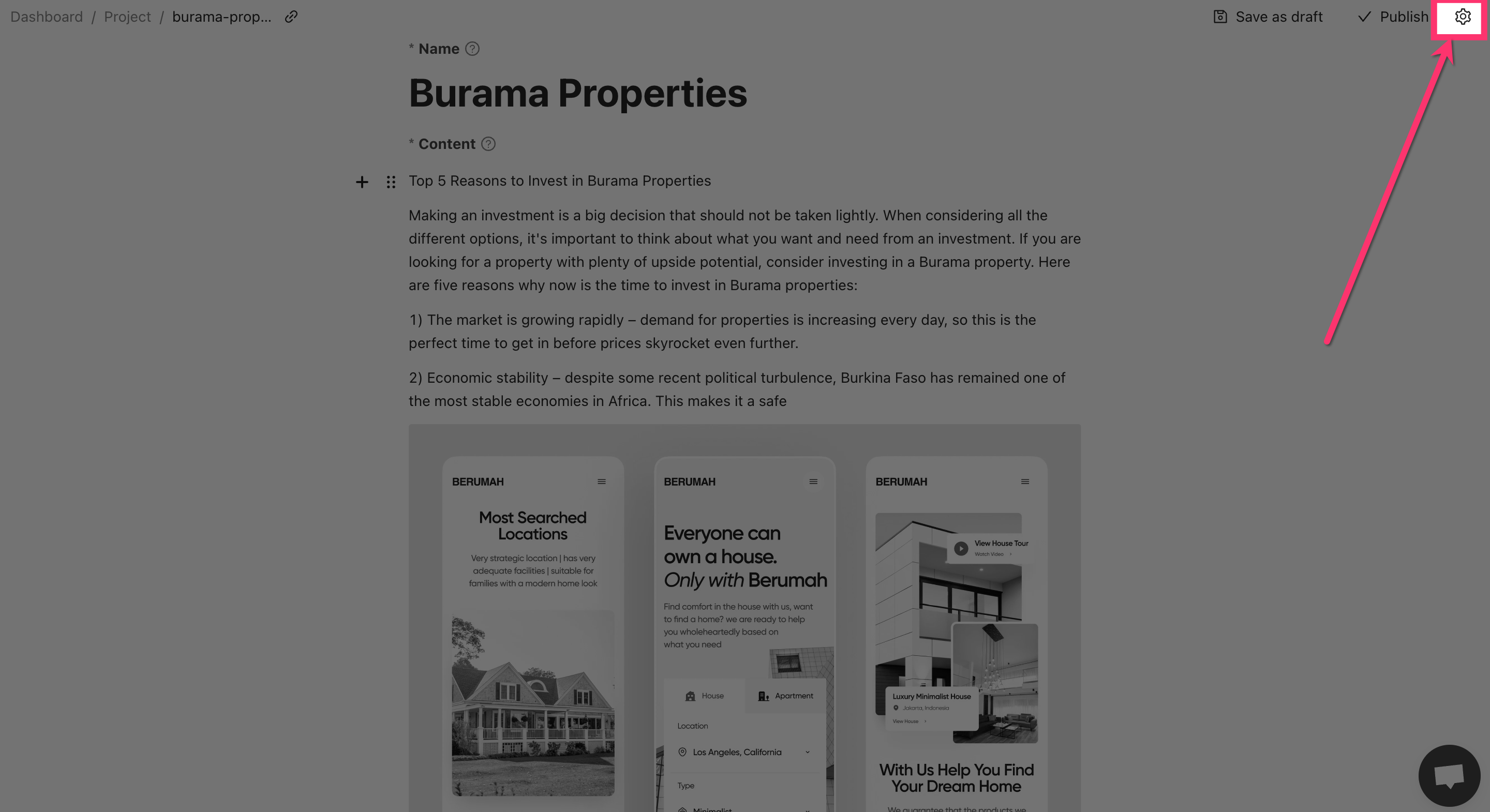
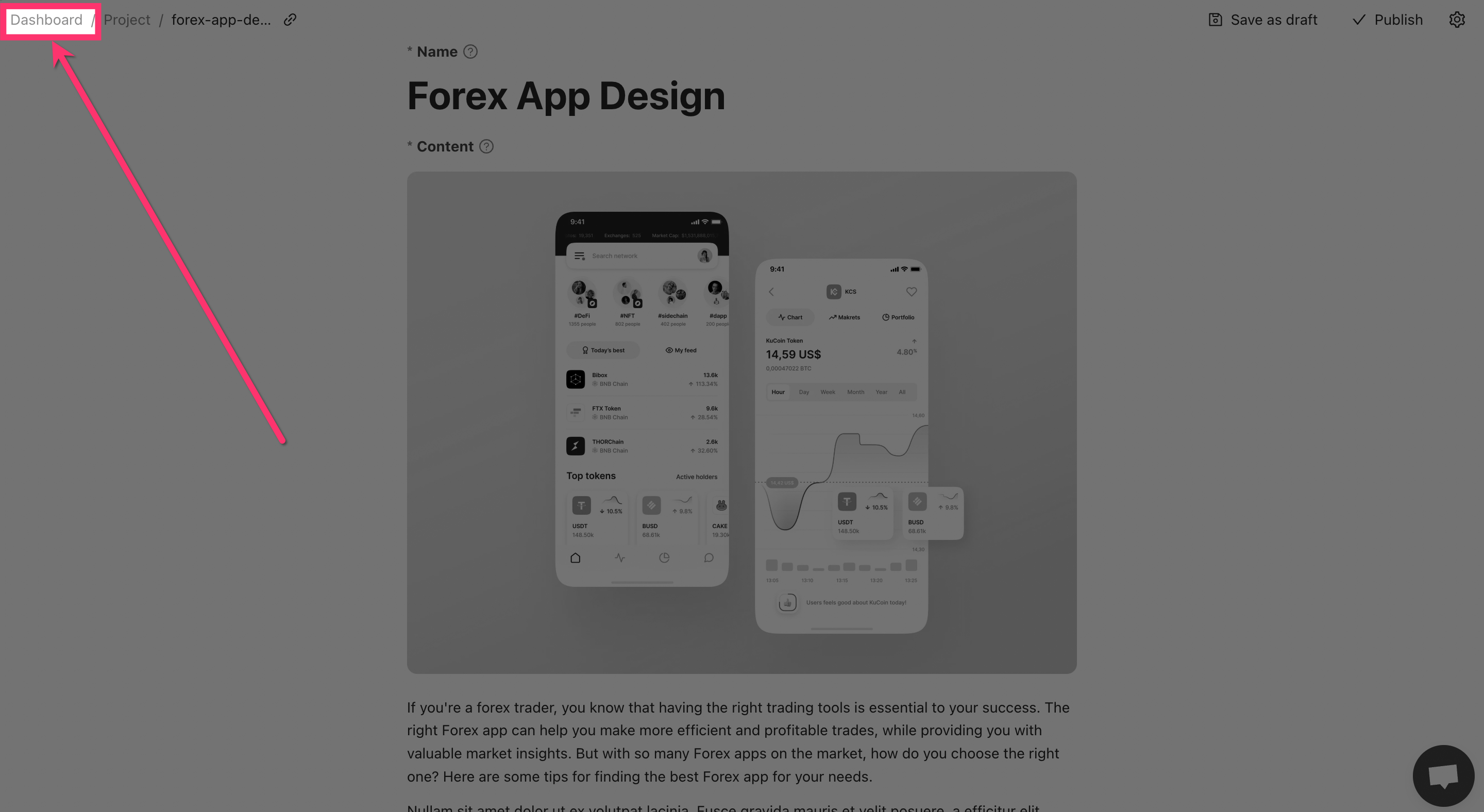
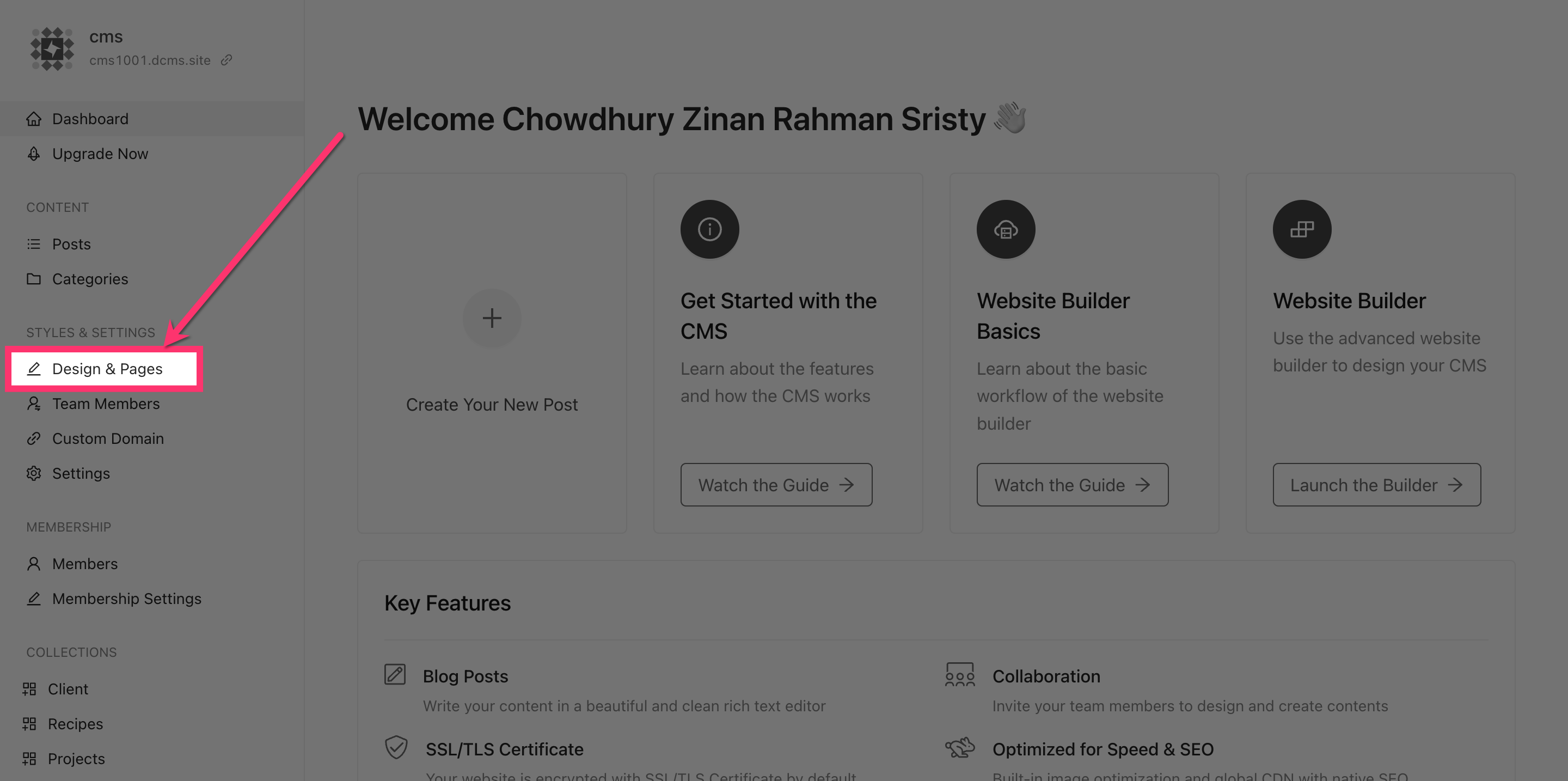
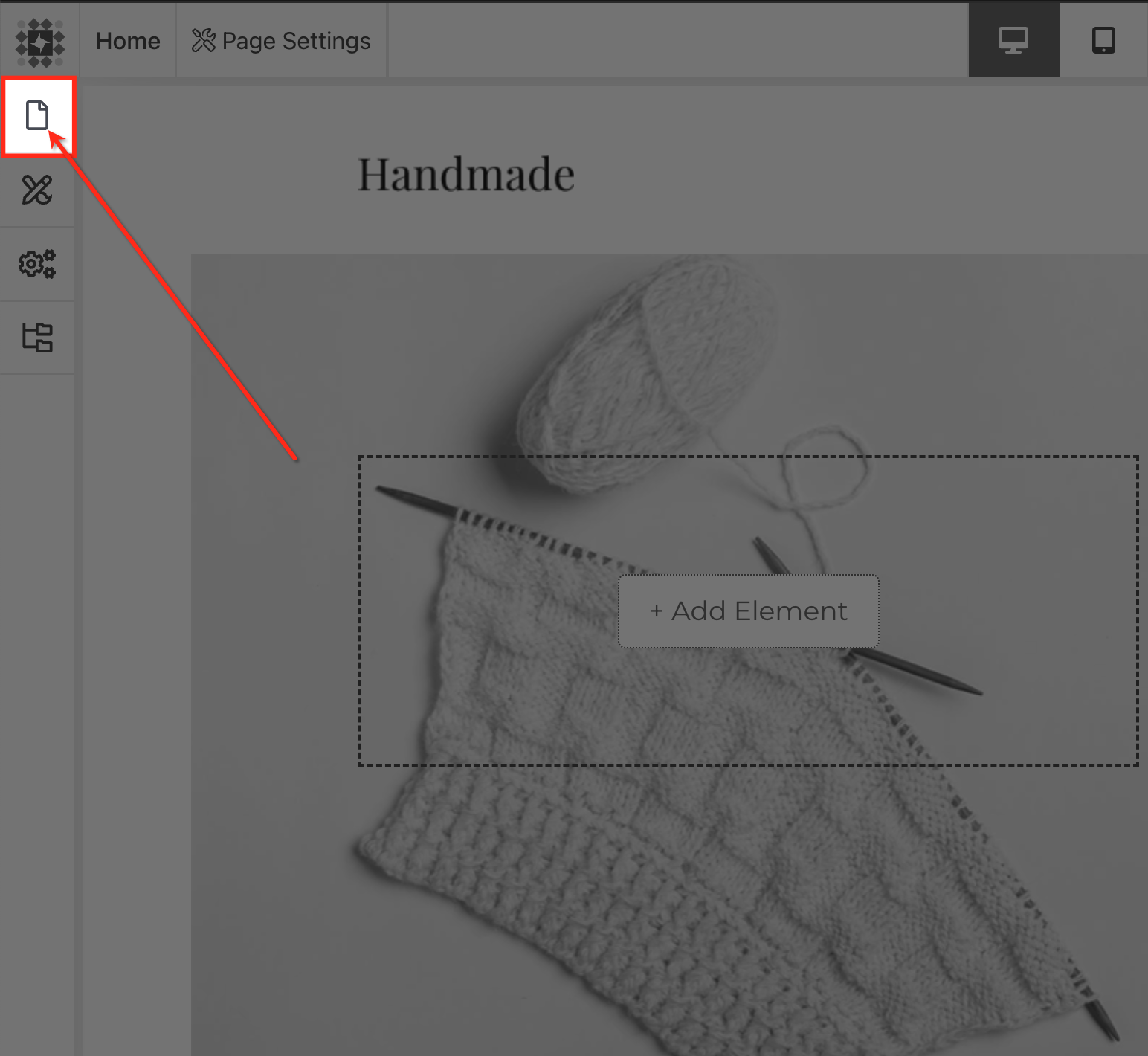
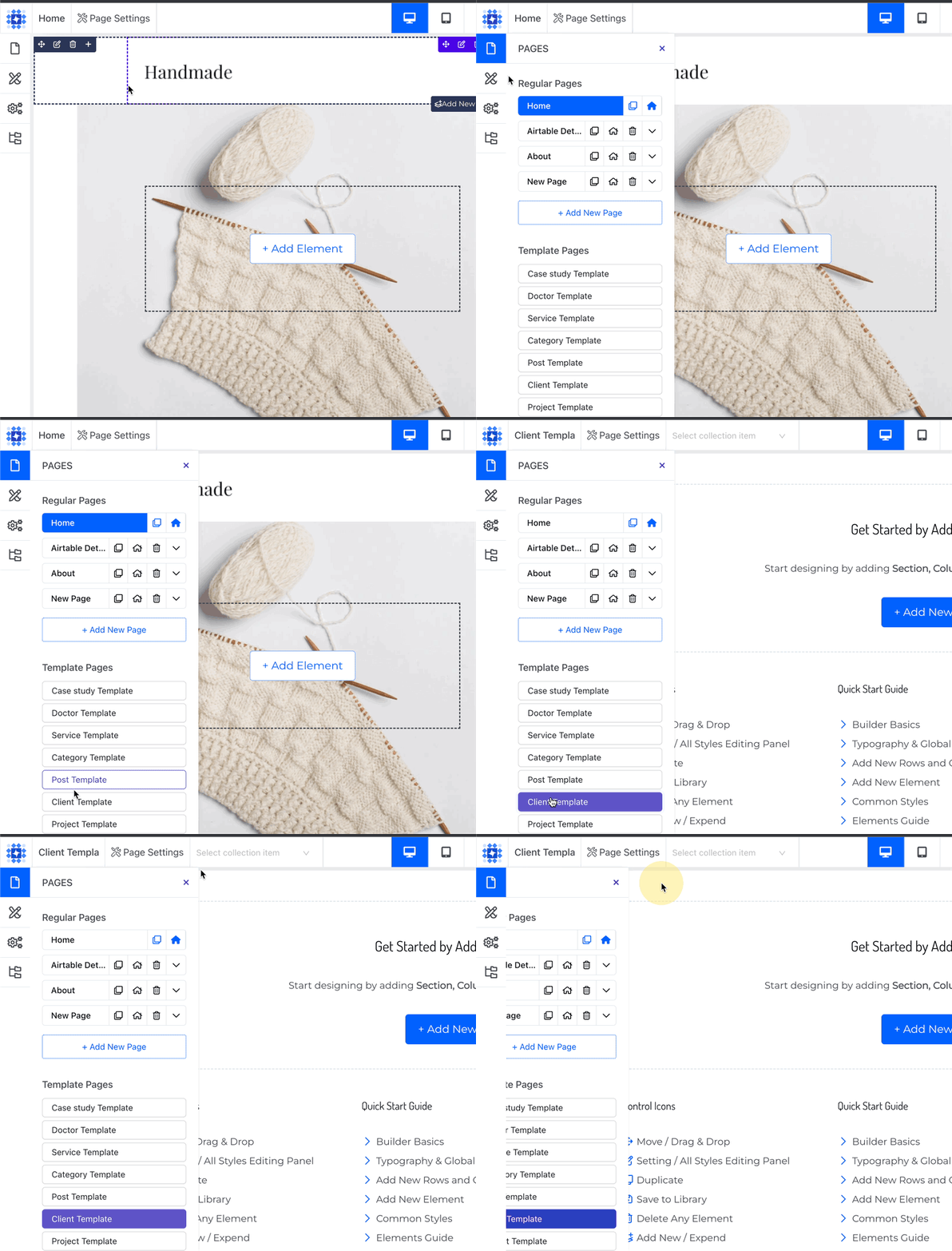
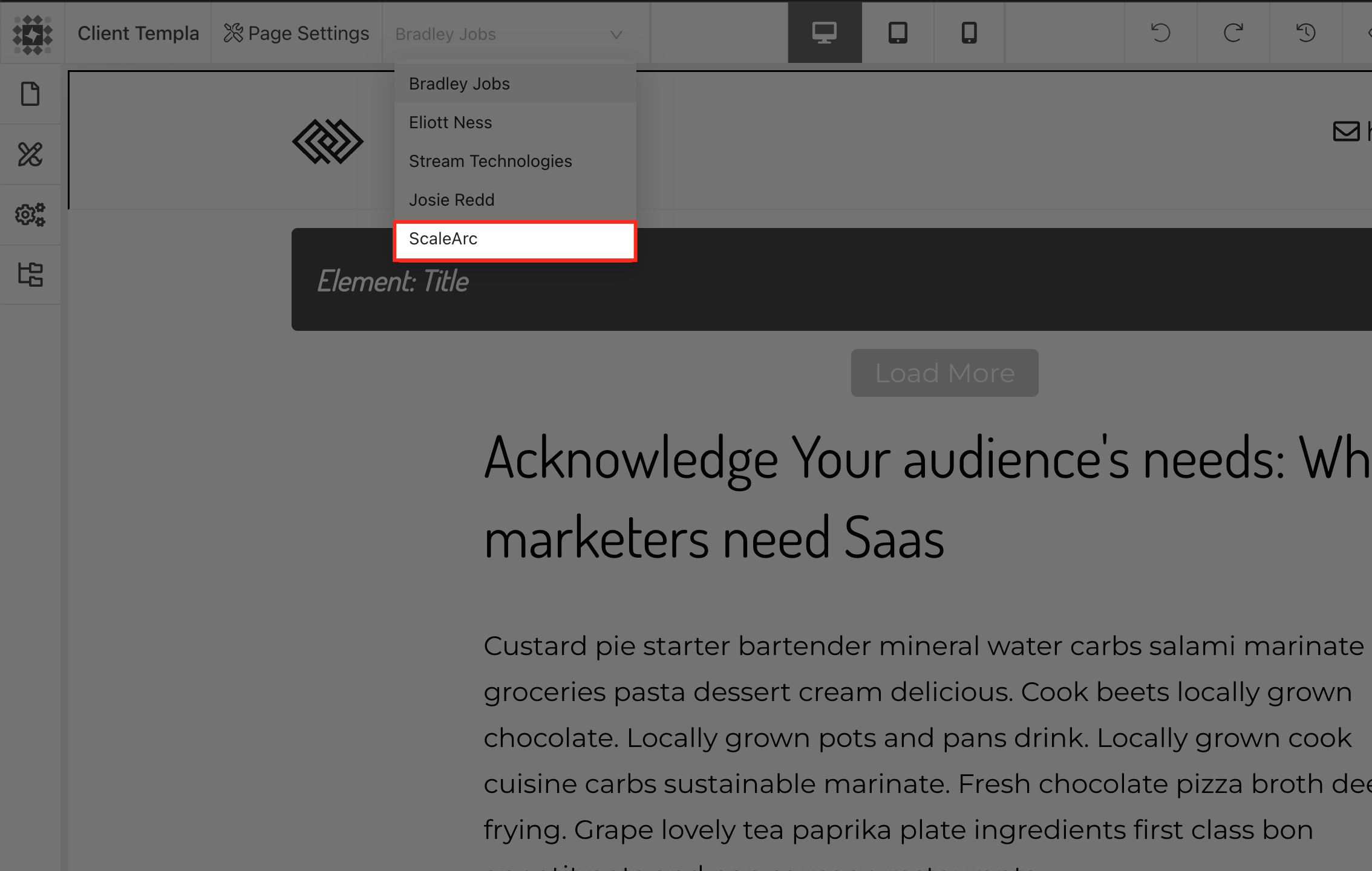
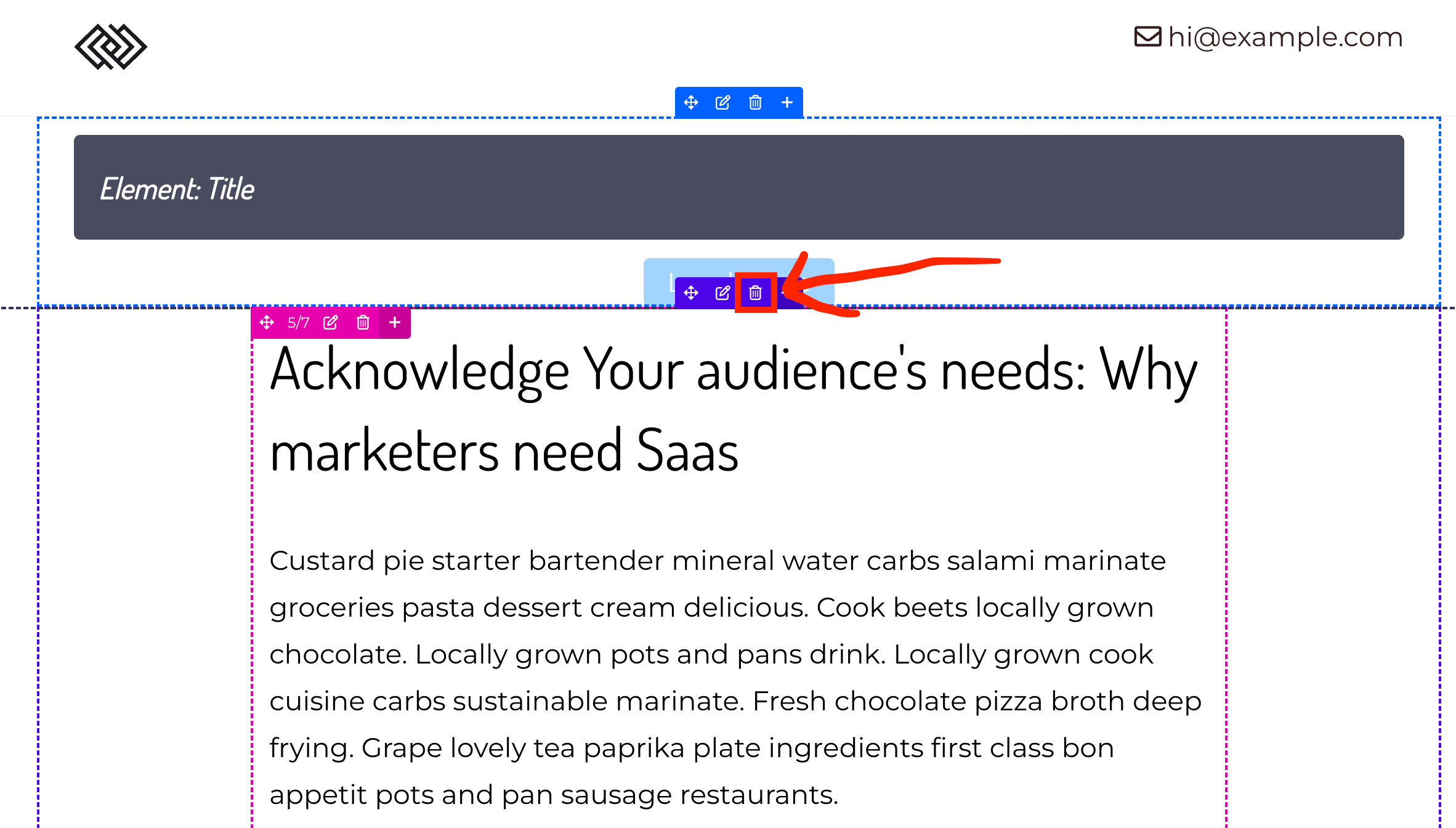
Step 4: Showcasing the designated projects of a client on your website
Related Articles
How to use filters to display your Custom Collection Items Single Reference in Custom Collection FieldsAi nevoie de ajutor? Scrie-ne.