
Enable Membership on a blog post
Table of Contents
Getting Started
You may enable membership on any blog post to make it exclusively accessible only by your site members; whether they were invited by you to become a member or paid for the subscription, you can always use the post access settings to change that.
Enabling Membership on a blog post
To enable membership on a particular blog post, follow the given steps:
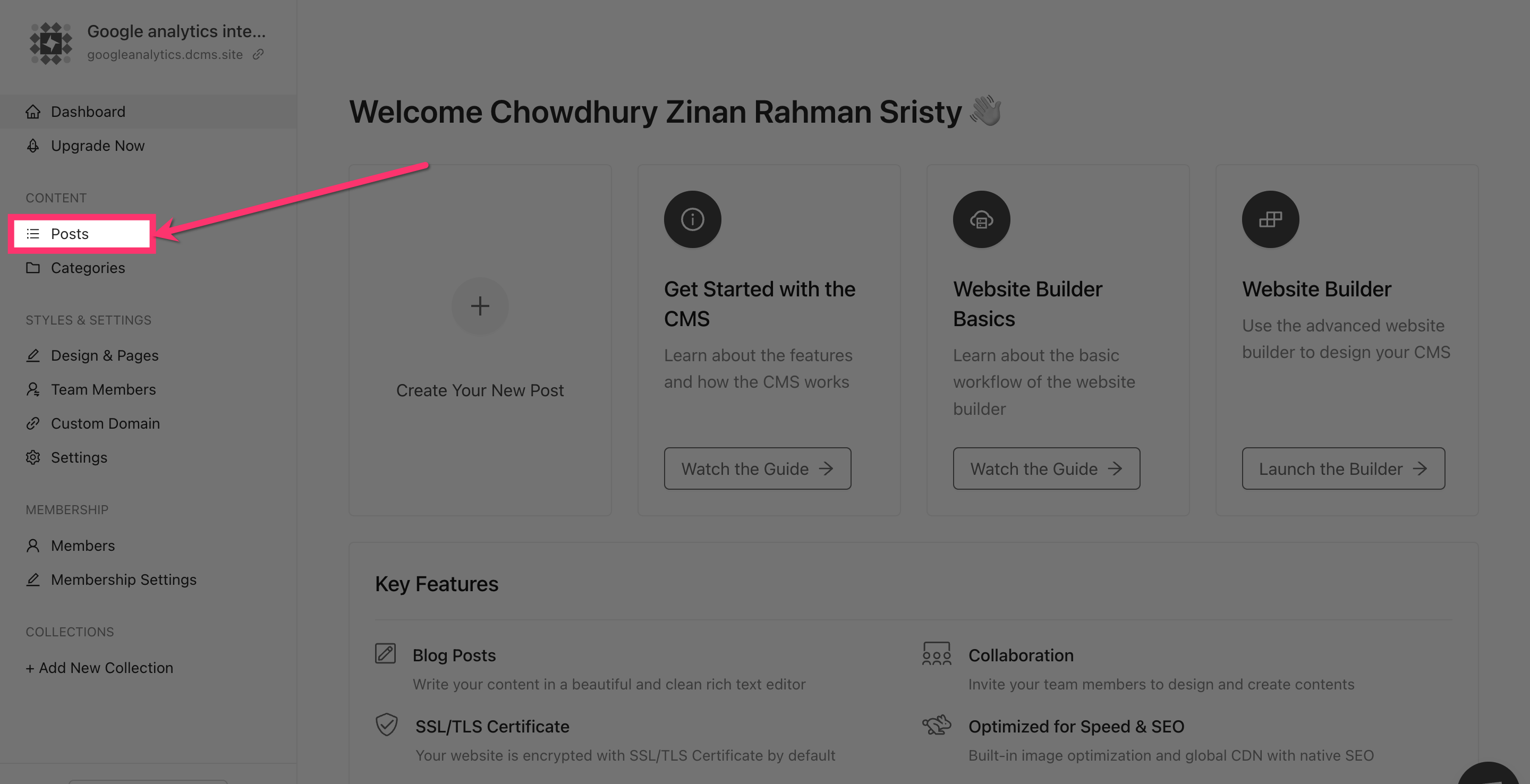
- Go to Posts under the Content panel on your Dashboard
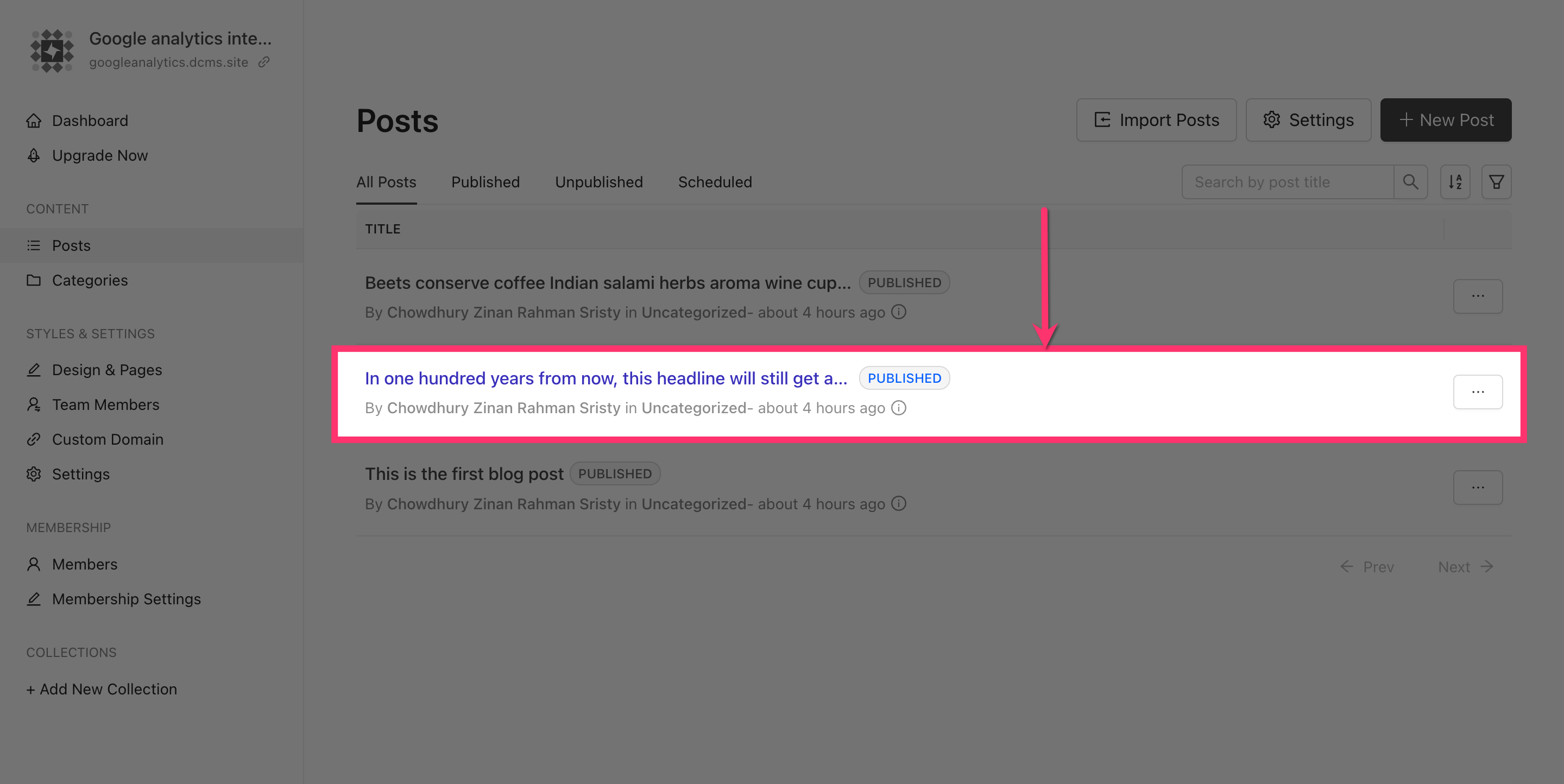
- Click on the post where you want to enable membership
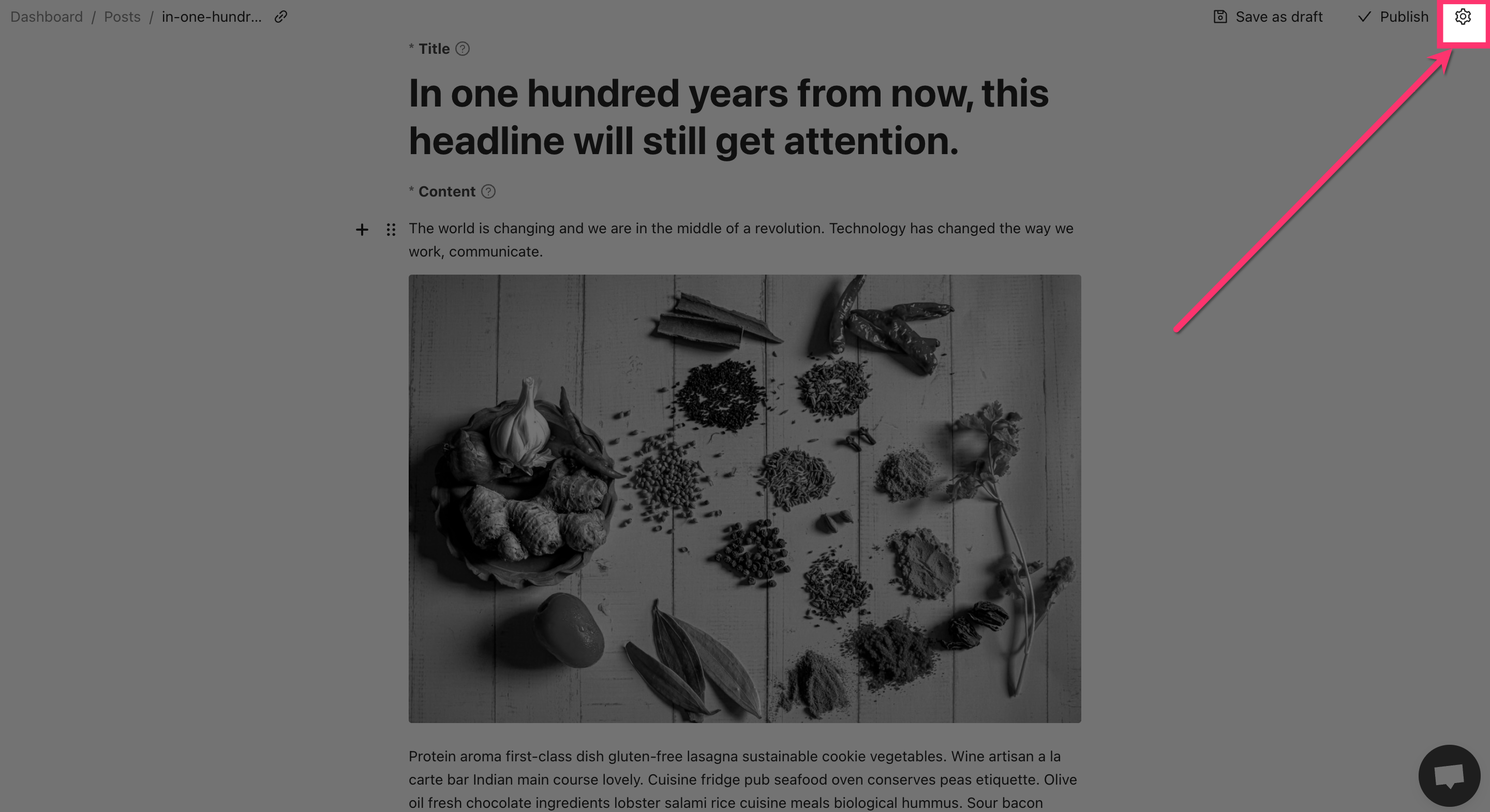
- Go to Post Settings
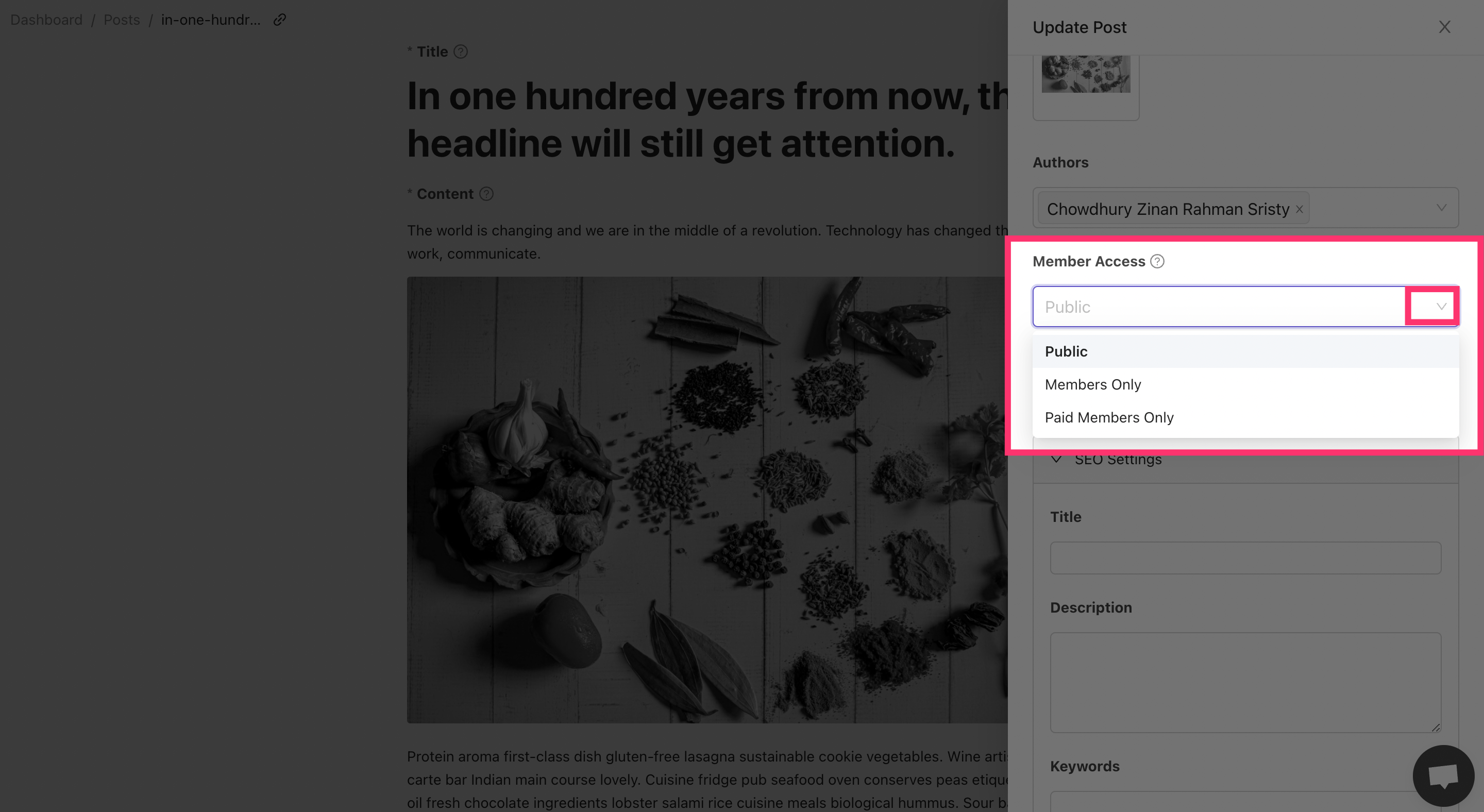
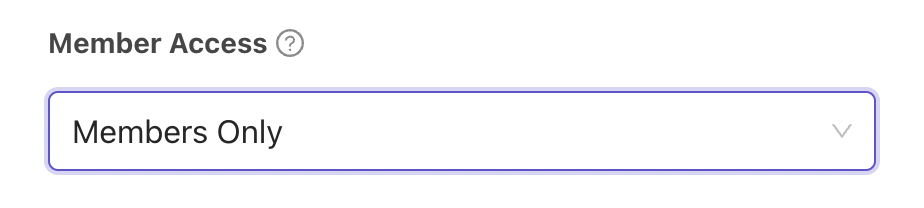
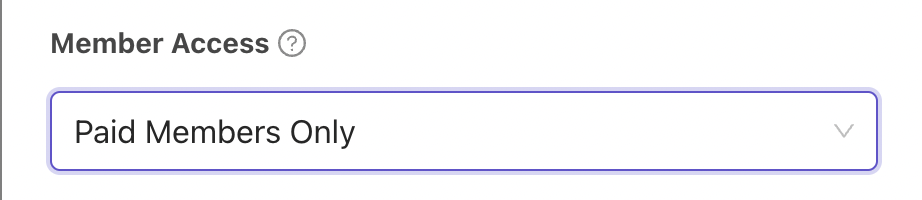
- From the Post Access option, select:
- Members only: If you want the members you invited manually to view the post
- Paid Members: If you want people who have purchased a membership to your site to view that post.
Here is a step-by-step visual demonstration of the whole process:
- Go to Posts under the Content panel on your Dashboard
- Click on the post where you want to enable membership
- Go to Post Settings
- From the Post Access option, select:
- Members only: If you want the members you invited manually to view the post
- Paid Members: If you want people who have purchased a membership to your site to view that post.
Or
Related Articles
🗝️ Gated Page for Members Gated Content on Custom Collection Items How to add a new memberAi nevoie de ajutor? Scrie-ne.