
Membership link and data-attribute use
Table of Contents
Getting Started
Membership link settings are used to copy the link slugs solely for the membership feature. You can use data attributes instead of links as well. This article will feature all the steps and features of membership links and data attributes.
Membership Link
To copy membership links, follow the steps given below:
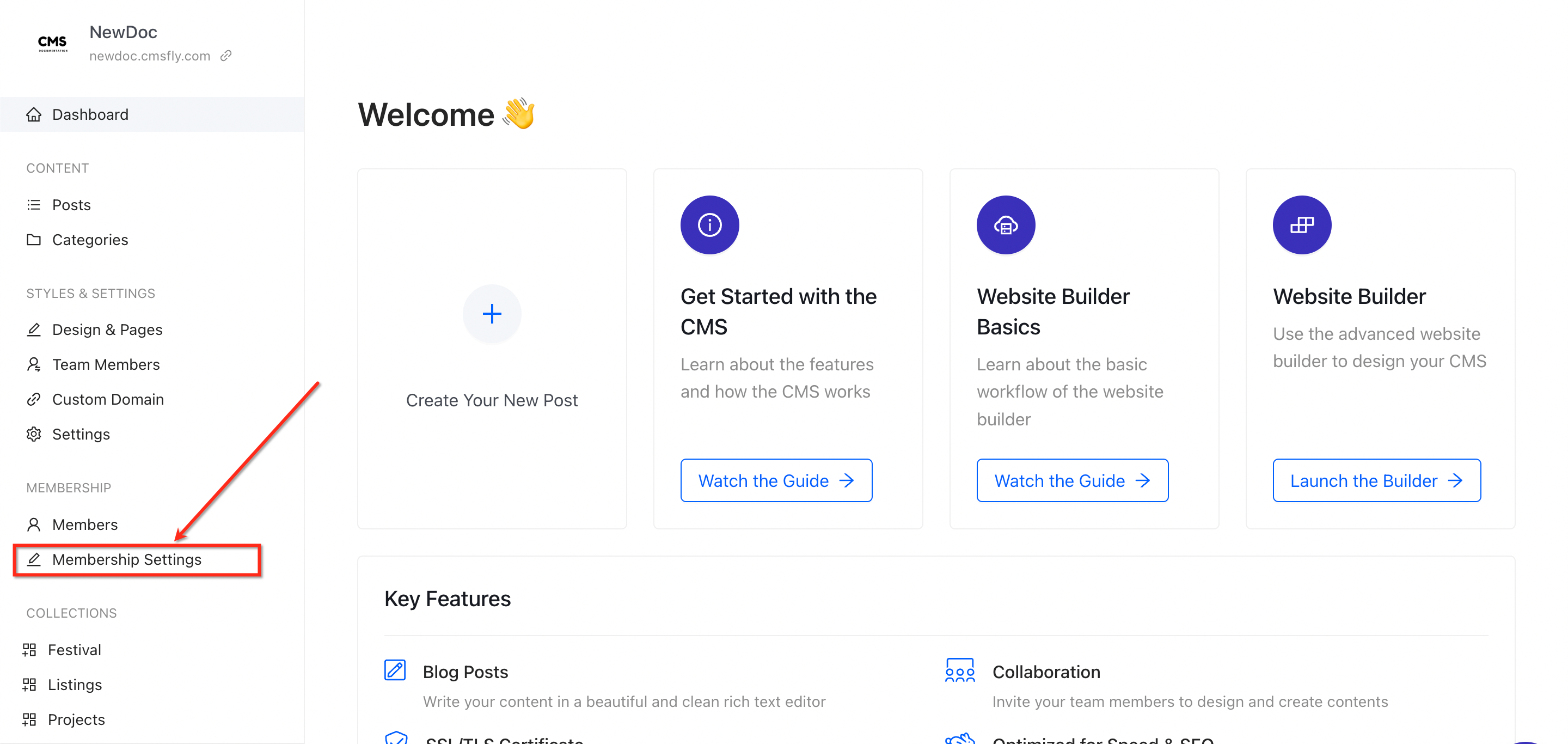
- Go to Membership Settings from your CMS Dashboard
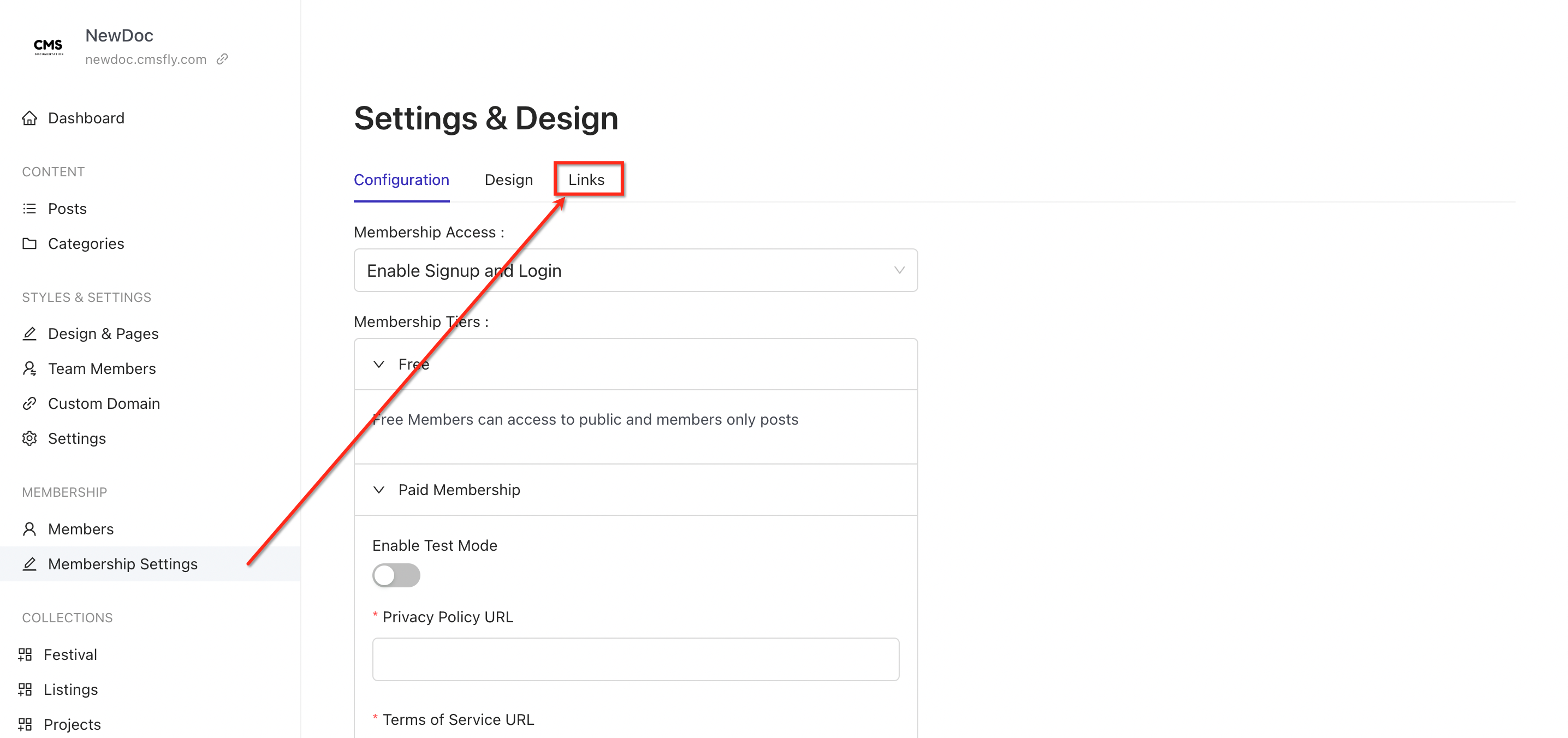
- Open the Links tab
- Start copying your link slugs for every specific action
- Go to Membership Settings from your CMS Dashboard
- Open the Links tab
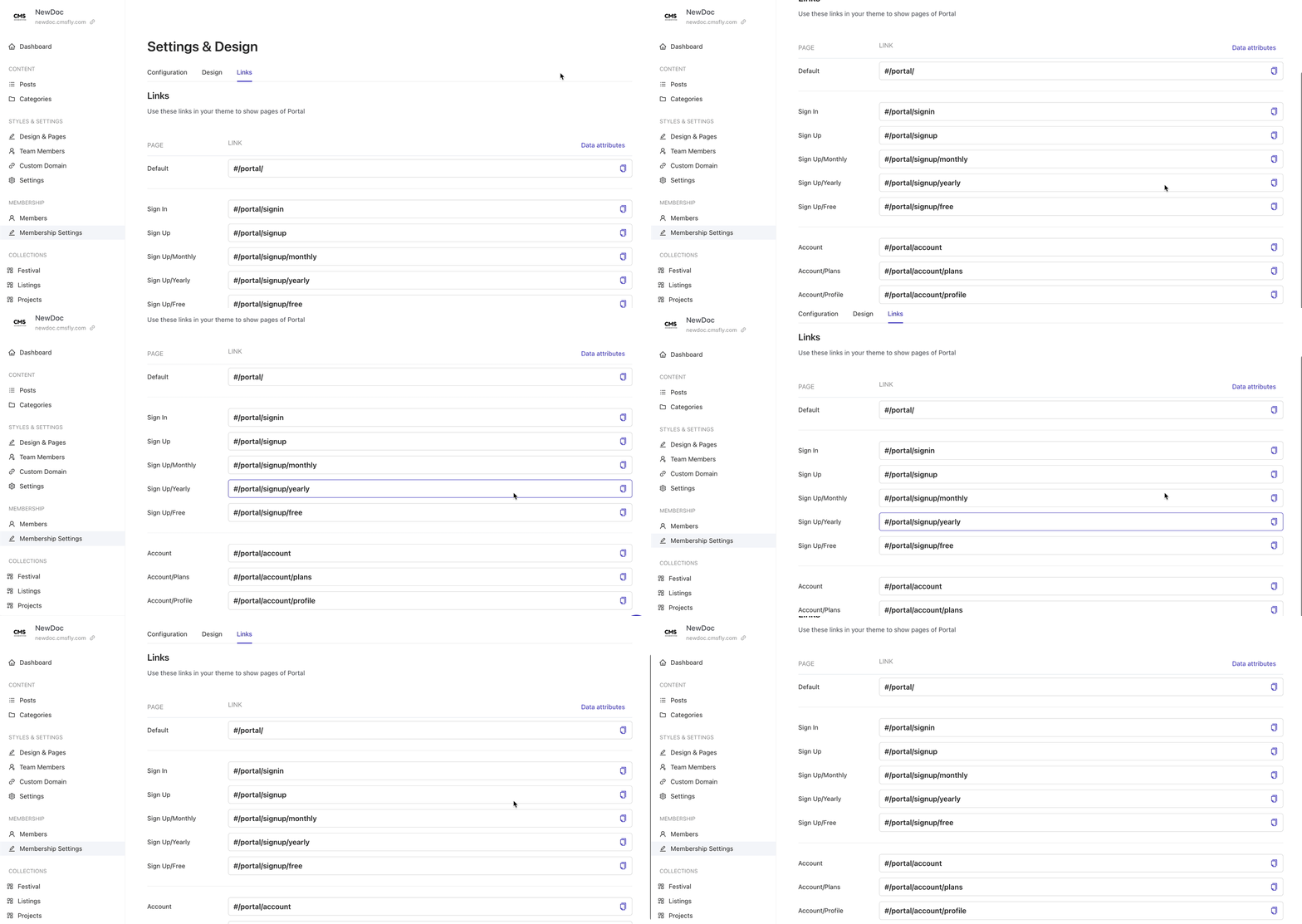
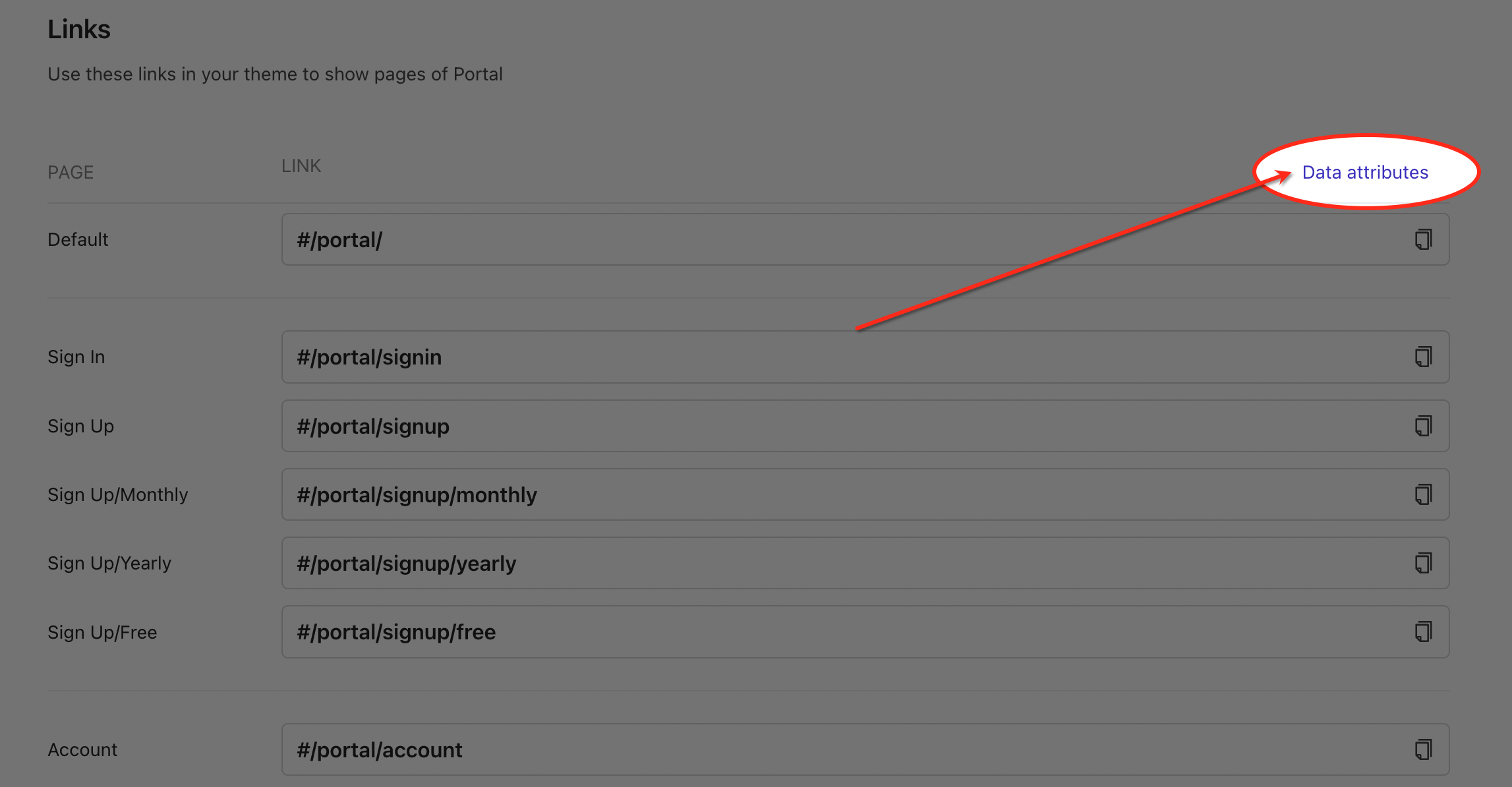
- This is the screen you will see ⬇️
💡
Each link has its attribute that will take a visitor to that specific page. For example, the link
#/portal/signin will take a user to the Sign In page.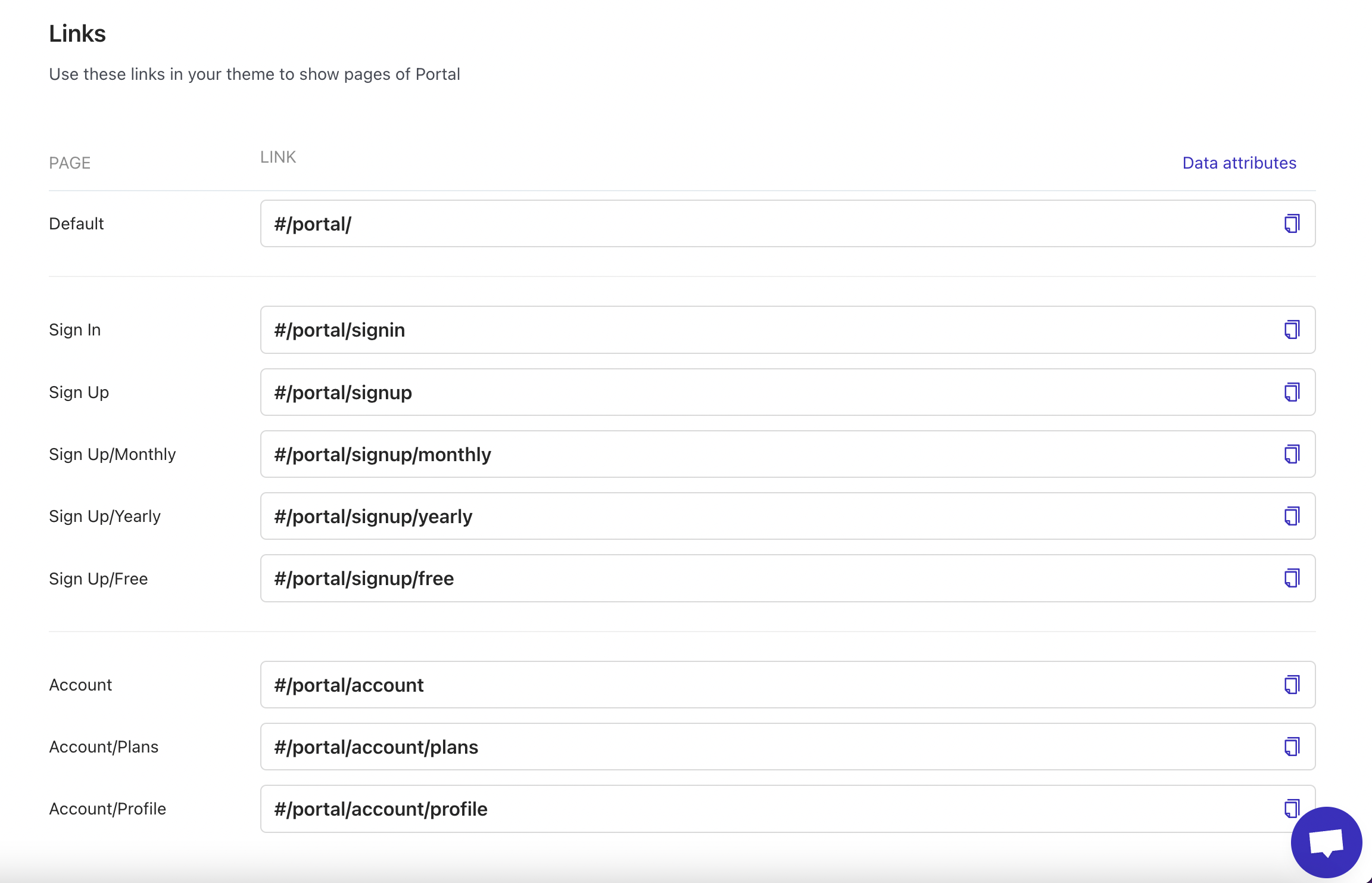

Data Attributes
You can use data attributes instead of links by clicking Data Attributes on the top-right of your screen inside the Links tab. Refer to the picture below:
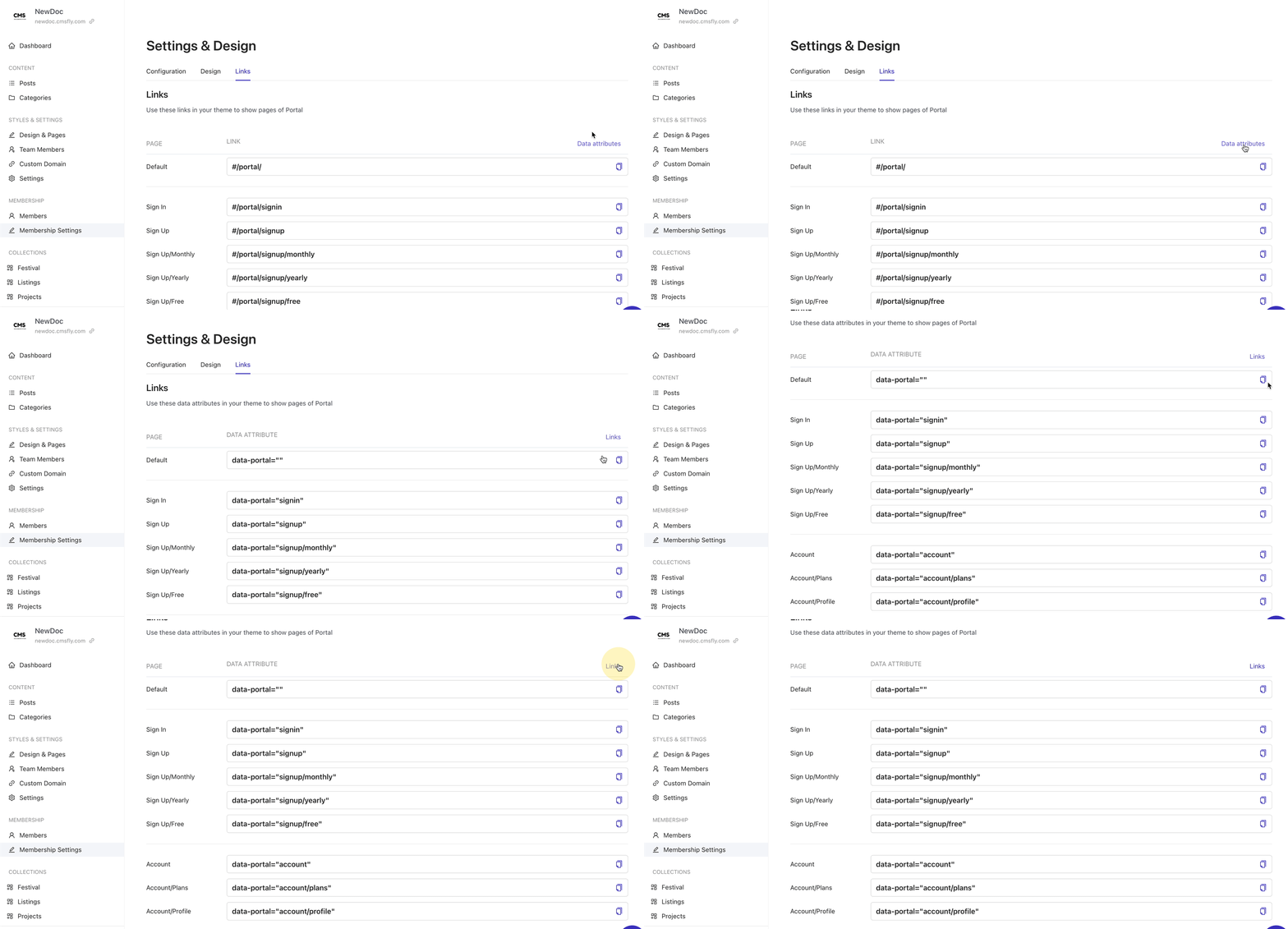
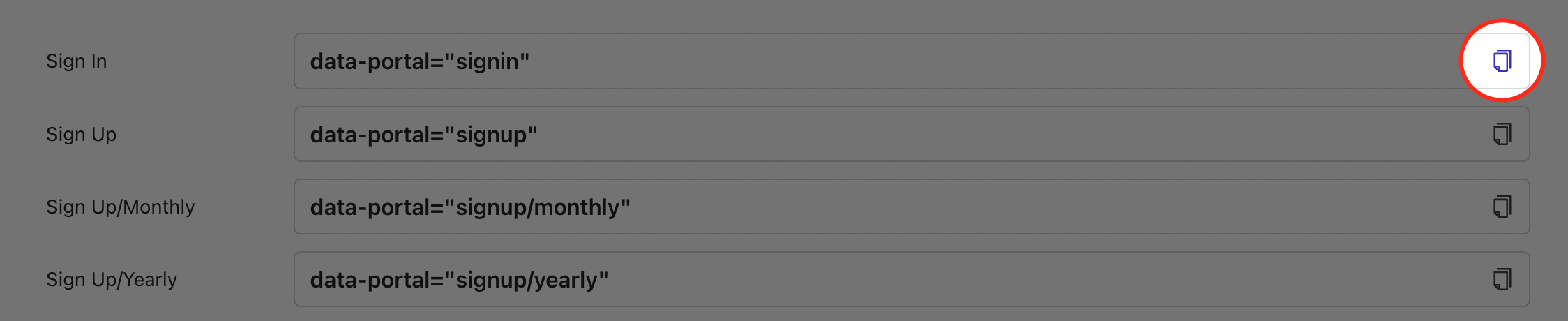
You can copy them in the same way as links ⬇️
Related articles
How to add a new member💳 Integrate StripeAi nevoie de ajutor? Scrie-ne.