
Ajutor › Builder (Design and Pages)
Adding New Rows and Columns inside a Section
Table of Contents
Getting Started
You can add new rows and columns inside a section of your website to achieve the website design you are looking for. This article will cover how you can add new rows and columns inside a section of your website.
Add New Columns inside any section
You can add a new column inside a section of your website by clicking on the + icon over the existing column; here is what it looks like:
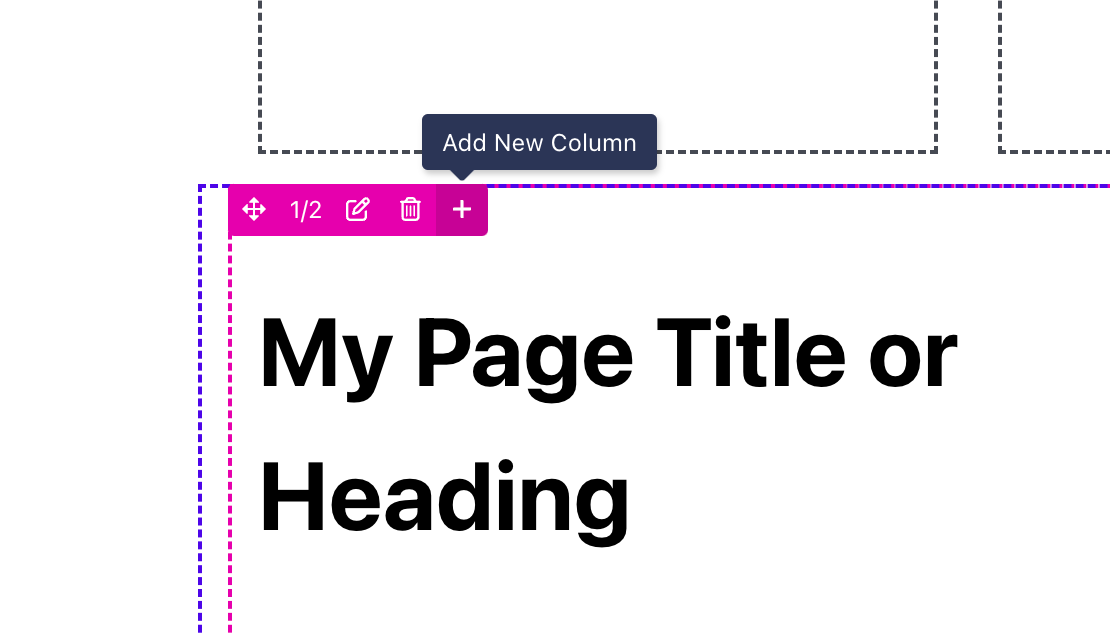
Refer to the GIF below for the demonstration —
Add New Rows inside any section
You can add a new row inside a section of your website by clicking on the + icon over the existing row; here is what it looks like:
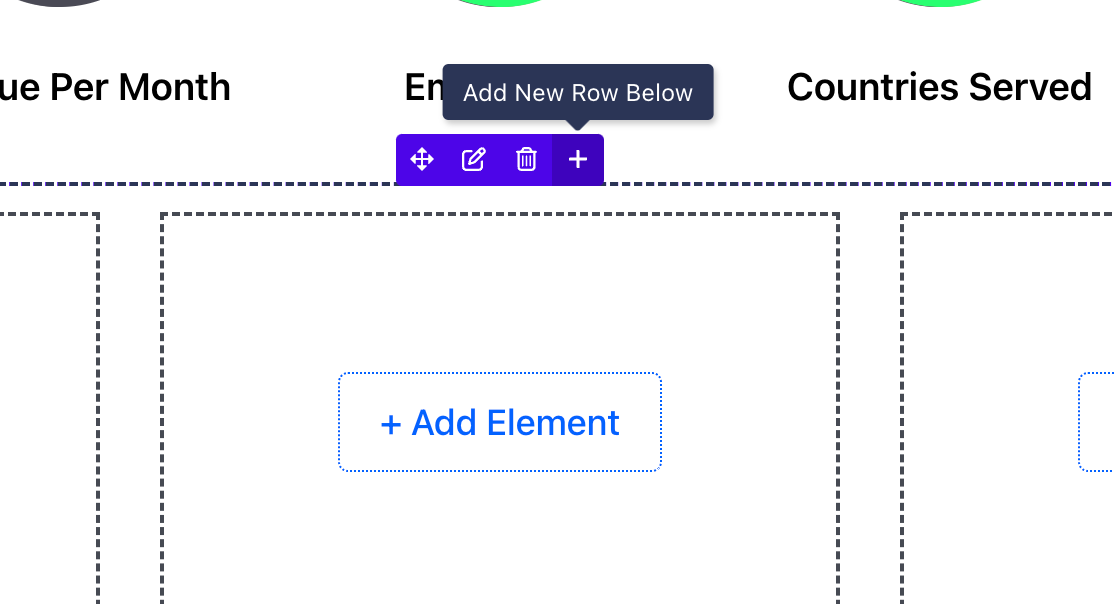
Refer to the GIF below for the demonstration —
Related articles
◼️ Section, Row, Columns, Elements CMS Row with columnAi nevoie de ajutor? Scrie-ne.