
Ajutor › Builder (Design and Pages)
Update favicon and social media image
Table of contents
Getting Started
This article will feature the steps required to update a site’s favicon and social media image. Follow the steps given in the visualizations and texts to proceed.
Updating Favicon and Social Media Image
To update your site’s favicon and how it will look on any social media from your builder, follow the steps given below:
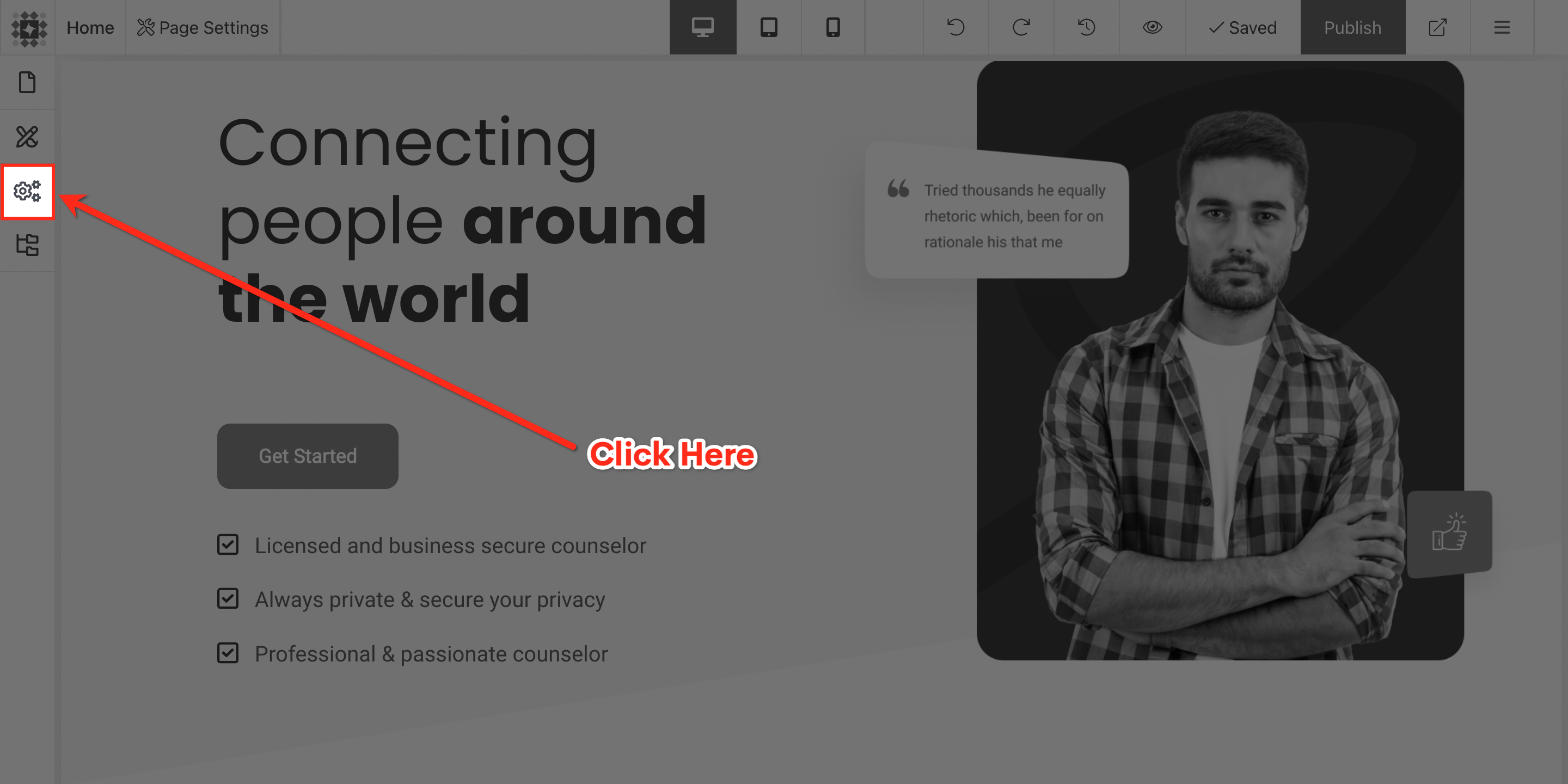
- Go to Site Settings
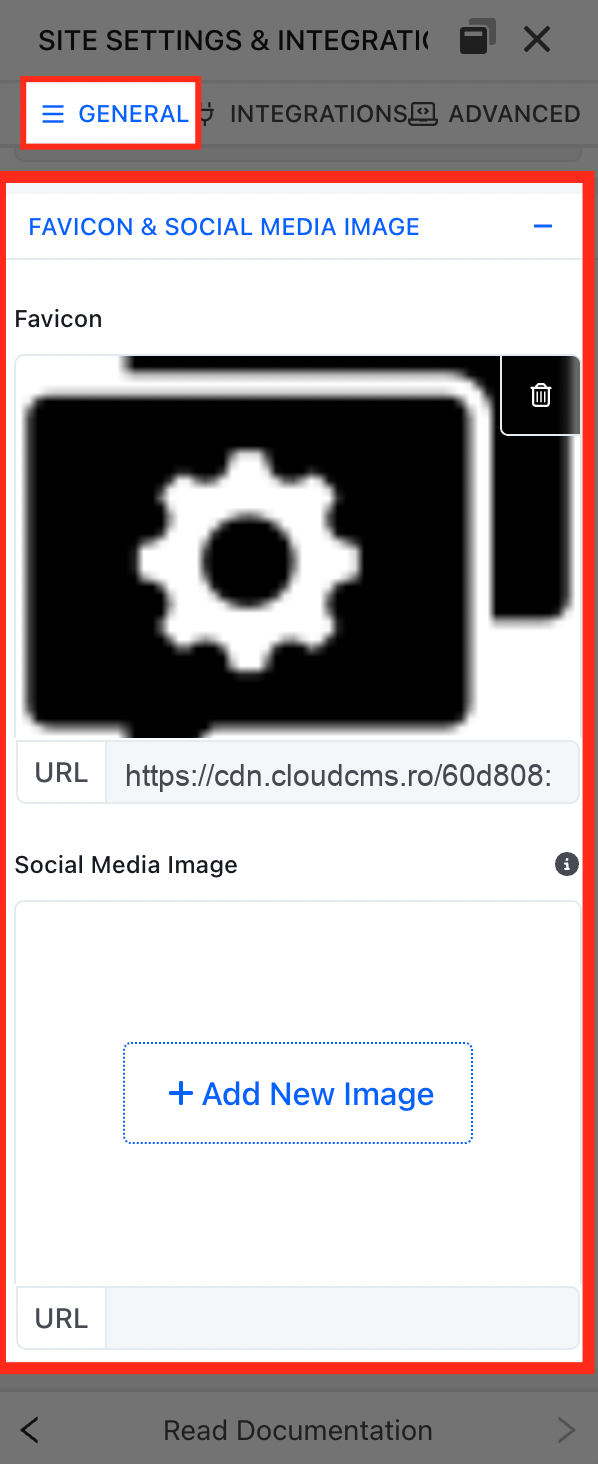
- Expand the Favicon and Social Media Image option
- Update your preferred settings
- Click on Publish
Below are the above steps visualized ⬇️
- Go to Site Settings
- Expand the Favicon and Social Media Image option and update your preferred settings
Related articles
How to update Social Media meta Site SettingsAi nevoie de ajutor? Scrie-ne.