
Ajutor › Builder (Design and Pages)
Post pagination settings
Table of contents
Getting Started
Post pagination settings let you select the number of Blog posts in a particular section. You can set the number of posts that will load or appear initially when a person visits that section on your site. You can add a Load More button or make your posts slide horizontally.
Post Pagination Settings
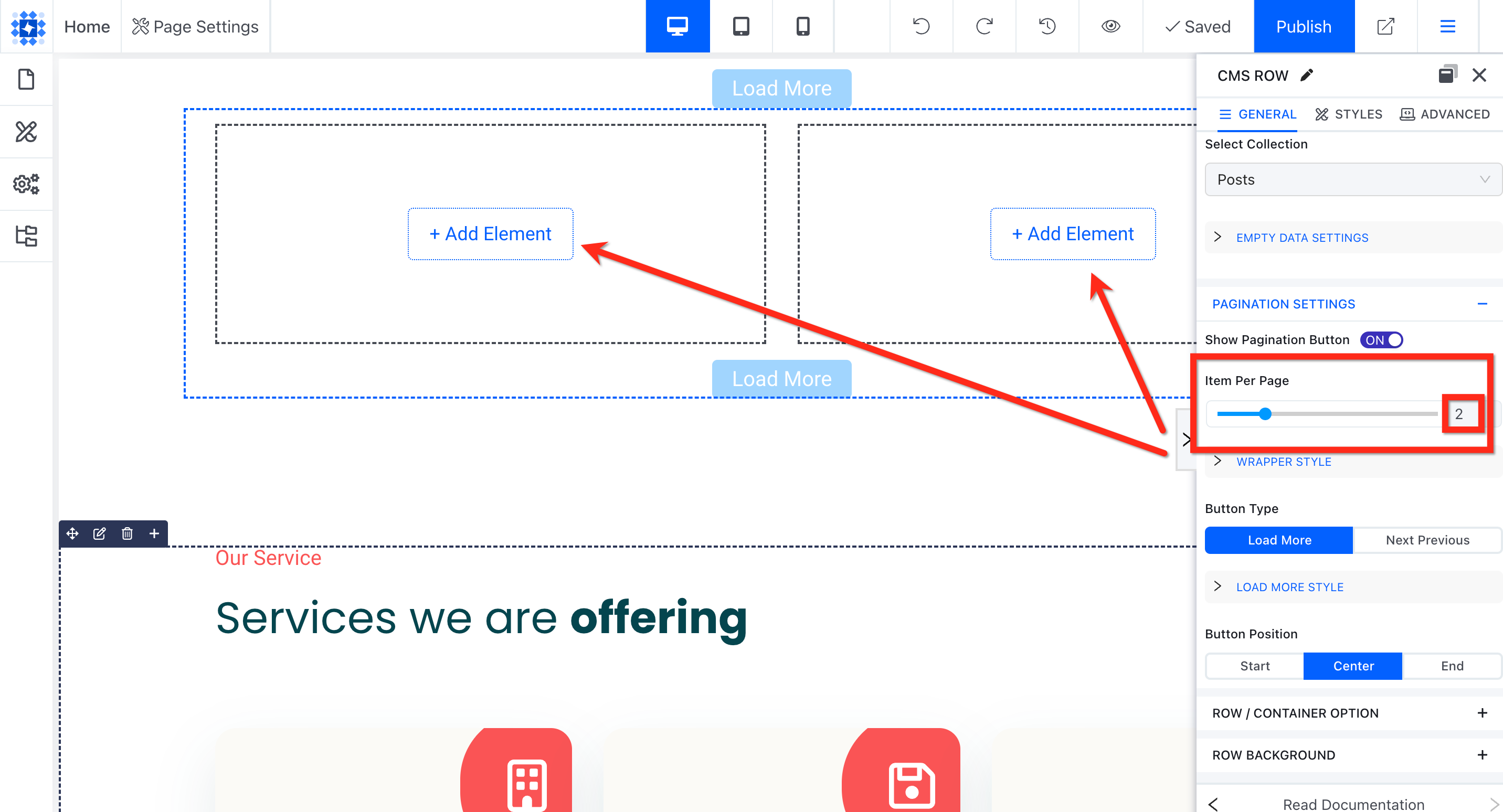
- In your CMSROW, you can set the number of items you want to display using the Items Per Page option from the pagination settings, as shown in the picture below ⬇️
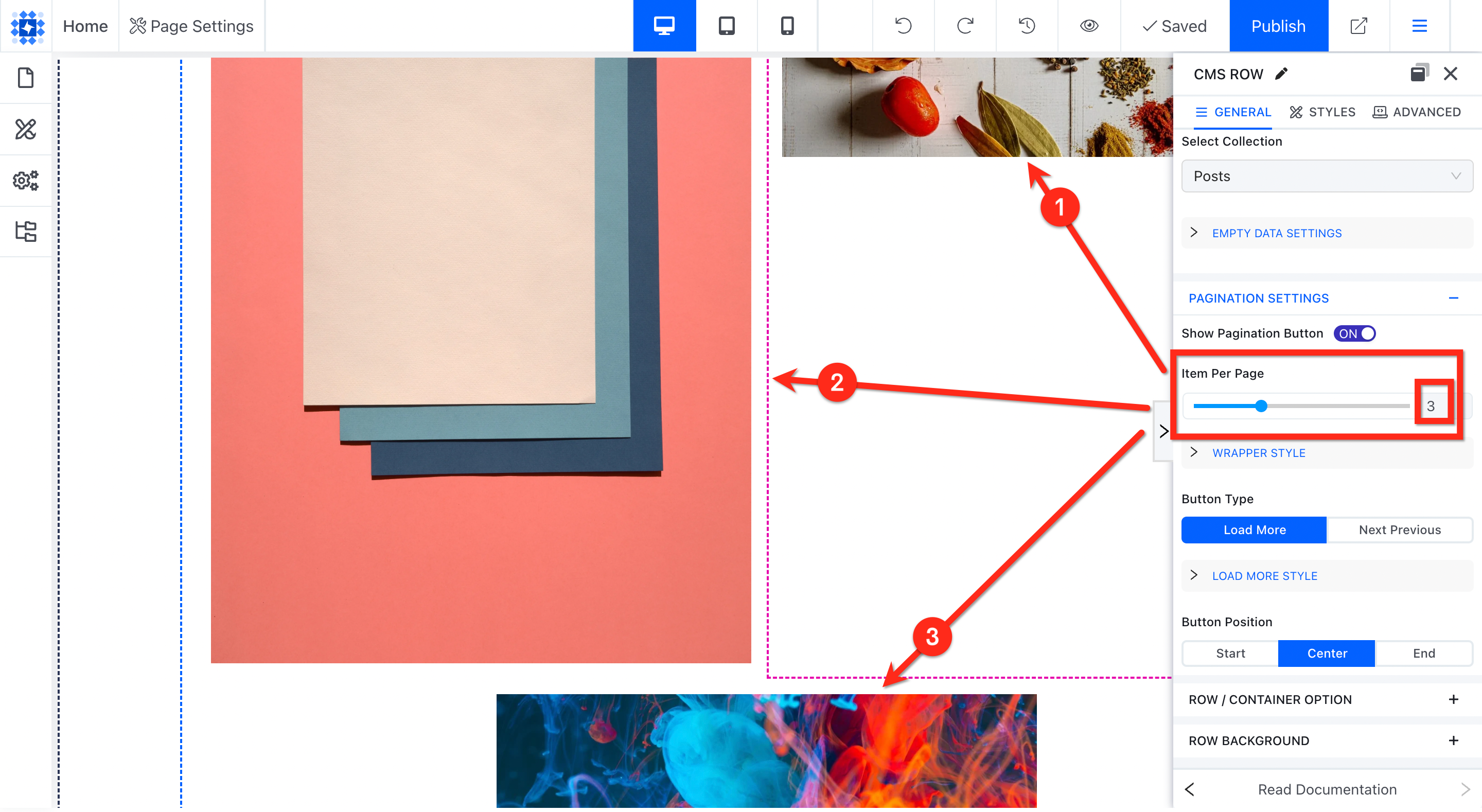
- If you want, you can choose more, for example, three items per page, refer to the picture below ⬇️
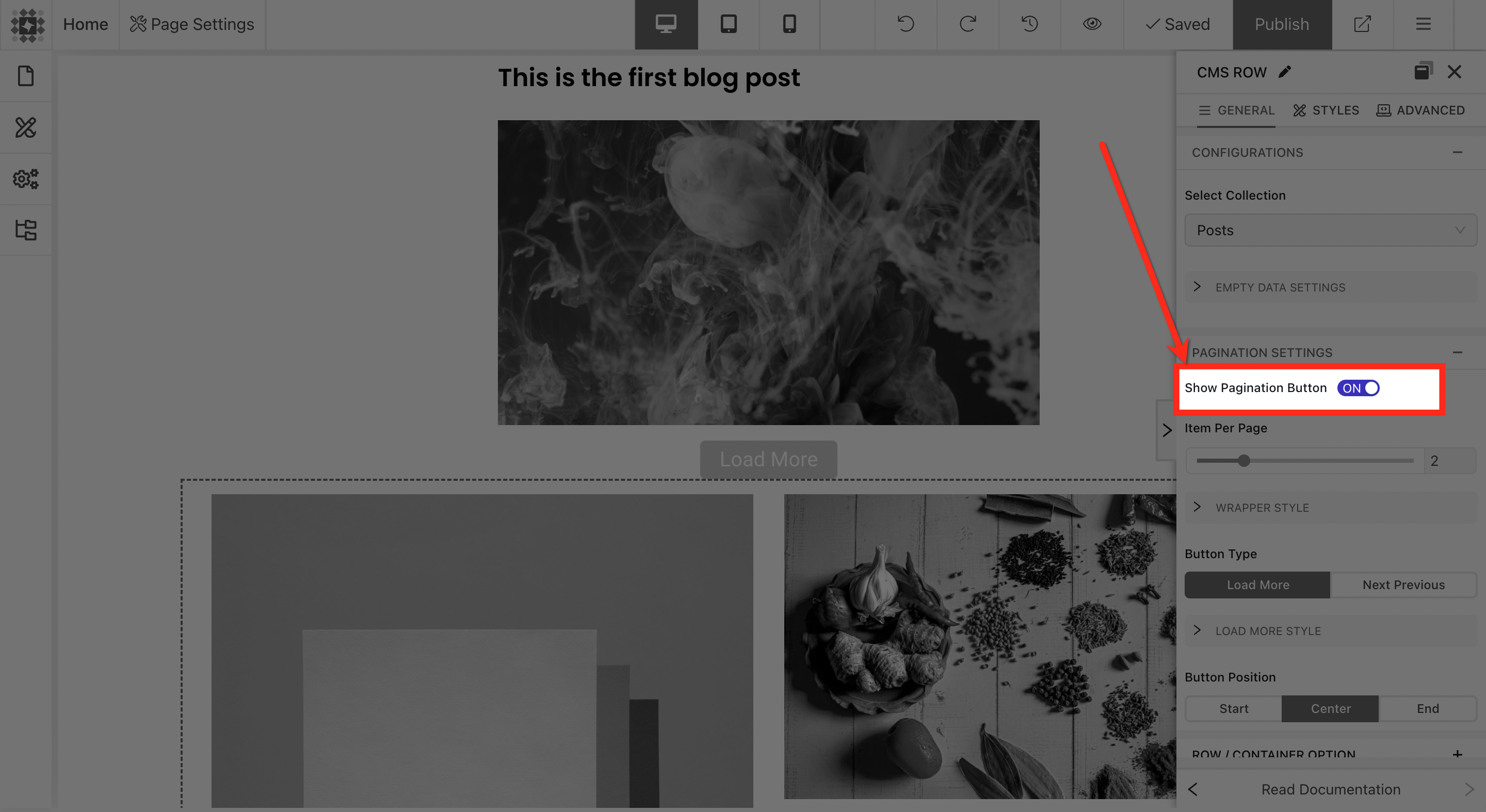
- If you want to show all your content together, you can disable the Show Pagination Button toggle; refer to the picture below ⬇️
Related articles
⏯️ Load More and Next Prev buttons CMS Row with columnAi nevoie de ajutor? Scrie-ne.