
Ajutor › Builder (Design and Pages)
How to update Social Media meta
Getting Started
This article will cover how you can update the Social media meta of your website. This feature falls under the Page Meta tab under the Page Settings option. Refer to the link below to learn more about Page Settings:
📄 Page SettingsTable of Contents
Updating Social Media Meta
To update your social media meta from your builder, refer to the steps below:
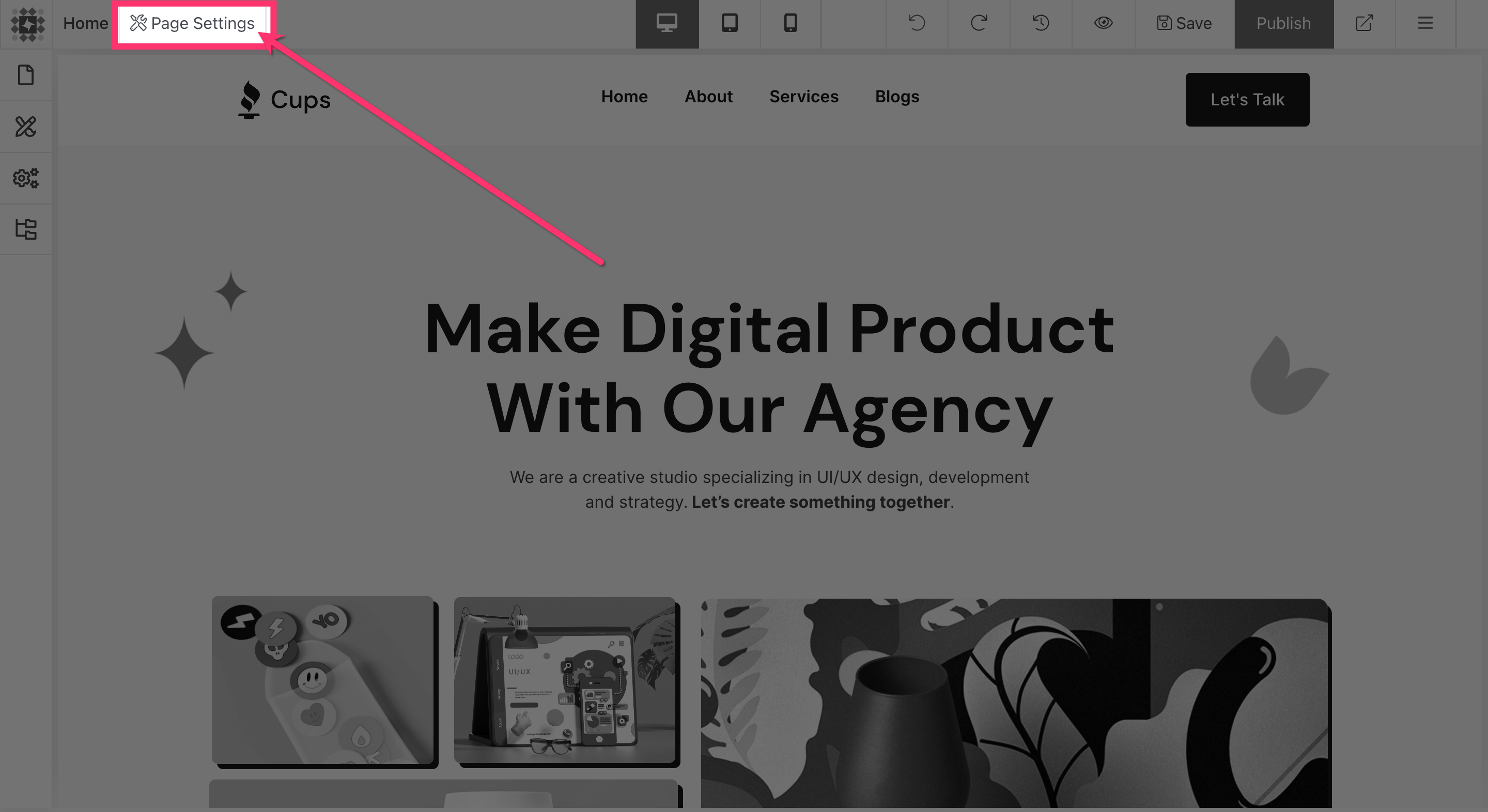
- Go to Page Settings
- Click on the Page Meta tab
- Expand the Social Media Meta option
- Update or Fill all preferred fields
- Click Publish
Below is a visual demonstration of the whole process ⬇️
- Click on Page Settings
- Click on the Page Meta tab
- Update your preferred fields
Related articles
🔍 How to update SEO meta📄 Page SettingsAi nevoie de ajutor? Scrie-ne.