
Ajutor › Builder (Design and Pages)
How to control Z-index
Table of Contents
Getting Started
This article covers how you can use and control Z-Index on your website. Follow the instructions accordingly.
Controlling Z-Index
To control Z-Index, follow the steps given below:
- Select any row, column, element, or section in your builder to edit it
- Go to Advanced
- Expand the Visibility and Position option
- Find the option to control the Z-Index value
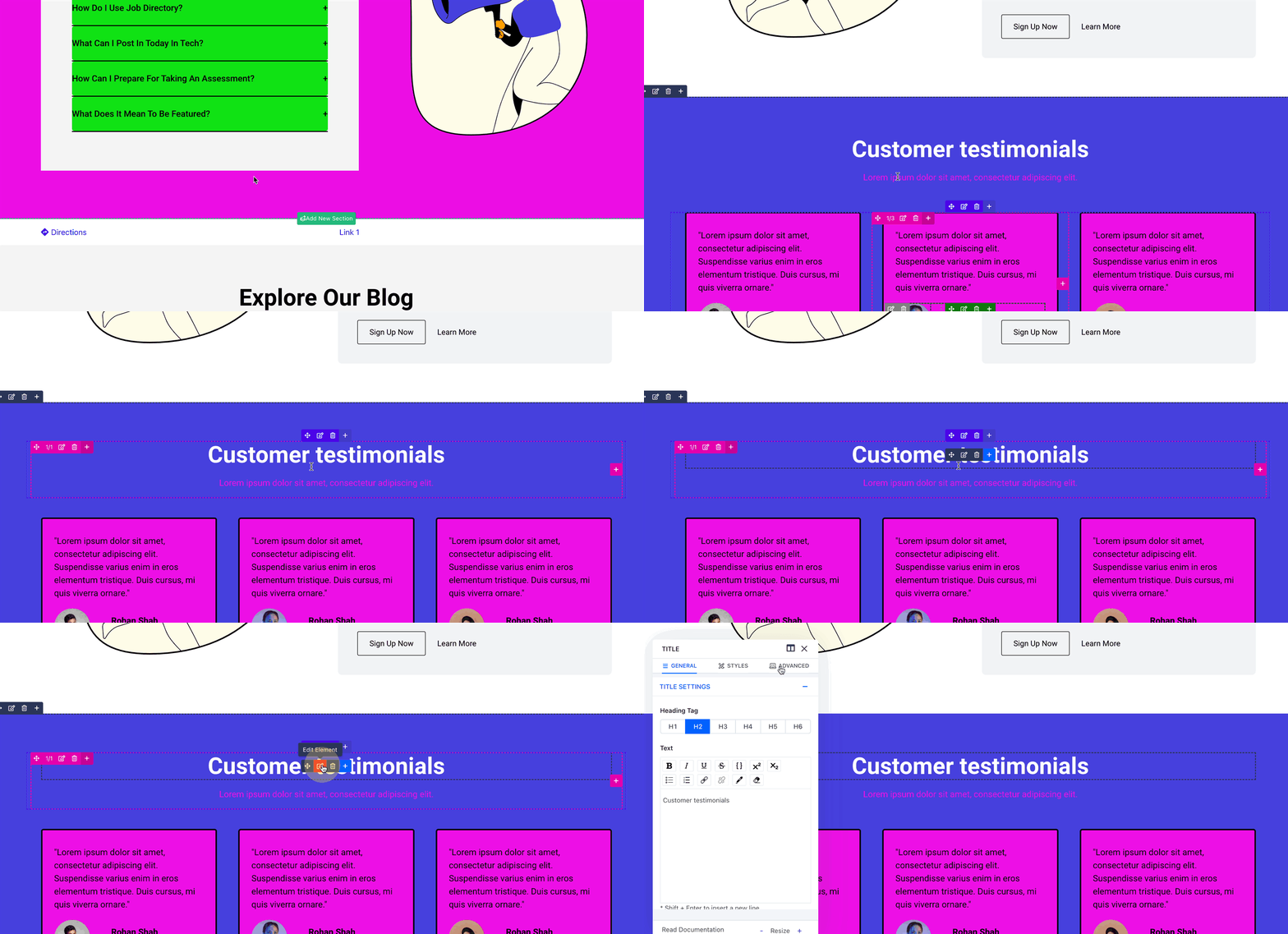
Refer to the GIF below:
How it works
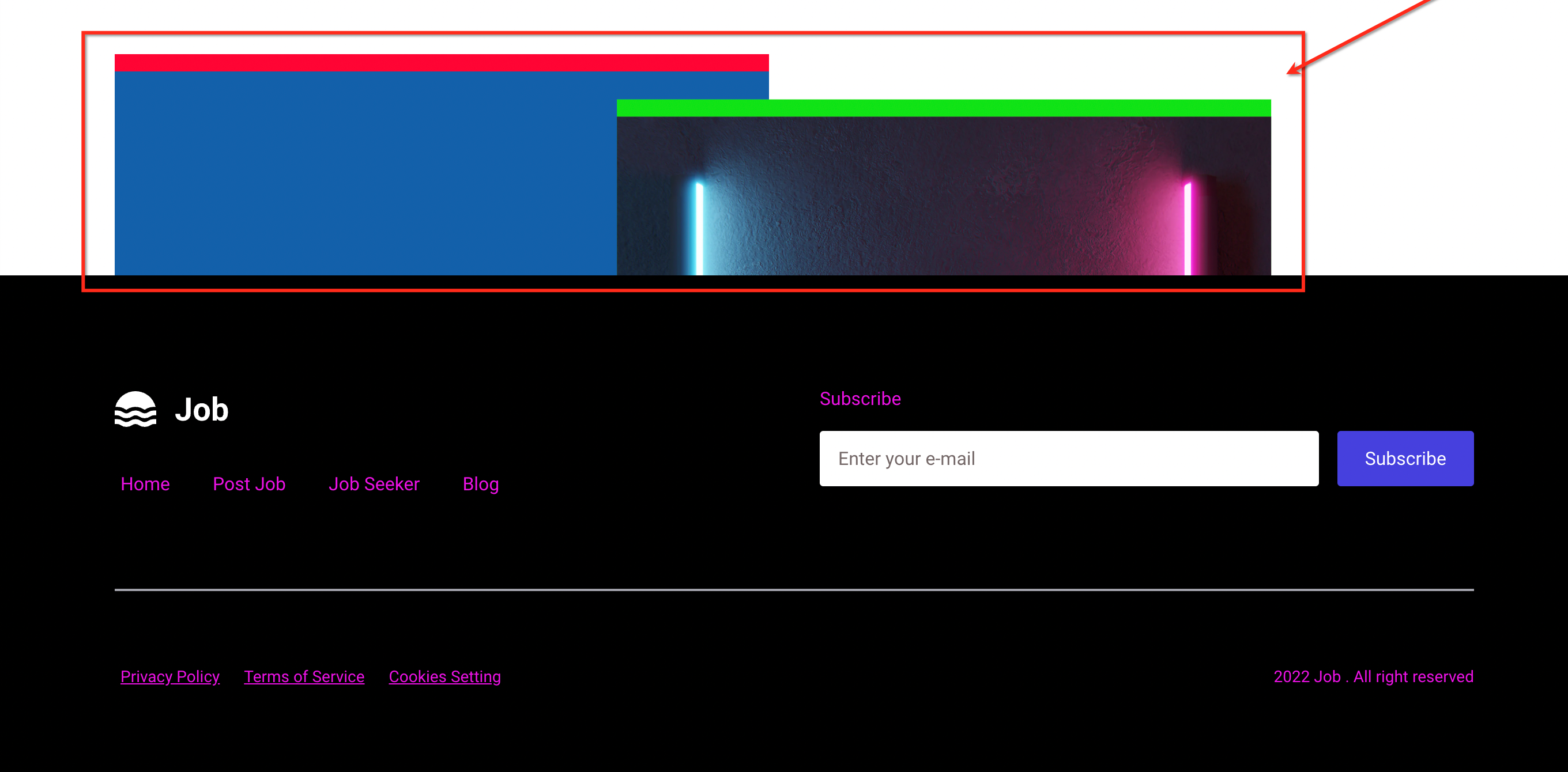
Let us take an example where a particular section overlaps another section. In this case, the footer overlaps with the section above it.
Refer to the screenshot below:
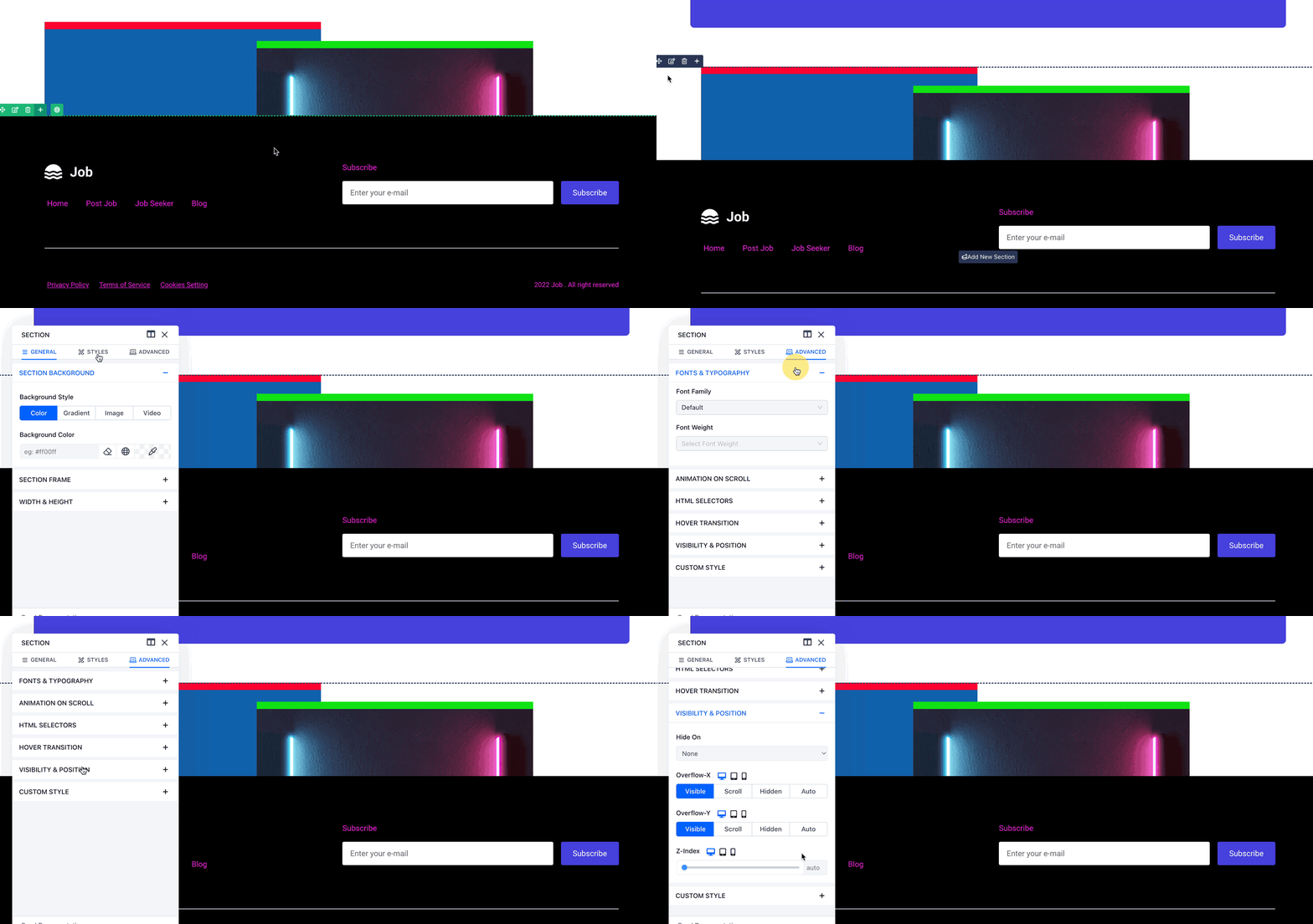
If we want to change that and want the section above to overlap with the footer, we can simply do that by manipulating the Z-Index, as shown in the GIF below ⬇️
Related articles
Responsive Column Stacking Custom CSSAi nevoie de ajutor? Scrie-ne.