
Ajutor › Builder (Design and Pages)
Container and Column Settings | Global Styles
Getting Started
Global Styles lets you set default styles and parameters for your entire site. The features in Global Styles enhance users’ control over site aesthetics and layouts. With this feature, a user can:-
- Set the default background color
- Set Body/Paragraph typographies
- Change the heading typography
- Tune the container width and default column gap
- Set link colors
- Set global colors
- Add Google/Custom/Typekit fonts
Table of contents
Finding the Global Style feature
Container and Column settings
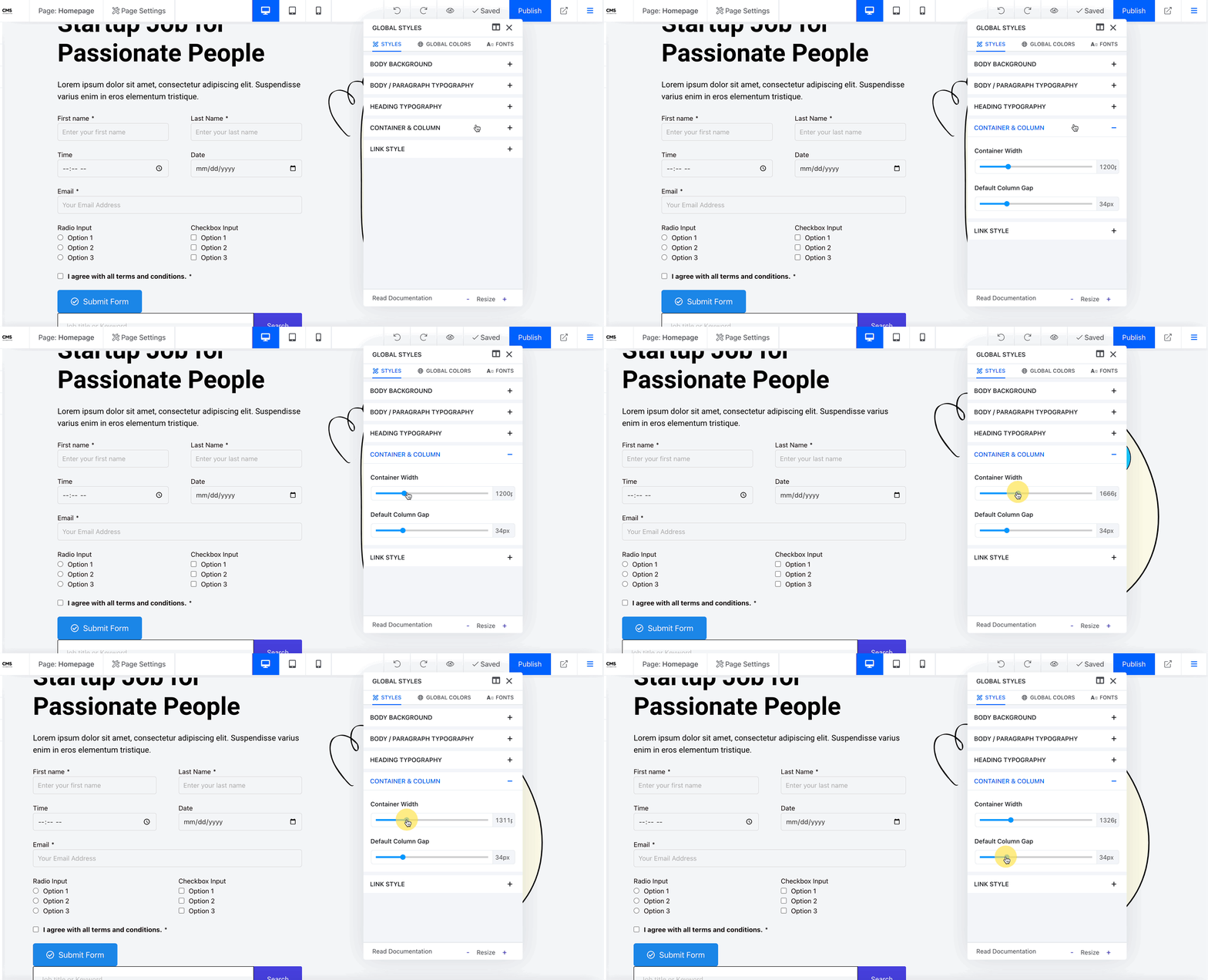
The container settings let you adjust the container width and the default column gap. To find this setting, follow the steps below:
- Go to Global Styles
- Under the Styles tab, you will find the Container and Column option
- Expand it and start adjusting
Refer to the GIF below for the demonstration:
Related articles
Global Styles > Global Colors Global Link colors | Global StylesAi nevoie de ajutor? Scrie-ne.