
Ajutor › Builder (Design and Pages)
Gated Page for Members
Getting Started
Gated Page allows you to set access exclusively to Members/Paid Members on a specific webpage on your site. This article will cover the process of creating a Gated page for Members on your website.
Table of Contents
Setting up Page Access
To make a web-page exclusive for Members on your site, follow the steps given below:
- Login to your Dashboard
- Go to Design and Pages
- Go to the page that you want to set the access limit to
- Click on Page Settings on that page
- Go to the Advanced tab
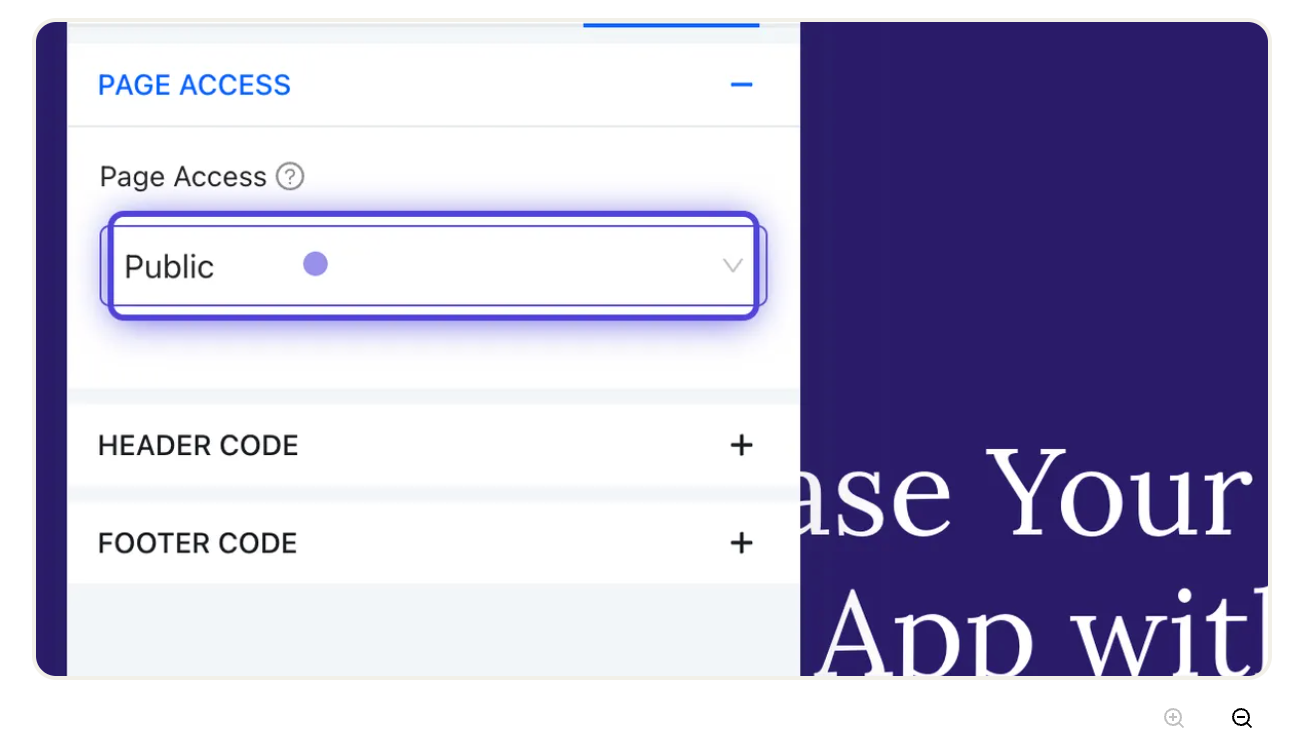
- Expand the Page Access option
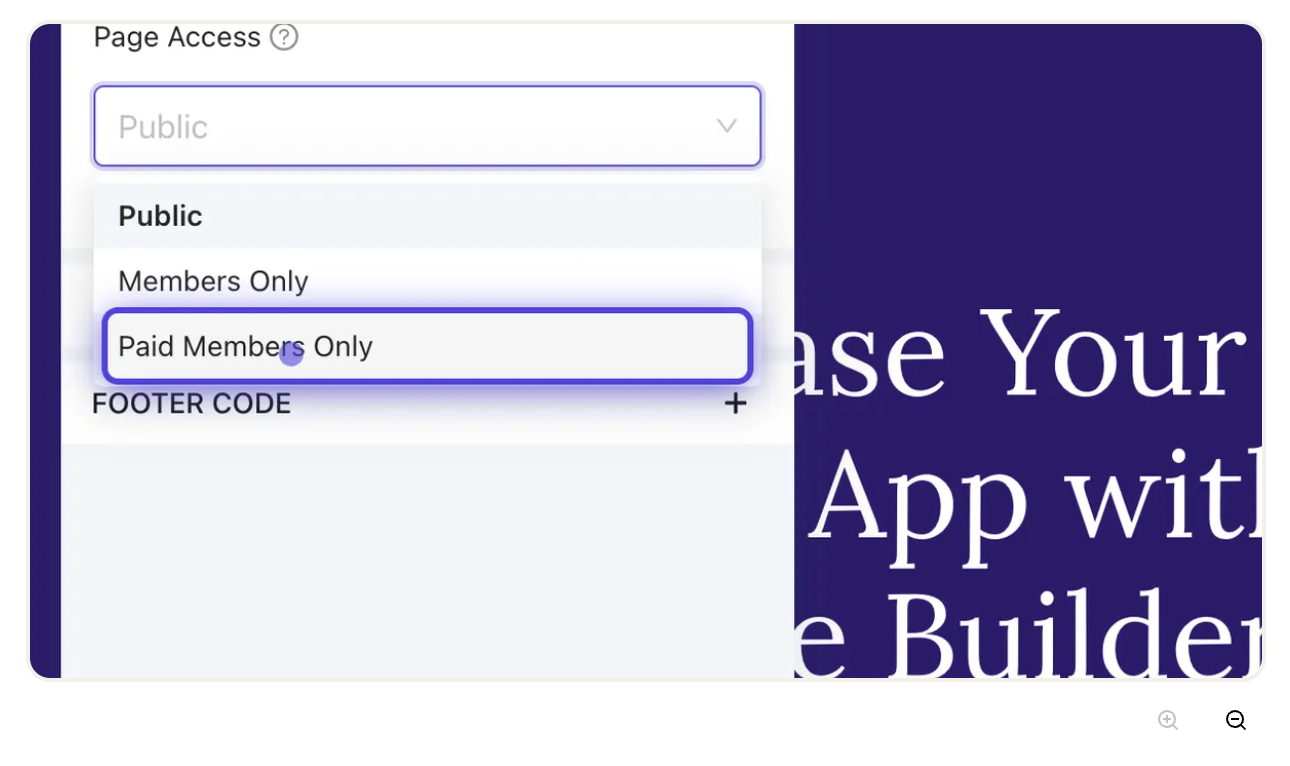
- Set the Page Access to your preferred setting
Visualized Steps:
- Go to your site’s Dashboard
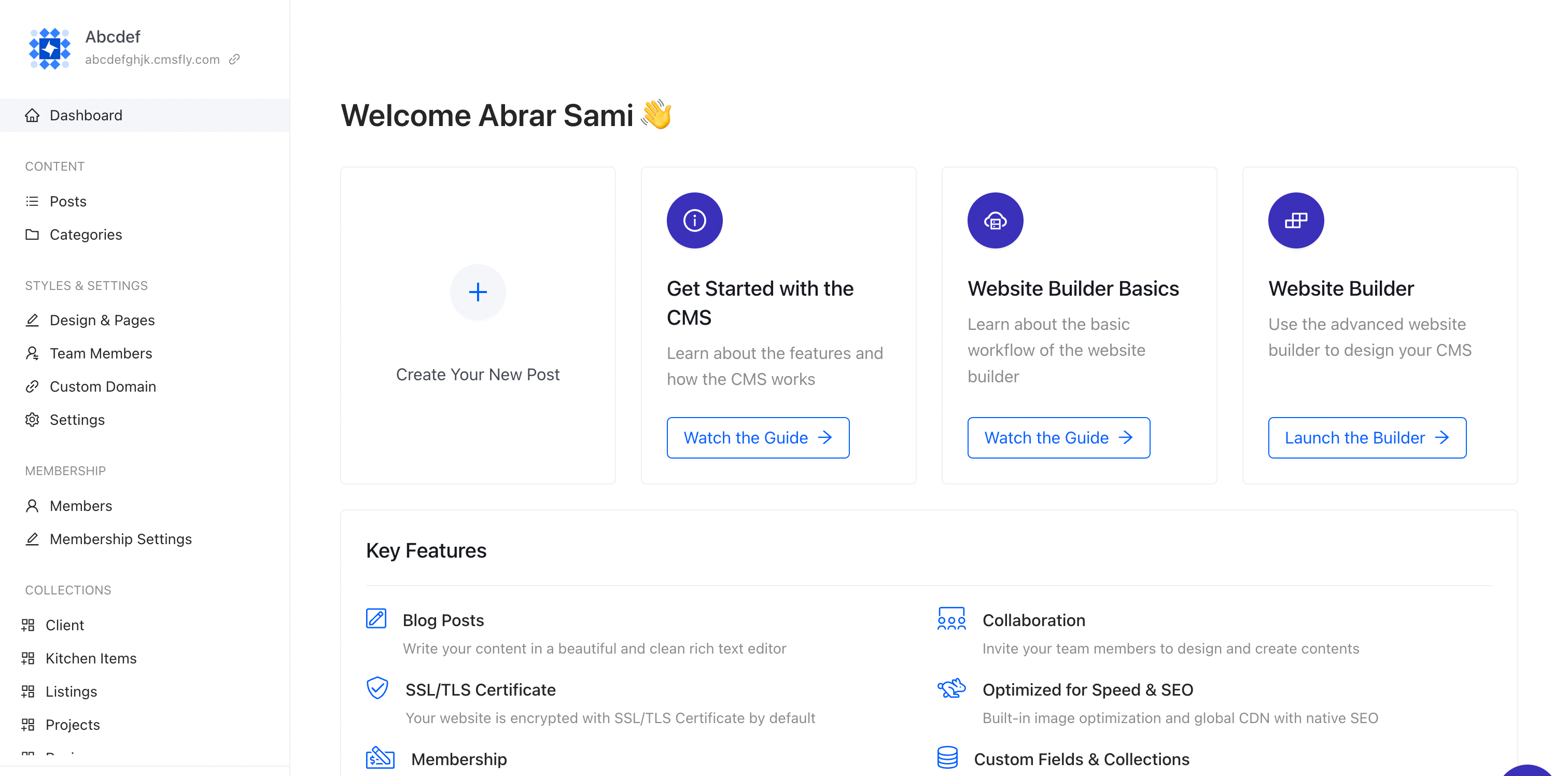
- Click on Design and Pages
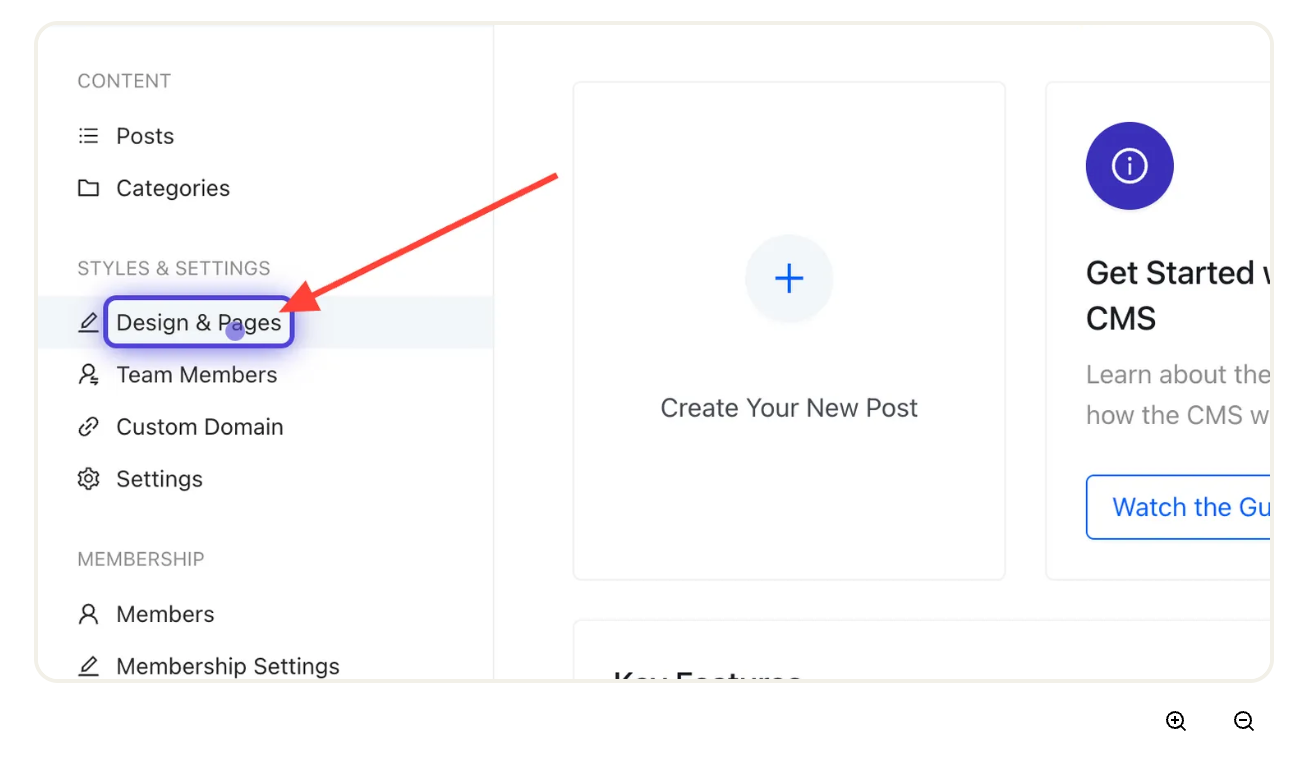
- Click on Page Settings
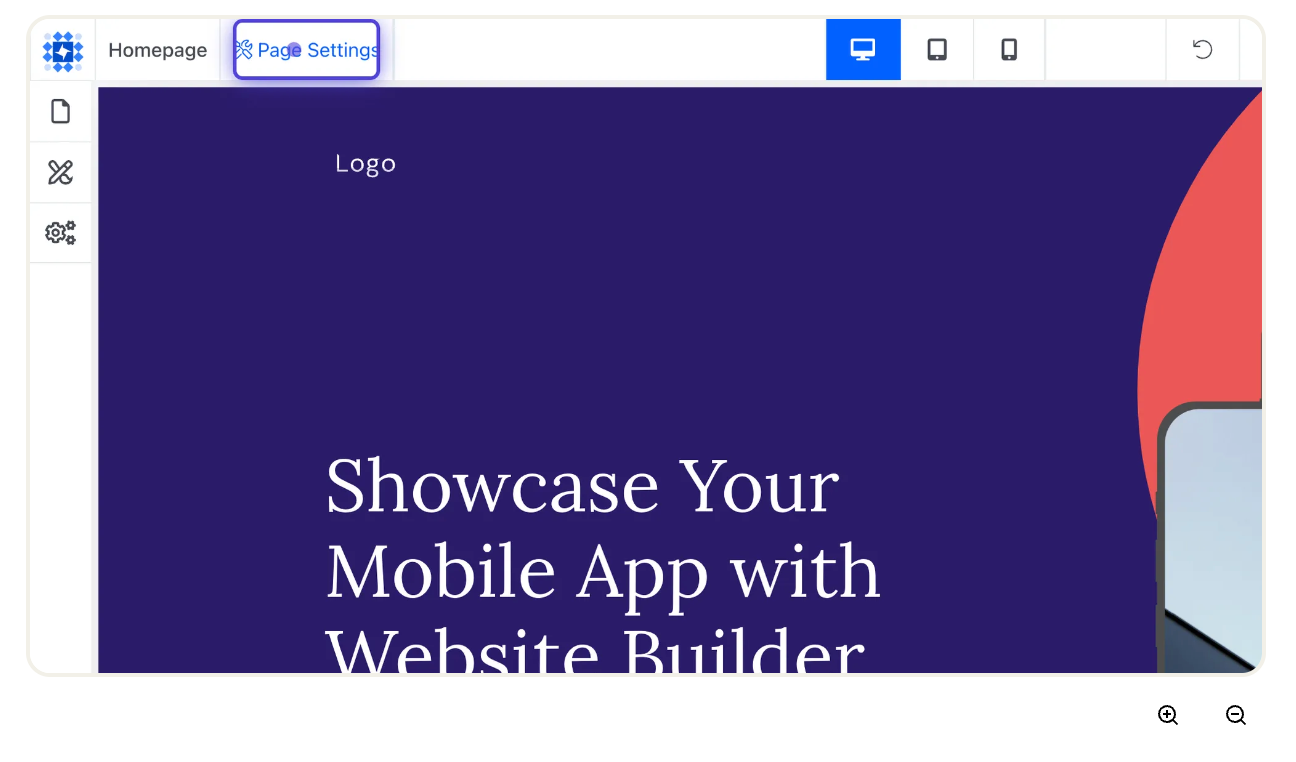
- Click on the Advanced tab
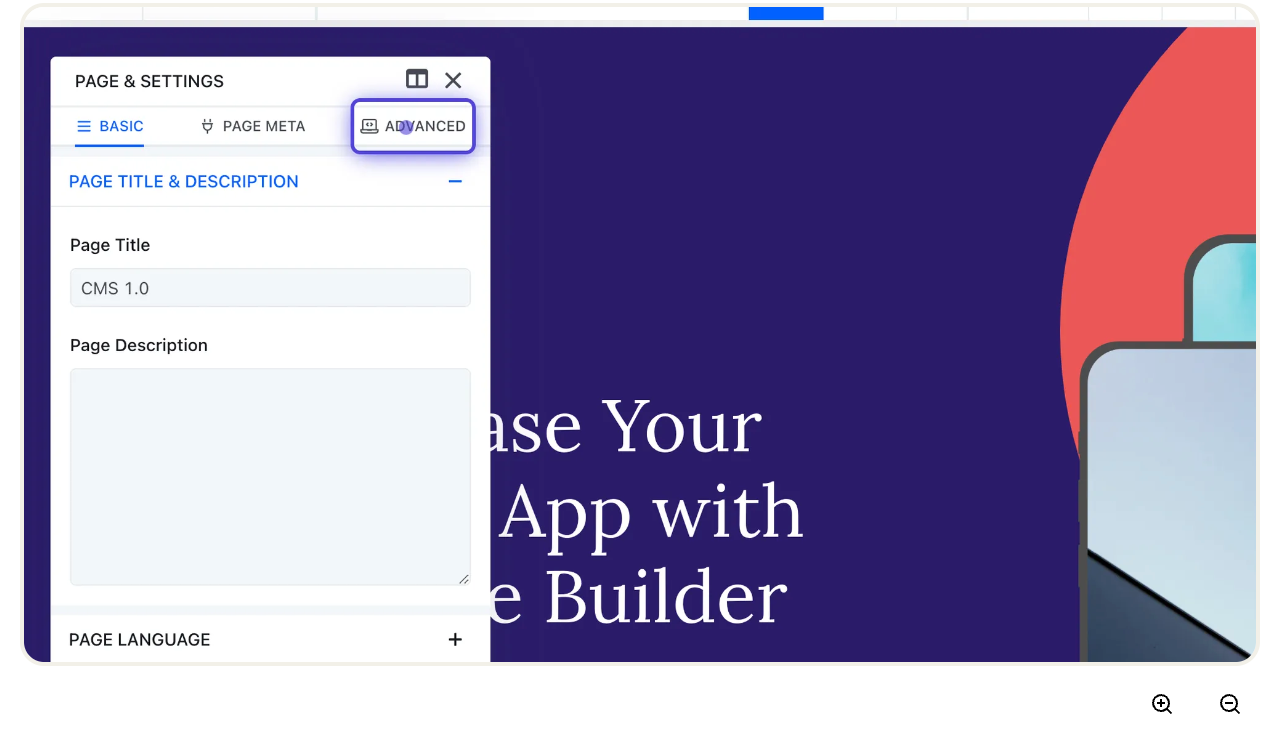
- Click on the Page Access dropdown
- Change the access to Members Only or Paid Members Only according to your preference to limit access to normal visitors on your site.
Ai nevoie de ajutor? Scrie-ne.