
Ajutor › Builder (Design and Pages)
Gated Page for Members
Getting Started
Gated Page allows you to set access exclusively to Members/Paid Members on a specific webpage on your site. This article will cover the process of creating a Gated page for Members on your website.
Table of Contents
Setting up Page Access
To make a web-page exclusive for Members on your site, follow the steps given below:
- Login to your Dashboard
- Go to Design and Pages
- Go to the page that you want to set the access limit to
- Click on Page Settings on that page
- Go to the Advanced tab
- Expand the Page Access option
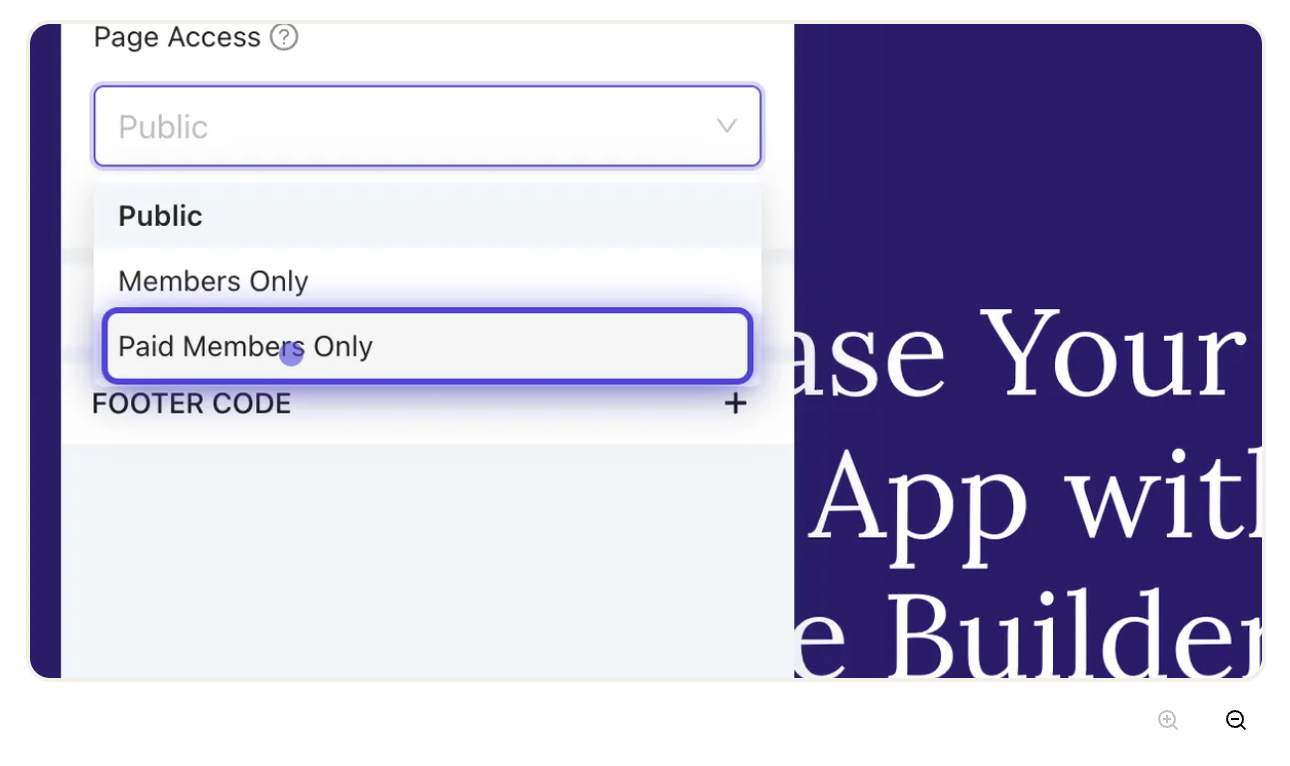
- Set the Page Access to your preferred setting
Visualized Steps:
- Go to your site’s Dashboard
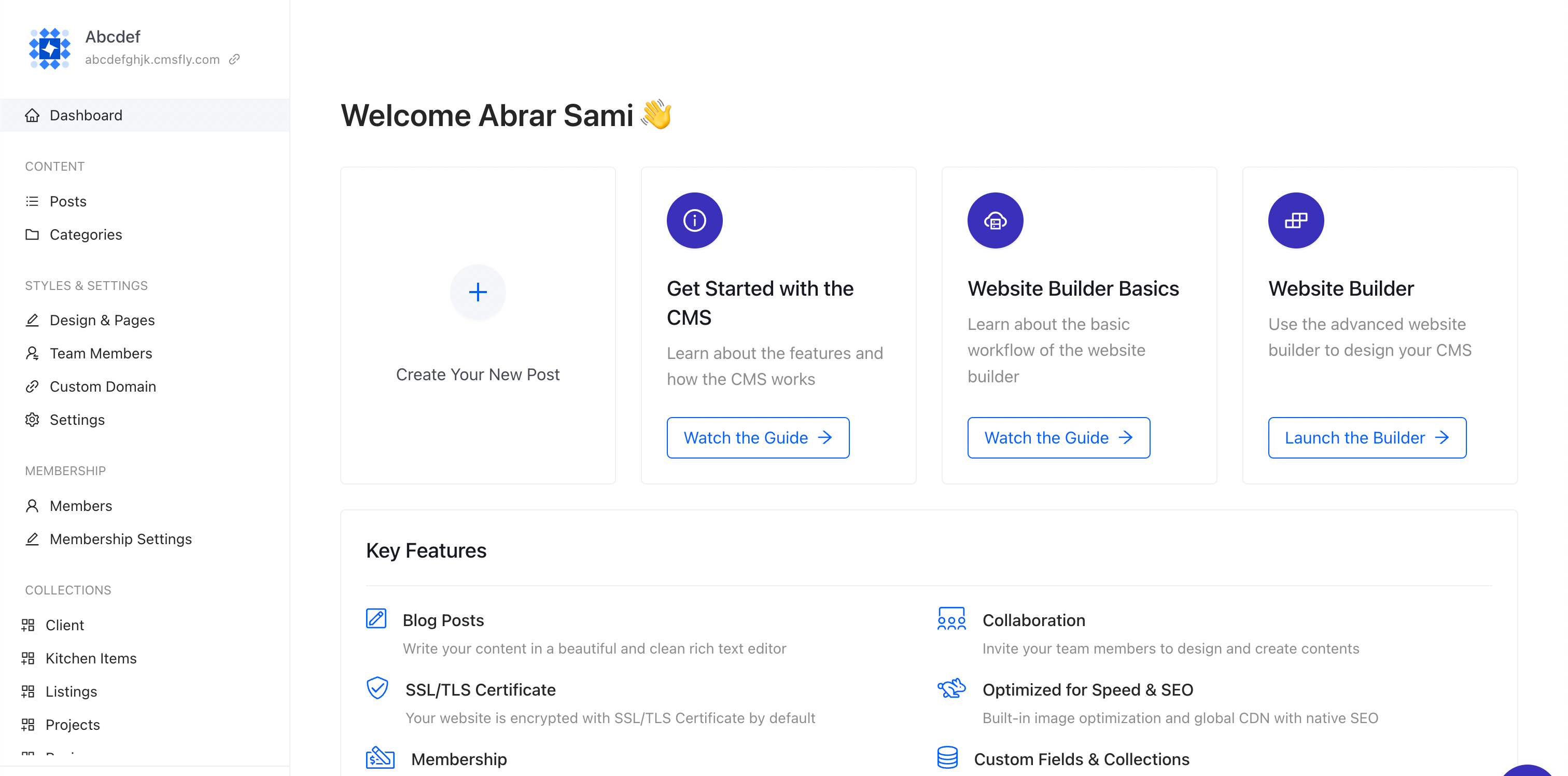
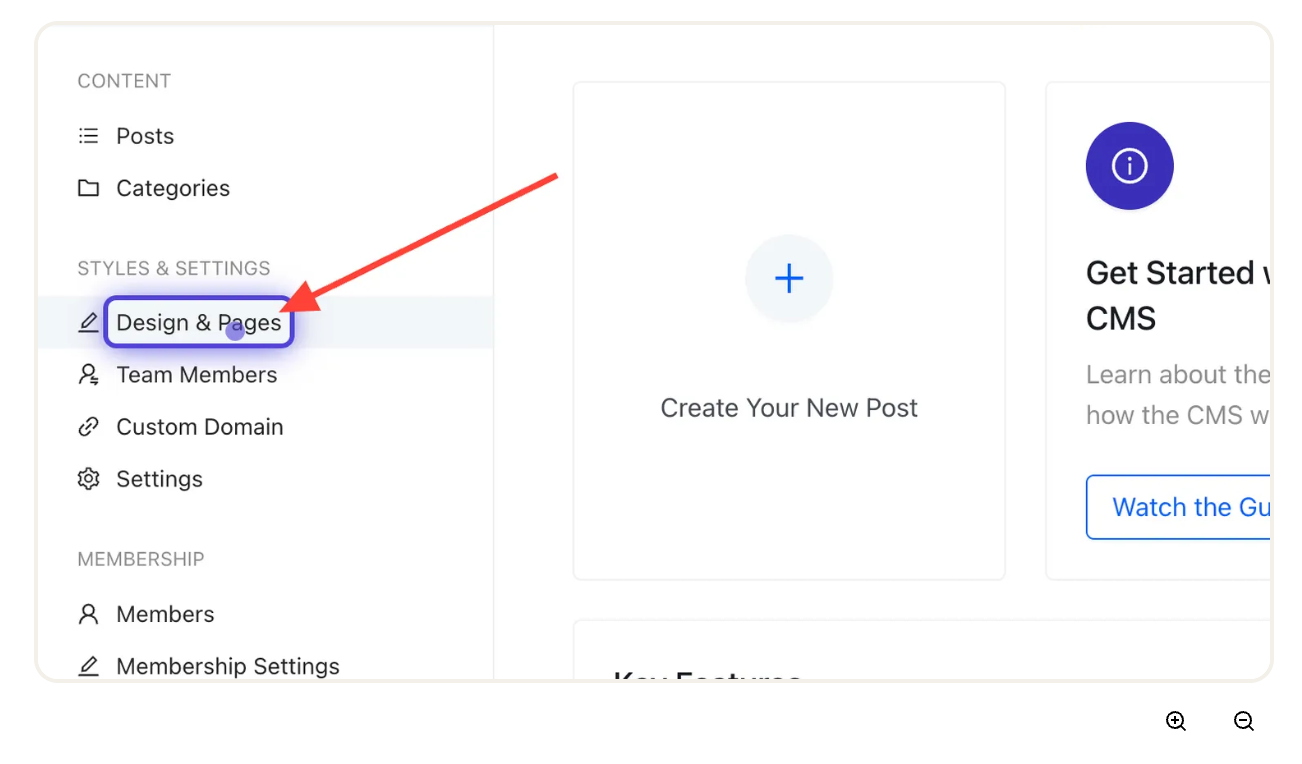
- Click on Design and Pages
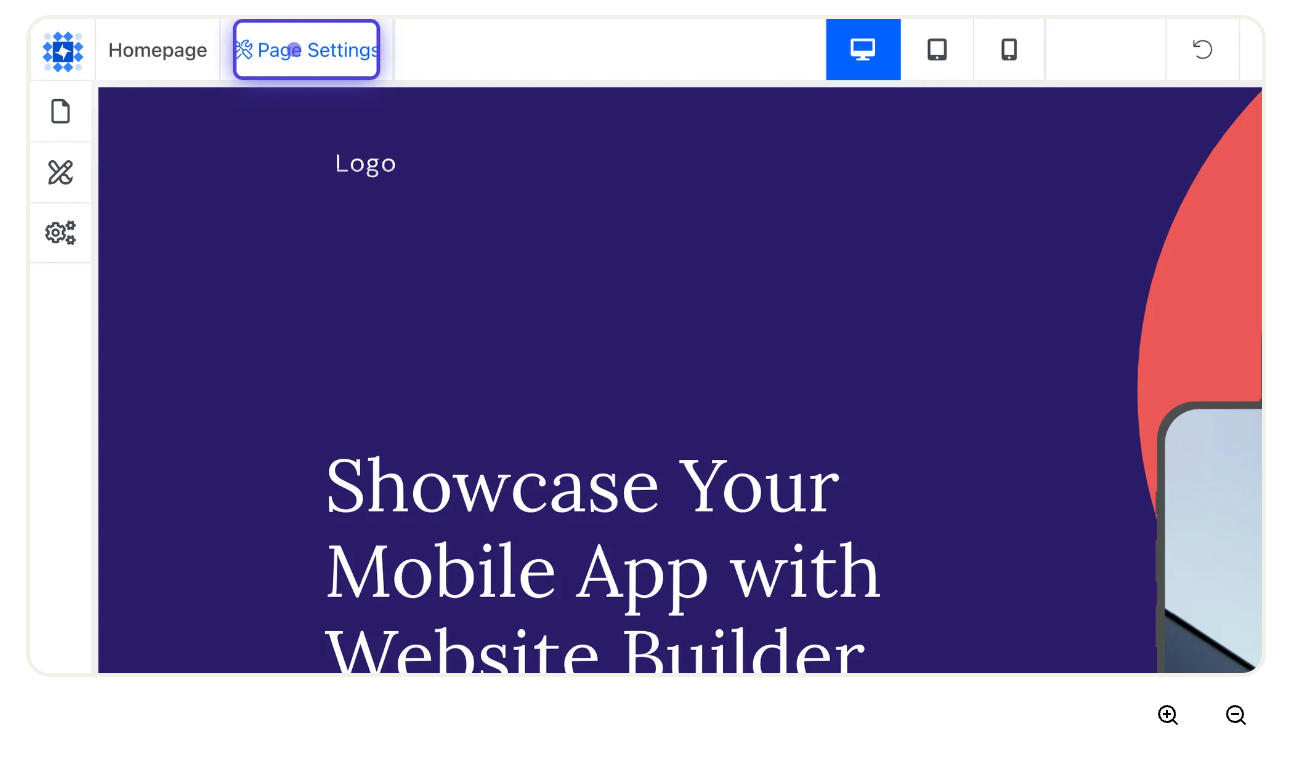
- Click on Page Settings
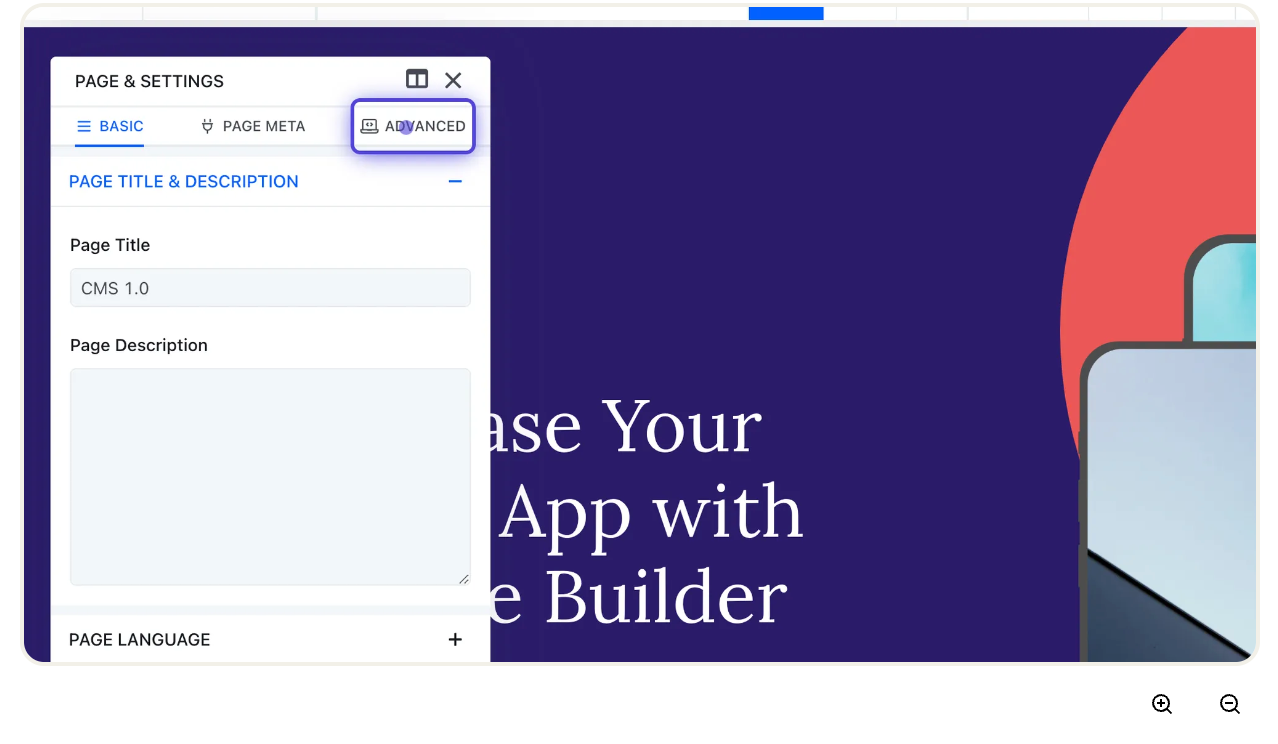
- Click on the Advanced tab
- Click on the Page Access dropdown
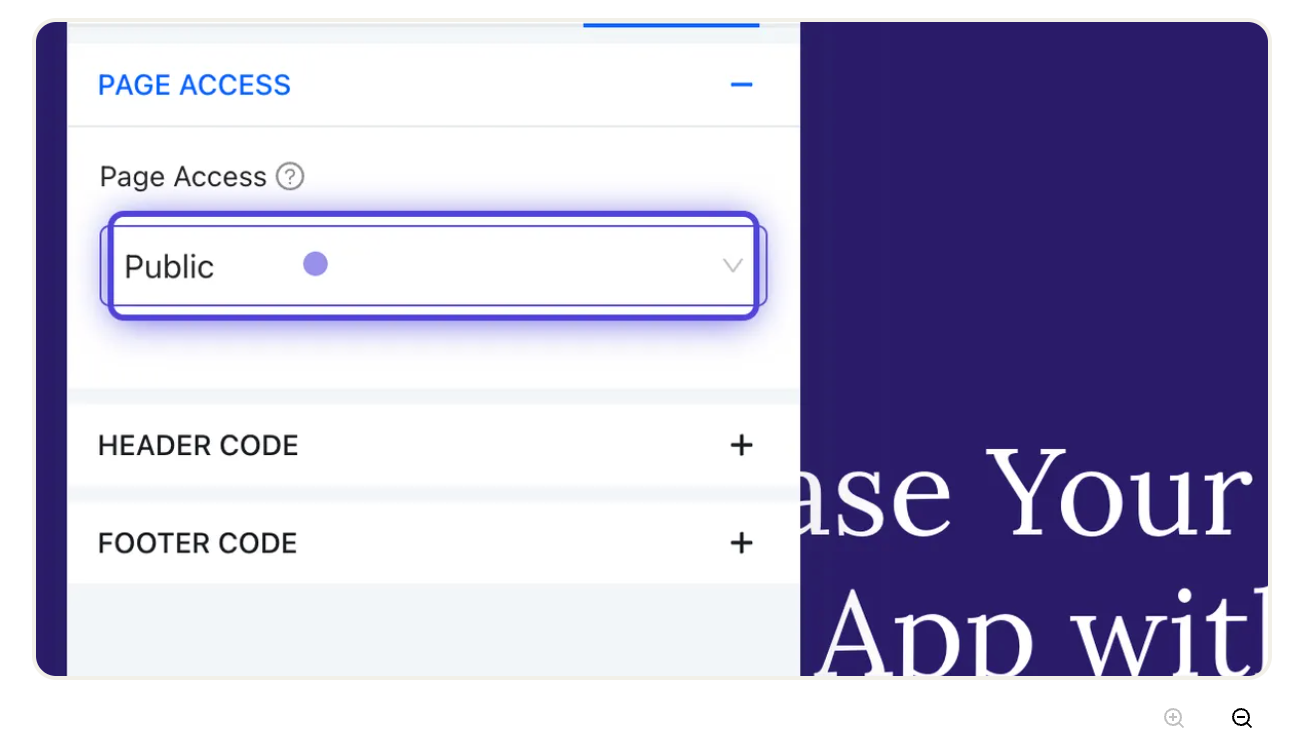
- Change the access to Members Only or Paid Members Only according to your preference to limit access to normal visitors on your site.
Related Articles
Gated Content on Custom Collection Items How to add a new memberAi nevoie de ajutor? Scrie-ne.