
Ajutor › Builder (Design and Pages)
Post template
Getting Started
To view and edit your blog posts from your website builder, post template is used. Here you can preview and edit your blog post. Learn more in the article.
Post Template
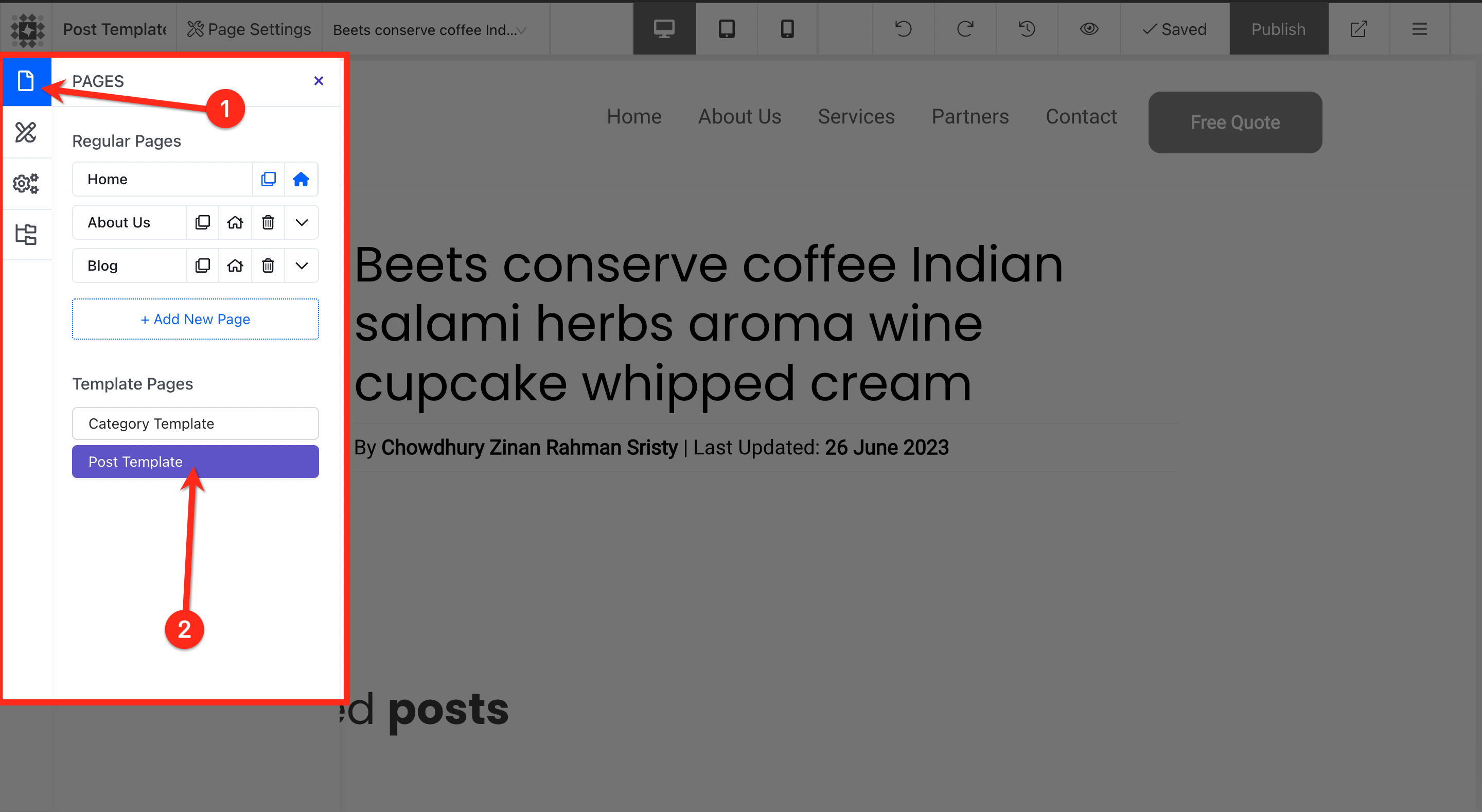
You can customize a blog post on the Post Template page of the CMS website builder.
To find the Post Template option:
1️⃣ Clicking on Pages on the left-hand panel of the website builder.
2️⃣ Scroll down & you will find the Post Template page just down under Category Template
💡
You can also change the contents of your blog post in the Post Template option. Refer to the video below to see some of the things you can do 👇
Related articles
Post preview in Template Design📔 Category templateAi nevoie de ajutor? Scrie-ne.